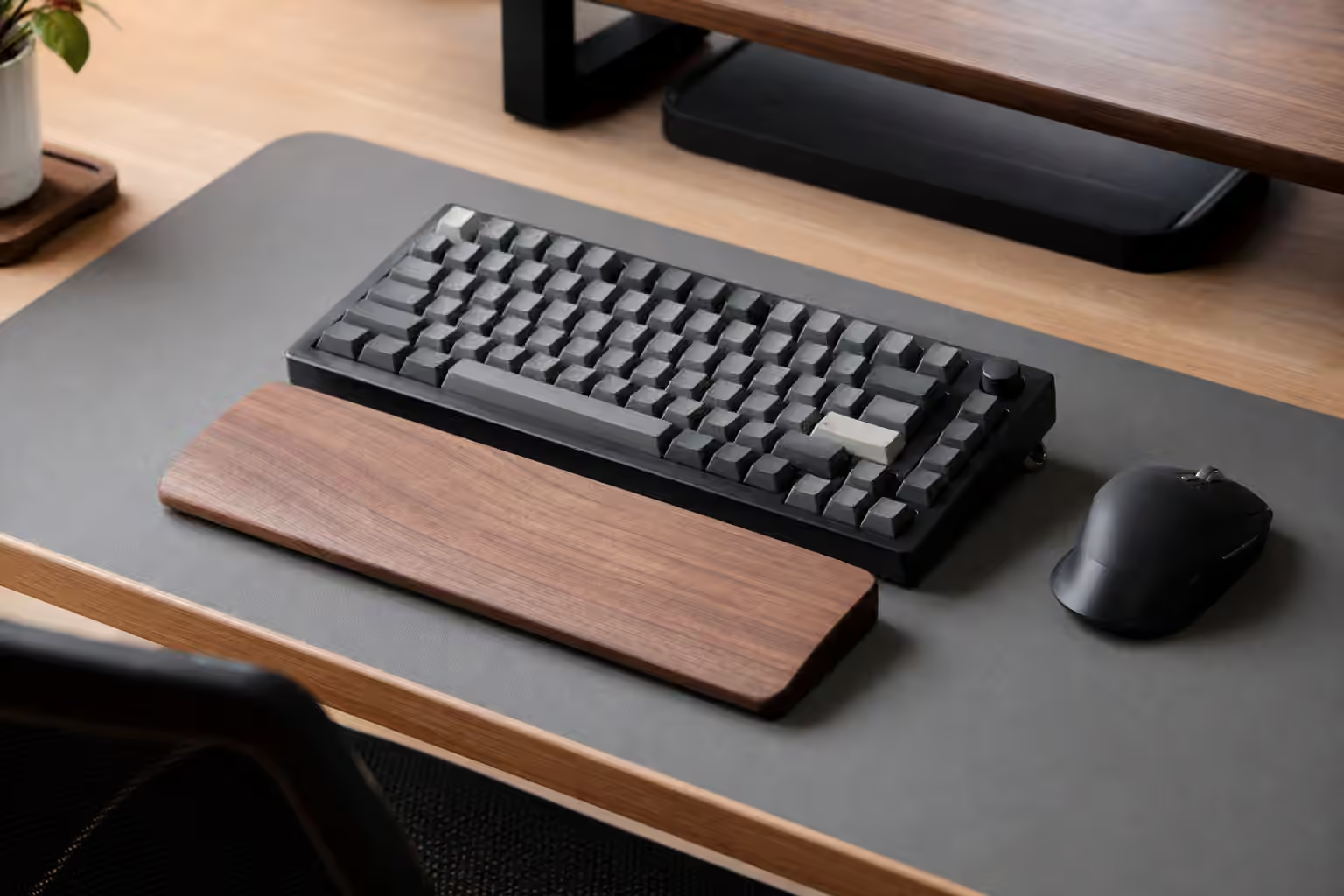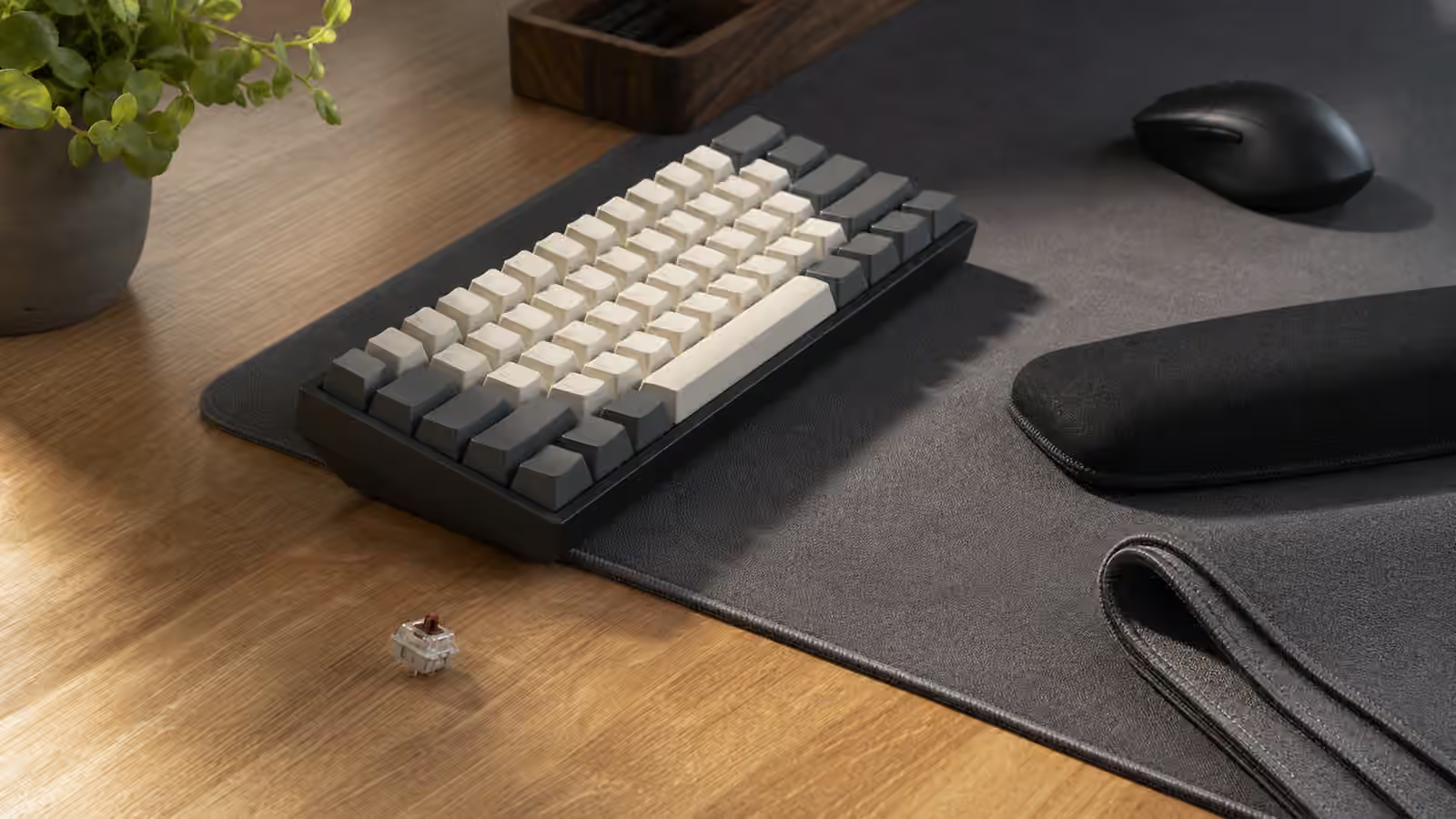
A mechanical keyboard does not sound by itself. It sounds through the switches, plate, case, keycaps, desk, room, and the way your hands land on it. The desk surface is easy to overlook because it is not part of the keyboard, yet it can change the first impression of a board more than a small internal mod. A hollow desk can make a good keyboard seem louder. A thick mat can calm a sharp case. A hard glass surface can turn every bottom-out into a bright tap that travels across the room.
This is why desk mats became common in keyboard setups. They are not only decorative rectangles under a mouse. They add a compliant layer between the keyboard and the desk, reduce vibration transfer, keep the board from sliding, and make the whole setup feel more settled. They can also create problems when they are too soft, too thick, too small, or awkwardly placed. A mat is a tuning surface, not a magic quieting device.
If your main problem is hand position, read Keyboard Desk Fit alongside this guide. If your main problem is the keyboard’s internal tone, the Keyboard Foam and Dampening guide explains what happens inside the case. This guide focuses on the layer under the board, because it is the easiest part to test before opening anything.
The desk is part of the acoustic chain
When a key bottoms out, some energy stays in the switch and plate. Some moves through the case. Some passes into the desk through the keyboard feet. The desk then responds according to its own material and construction. A thick solid wood desk may absorb and spread vibration differently from a lightweight hollow desk. A metal desk can add a hard, ringing edge. A glass top can sound bright and unforgiving. A standing desk with a thin top and metal frame may transmit vibration in ways that surprise people who only tested the board on a small workbench.
The same keyboard can feel more expensive on one surface and cheaper on another. That is not imaginary. A case that sounds controlled on a dense desk may sound hollow on a resonant tabletop. A plastic keyboard that seems loud on bare laminate may become perfectly acceptable on a cloth mat. Before replacing switches or adding case foam, move the board to another surface for a few minutes. The test costs nothing and teaches you which part of the chain is actually loud.
Room acoustics matter too, but the desk is the part you can change easily. A small office with bare walls and a hard desk will reflect more sound than a room with bookshelves, curtains, and soft surfaces. You do not need to turn the room into a studio. Just remember that a sound test from someone else’s desk is not a promise. Their microphone, mat, desk, and room are part of the recording.
What a desk mat changes
A desk mat adds a soft contact layer under the keyboard. The most obvious change is vibration control. Instead of the keyboard feet pressing directly into a hard surface, they press into fabric, rubber, felt, leather, cork, or another material. That layer absorbs some energy and reduces the desk’s tendency to act like a sounding board. The result is often less harshness rather than true silence.
The second change is stability. A keyboard that slides during shortcuts or angled typing feels worse than it should. Rubber feet help, but the mat gives those feet something grippy to bite into. This matters more with light plastic boards, compact travel boards, and split keyboards. Two split halves on a bare desk can drift apart slowly. On a good mat, they stay closer to the shoulder-width position you chose. The Split Keyboards and Ergonomic Layouts guide covers the layout side of that decision, but the surface under the halves can decide whether the setup stays put.
The third change is feel. A mat can make bottom-out feel slightly softer because the whole board sits on a more forgiving base. The effect is smaller than changing a plate or mount, but it is present. For some typists, that softness makes long sessions feel calmer. For others, an overly plush mat can make the board feel less precise, especially if the case is already flexible or the keyboard feet sink unevenly.
Thickness is a trade-off
Thin mats mostly protect the desk and add a little grip. Medium mats often give the best everyday balance. Thick mats can reduce surface vibration more noticeably, but they also raise the keyboard and may change wrist angle. That height matters. A tall case on a thick mat can push your wrists into a more extended position, especially if the chair and desk height are already marginal. A wrist rest can help some people, but it is not a universal fix. It should support pauses, not force your wrists into one planted position while typing.
The edge of the mat also matters. A thick stitched edge can rub the forearm if it sits exactly where your arm rests. A mat that is too narrow may place the keyboard partly on fabric and partly on bare desk, which makes the board rock or sound uneven. A mat that is too deep may crowd a monitor stand, notebook, or drawing tablet. Size is not only aesthetic. It decides whether the keyboard, mouse, and wrists share one stable surface.
If you use a low-profile keyboard, a thick mat may be comfortable because the board starts low. If you use a tall case with high keycaps, the same mat may make the setup feel stacked. The Low-Profile Mechanical Keyboards guide explains the height trade-offs at the board level. The mat adds one more layer to that stack.
Material changes grip, sound, and maintenance
Cloth mats are common because they balance price, mouse control, and keyboard damping. They usually soften sound, grip well, and come in many sizes. The trade-off is cleaning. Cloth collects dust, skin oils, and drink residue. A dirty mat can make a clean keyboard feel less pleasant because your wrists and mouse keep touching grime. If you choose cloth, choose a size and color you can maintain rather than one that only looks good in a product photo.
Rubber-backed fabric mats are the usual default. Felt can feel warmer and quieter, but it may shed or hold dust depending on quality. Leather and leather-like mats can look tidy and wipe clean easily, though they may sound firmer than cloth and show pressure marks. Cork can be pleasant and warm but may wear at the edges. Hard desk pads give a smooth writing or mouse surface, yet they often reduce less keyboard vibration than a softer mat.
There is no single best material because the rest of the setup changes the result. A heavy aluminum keyboard with tuned stabilizers may only need a thin mat for grip. A light plastic prebuilt on a hollow desk may benefit from a thicker fabric mat. A wireless board with a metal case may need attention to signal and placement more than mat texture. The Wireless Mechanical Keyboards guide is worth reading if the setup includes dongles, antennas, and charging cables around the mat.
Desk mats are not a substitute for tuning
A mat can make a keyboard easier to live with, but it will not repair every noise. Stabilizer rattle stays stabilizer rattle. Spring ping stays spring ping. A loose switch housing may still chatter. A case screw that is unevenly tightened can still create a strange resonance. If one key sounds much worse than the others, diagnose the key before treating the entire desk.
This is where surface testing should be deliberate. Type on the bare desk, then on the mat. Move the board to a different part of the desk. Try a folded towel for a short test, not as a permanent setup, to hear what a softer base changes. If the board becomes dramatically better on the soft test surface, a mat is a sensible purchase. If the annoying sound remains almost unchanged, the problem is probably inside the keyboard. The Keyboard Troubleshooting guide can help separate switch faults, cable dropouts, chatter, and stabilizer problems.
For shared rooms, mats are one piece of a larger low-noise plan. They reduce desk transfer, but they do not make clicky switches private or heavy typing silent. A quiet setup usually combines moderate typing force, non-clicky switches, tuned large keys, a stable desk, and a surface that does not amplify the board. The Low-Noise Keyboard Setup guide covers that full stack.
Placement should match how you work
The keyboard should sit fully on the mat or fully off it. Half-on placement can make the case twist slightly or make the feet land on surfaces with different heights. The mouse should have enough room without forcing the keyboard too far left or right. If the mat pushes the mouse away, the setup may solve sound while making shoulder reach worse. A smaller keyboard can help by bringing the mouse closer, but it also changes layers and navigation habits.
Cable routing matters too. A thick mat can hide a cable edge or push a coiled cable into a bend near the USB port. A keyboard with a side port may need more clearance than one with a centered rear port. If the cable tugs the board backward, the mat’s grip may hide the problem until the connector is under steady stress. The Keyboard Cables and USB Connectivity guide explains why connector strain deserves attention.
Think of the mat as part of the desk layout, not an accessory added at the end. It should support the keyboard position, mouse path, wrist angle, cleaning habits, and sound target at the same time. The right mat disappears during work. The board stays put, the desk stops amplifying every press, and your hands do not notice the edge. That quiet usefulness is the point.