Keyboard chatter is the moment a single press turns into two letters, two spaces, or a command that fires twice. Missed keystrokes are the opposite frustration: your finger moved, the key felt normal, and the computer acted as if nothing happened. Both problems can make a good keyboard feel unreliable very quickly. They are also easy to misdiagnose because the cause might be a worn switch, a bent hot-swap pin, a loose cable, a firmware setting, a dirty contact, a tired battery, or software repeating a key after the keyboard already did its job.
The calm way to solve chatter is to narrow the problem before replacing parts. A keyboard is a chain. Your finger moves a keycap, the switch closes a contact, the PCB reads the event, firmware decides how to report it, the cable or wireless link sends it, and the operating system turns it into input. If you jump to the most dramatic explanation first, you can spend an evening swapping switches while the real culprit is a loose USB cable or a remap that changed repeat behavior. The broader Keyboard Troubleshooting guide covers many failures. This page stays focused on repeated and missing input.
Start with a repeatable test
The first useful question is whether the failure follows a key, a switch, a board, or a situation. Open a simple key tester or a blank document and press the suspect key slowly, then normally, then from the edge of the cap. Do not type a full paragraph yet. You want a controlled signal. If the key sends two events from one slow press, that is different from a key that repeats only when held. If it misses only on off-center presses, the switch, cap, stabilizer, or plate fit may be involved.
Write down the exact key and behavior. “E doubles once every twenty presses” is more useful than “keyboard acts weird.” If several keys chatter in one area, look for a shared physical cause such as a spill, debris, a flexing PCB, or a daughterboard cable disturbed during assembly. If every key occasionally drops over wireless, the switch under one letter is probably not the main suspect. Pattern is evidence.
Separate switch faults from socket faults
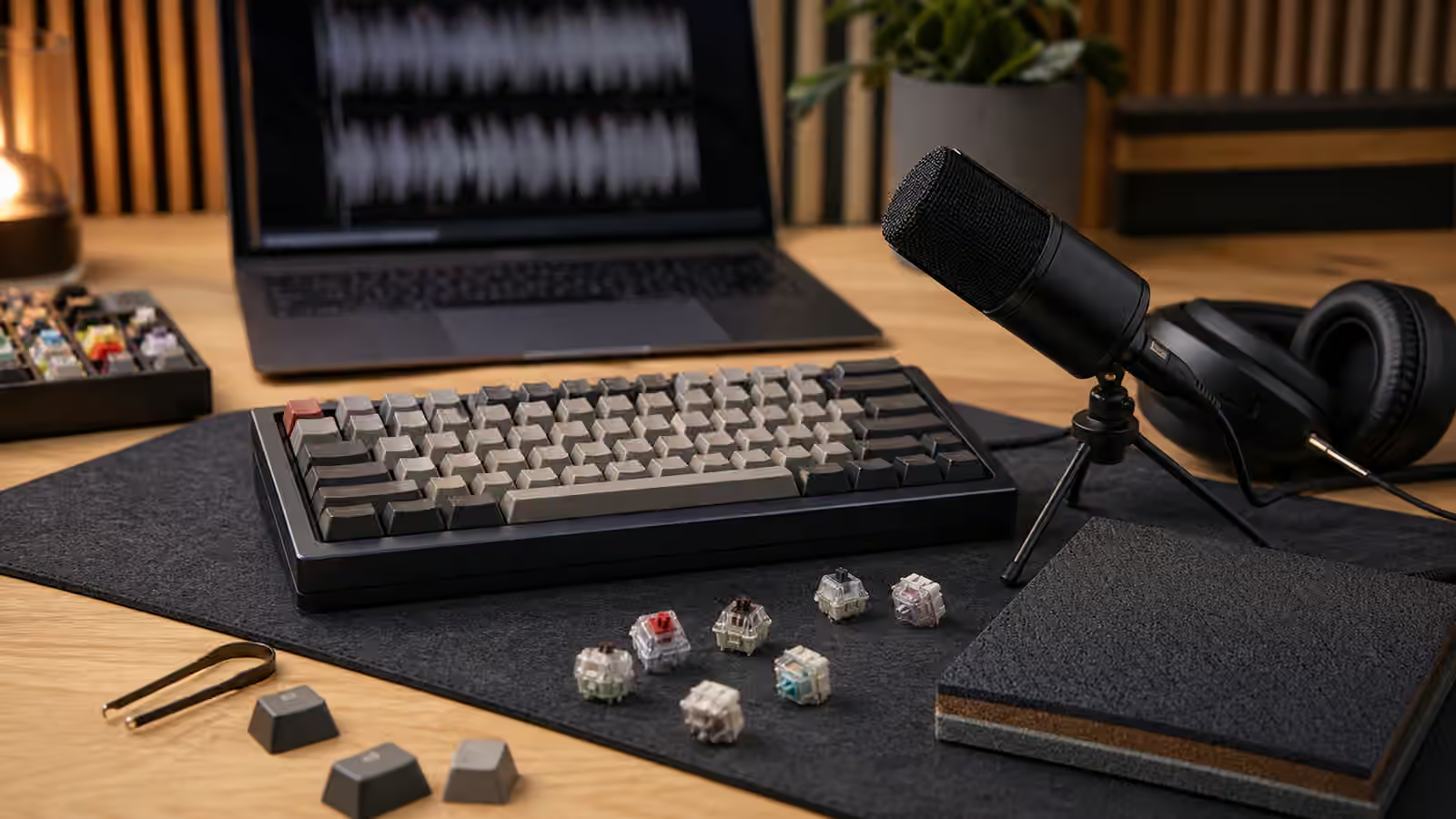
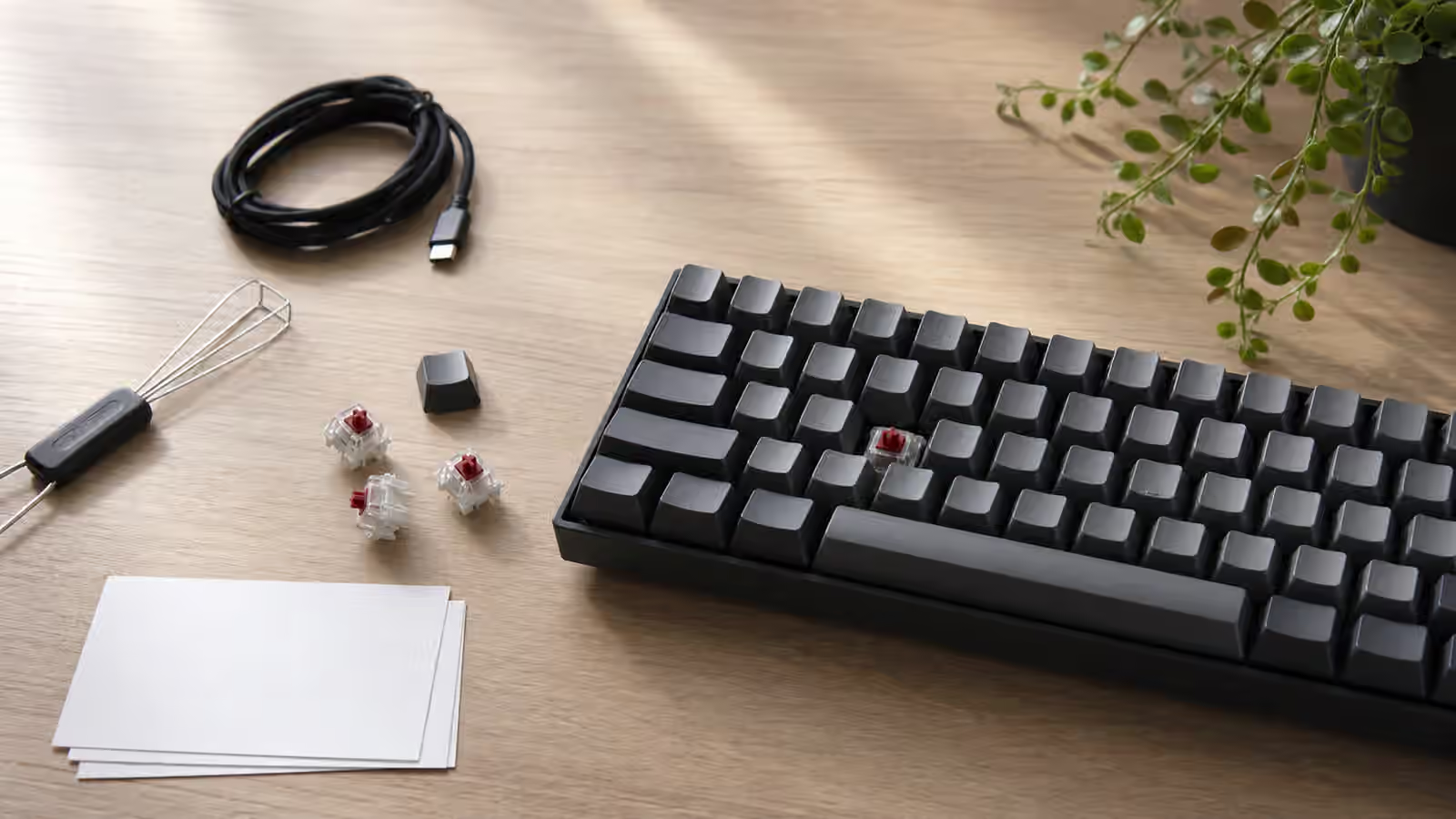
Hot-swap boards make this diagnosis easier because you can move a switch. Pull the keycap, remove the suspect switch carefully, and inspect the two metal pins. A bent pin can miss the socket entirely, sit beside the contact, or make intermittent contact when the plate moves. Straighten it gently if it is only slightly bent, then reinstall the switch with the pins aligned and the board supported from below. The Keyboard PCBs and Hot-Swap Sockets guide explains why socket handling needs patience.
If the same physical switch chatters after you move it to a different position, the switch is suspect. If the new position works but the original key still fails with another known-good switch, the socket, PCB, or local solder joint deserves attention. Do not keep forcing switches into a socket that feels wrong. Repeated rough insertion can turn a simple bent pin into a damaged socket pad.
Soldered boards are harder because the switch cannot move without desoldering. You can still compare behavior. If the key feels scratchy, sticky, contaminated, or inconsistent compared with neighboring keys, the switch may be worn or dirty. If it feels normal but reports badly, the electrical contact or solder joint may be the issue. At that point, the Keyboard Soldering Guide becomes relevant, especially if the board is valuable enough to repair rather than replace.
Debounce is not a magic eraser
Mechanical switches are physical contacts, and physical contacts can bounce for a brief moment when they close. Keyboard firmware uses debounce logic to ignore that short electrical noise. If debounce is too low for a particular switch or board, chatter can slip through. If debounce is too high, the keyboard may feel less responsive or may miss very fast repeated taps. The right value is a compromise between reliability and speed.
Some firmware exposes debounce settings. Some does not. If your board runs QMK or a configurable firmware, check whether a recent firmware change, preset, or experimental build altered debounce behavior. The QMK and VIA Firmware guide is a good companion because it explains how powerful remapping can also introduce confusion. A key that appears to chatter might actually be a tap-hold rule, macro, combo, or layer key firing in a way you forgot you configured.
Firmware should not be used to hide a clearly failing switch forever. Raising debounce can make a worn switch tolerable, but it does not repair contamination, corrosion, or a damaged leaf. If one switch needs special treatment and the others do not, replacement is usually cleaner than turning the whole board into a workaround.
Check the simple connection path
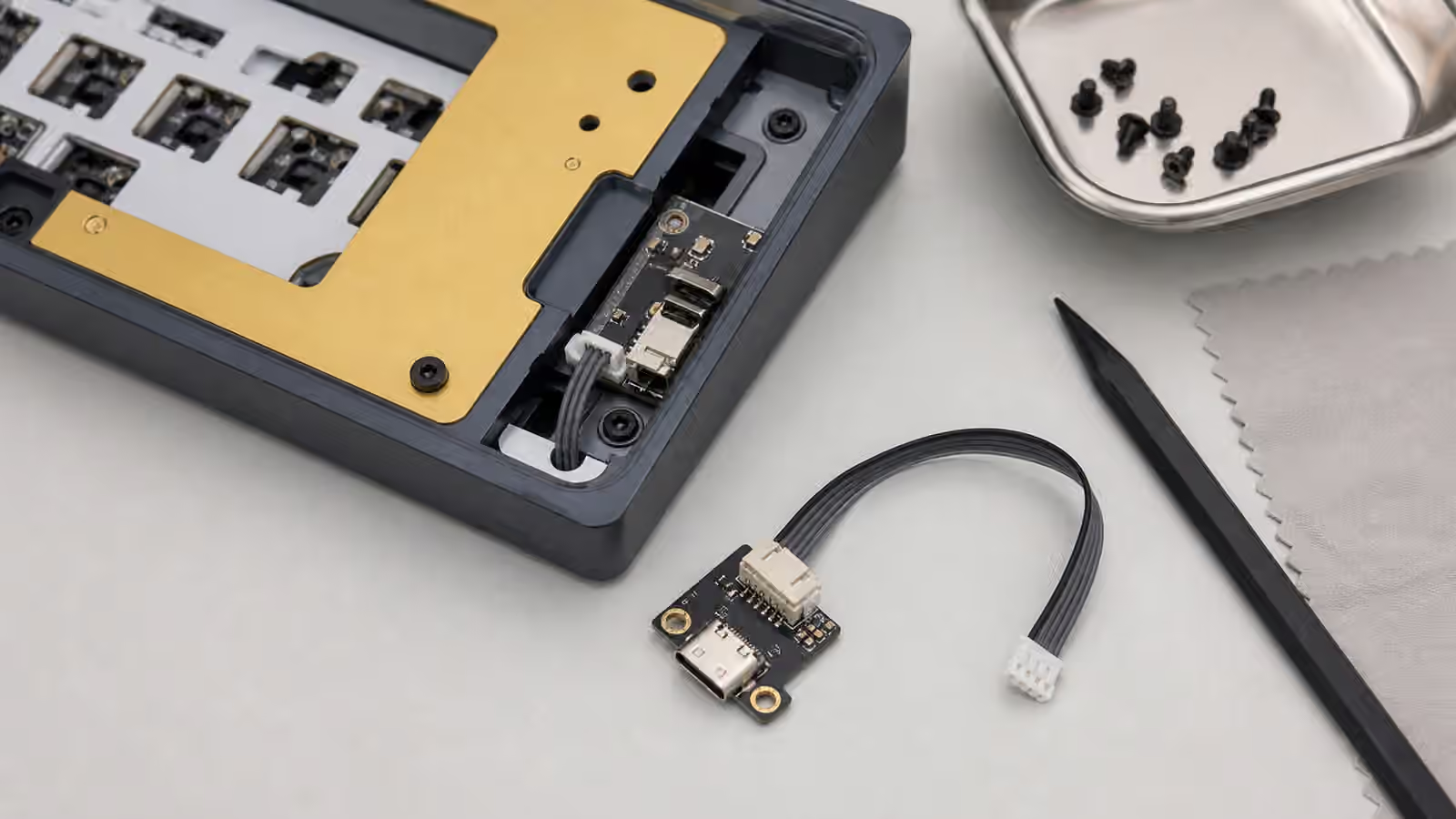
A keyboard that drops letters across many keys may have a connection problem. Swap the USB cable with a known-good cable that supports data, not only charging. Try a different port. Avoid unpowered hubs during testing. If the keyboard uses a detachable daughterboard, a partially seated internal cable can create intermittent behavior, especially after a case opening. That internal side is covered in Keyboard Daughterboards and JST Cable Care , but the immediate principle is simple: do not assume the switch is guilty before the signal path is stable.
Wireless boards add battery and radio behavior. Low battery, aggressive sleep, receiver placement, and crowded desk radios can all look like missed input. Test the board wired if it supports true wired mode. If the problem disappears over USB, keep investigating the wireless path before replacing switches. The Wireless Mechanical Keyboards guide covers those trade-offs in more detail.
Debris, moisture, and cleaning
Debris can hold a switch slightly off its normal path or interfere with a stabilizer, but ordinary dust is less likely to cause true electrical chatter than a worn or contaminated contact. Still, cleaning is worth doing because it is low risk when done gently. Remove the keycap, brush around the switch, and look for crumbs, hair, or residue. Avoid flooding the switch with liquid cleaner. A small amount of the wrong fluid can move contamination deeper or leave residue that creates a new problem.
Spills deserve more caution. Sugar, coffee, and other sticky liquids can cause delayed failure even after the keyboard appears dry. If a spill reached the PCB, stop using the board until it is properly cleaned and dry. The Keyboard Maintenance guide gives a broader response pattern. For chatter diagnosis, the important thing is honesty about history. A key that began double-typing after a spill is probably not a random firmware mystery.
Stabilized keys have extra suspects
Large keys can feel like chatter even when the switch reports correctly. A rattly stabilizer, warped spacebar, or cap that binds near one edge can produce a rapid physical bounce under your finger. The computer may receive one input, but the key feels like it struck twice. Conversely, a sticky stabilizer can make a spacebar miss because it does not return cleanly before the next press. The Spacebar Tuning guide is useful when the problem belongs to a long key rather than a normal letter.
Test large keys from the center and from both ends. If a spacebar works from the center but fails from the left edge, the stabilizer system is part of the diagnosis. If it doubles from every position and another switch fixes it, the switch was more likely. Treat feel and electrical output as related but separate evidence.
When replacement is the clean answer
Switches are consumable parts in the practical sense. They may last a long time, but they are not sacred. If a hot-swap switch follows the fault to another key, replace it. If several switches from the same batch begin to chatter after similar use, consider replacing the affected group rather than chasing each failure one at a time. Keep a few spare switches from your build for this reason. They make diagnosis faster and keep the board consistent.
For a soldered board, replacement is still possible, but the threshold is higher because desoldering carries risk. If the board is inexpensive and the fault is rare, you may choose to live with it briefly while planning a repair. If the board is a daily work tool, reliability matters more than preserving one switch. A keyboard that cannot be trusted turns every password, message, and shortcut into an interruption.
Good troubleshooting reduces guesswork. Confirm the behavior, test a known-good cable, move or replace the switch if the board allows it, check firmware only after the physical path is sane, and treat large stabilized keys as their own system. Chatter feels chaotic, but the diagnosis becomes manageable once each part of the chain gets its turn.