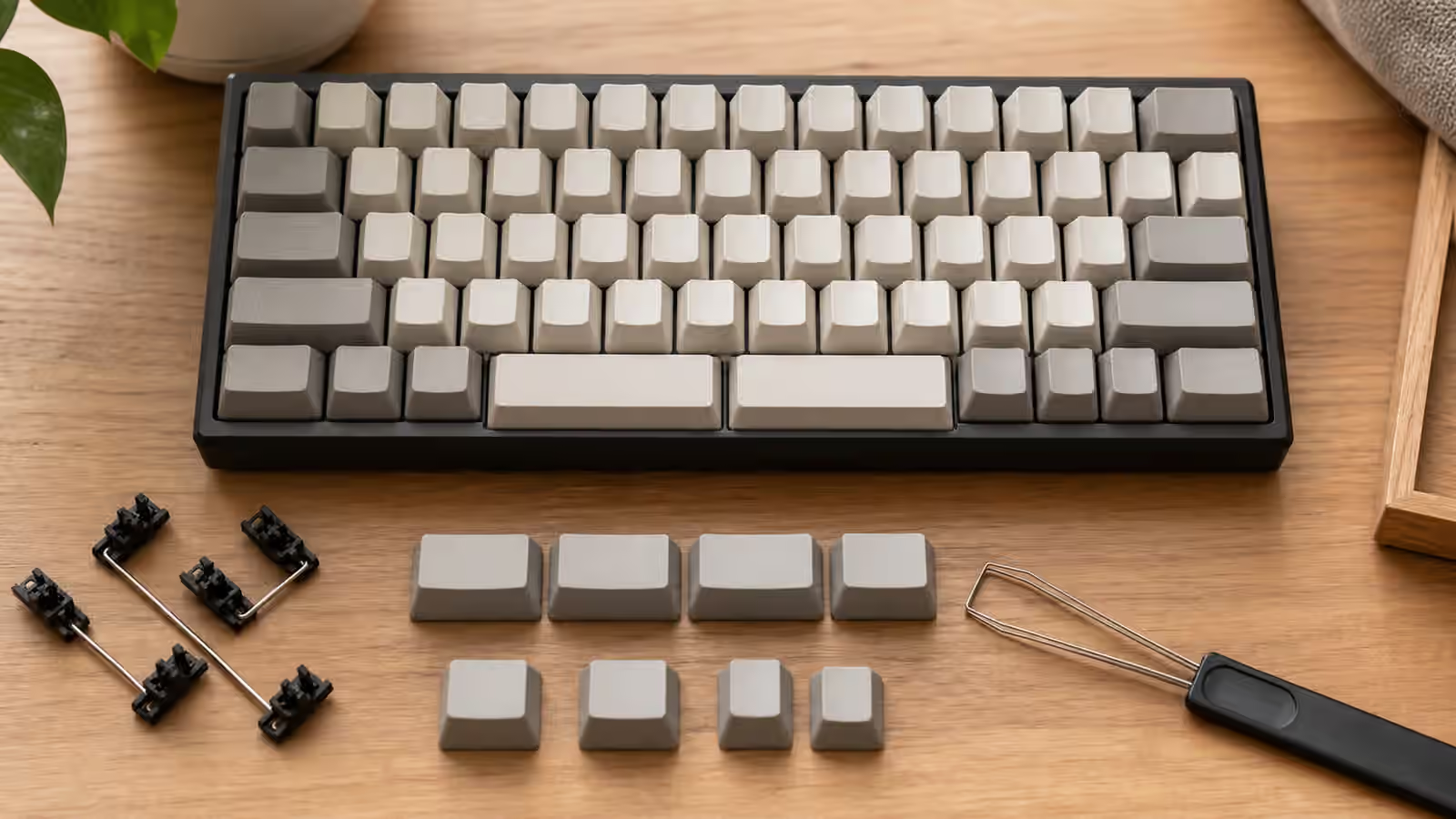
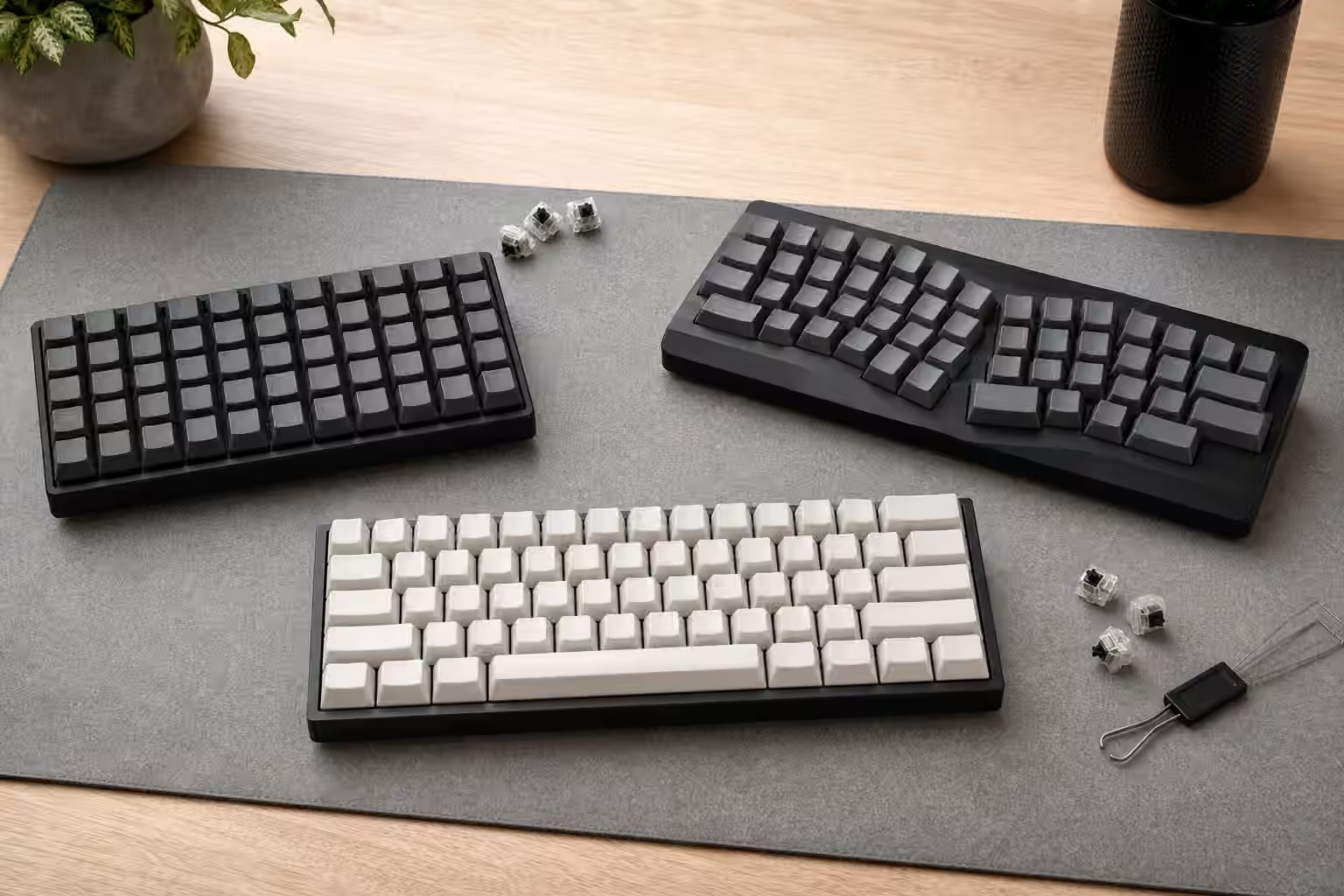
Keyboard size tells you how much of a keyboard is present. Regional layout tells you how some of those keys are shaped and arranged. A 75 percent keyboard can be ANSI, ISO, or something close to JIS. A full-size keyboard can be familiar in width and still feel strange because Enter, Shift, punctuation, or the spacebar area is not where your hands expect it. The difference is easy to ignore in product photos and hard to ignore once the board is on the desk.
ANSI is the layout family most common in the United States. ISO is common across much of Europe and other regions. JIS is common in Japan. Those labels do not describe every national keyboard variation or every printed legend set, but they describe important physical patterns. Physical layout matters because keycaps, stabilizers, muscle memory, firmware, and operating system settings all have to agree well enough for daily typing.
If you are choosing between 60 percent, 65 percent, TKL, or full-size, read the Keyboard Layout Guide first. This guide is narrower. It explains why two boards with the same size name can ask for different keycap kits and different typing habits.
ANSI is common and easy to support
ANSI is the default assumption for many enthusiast keycap sets, custom keyboard kits, and North American prebuilts. The most visible sign is the wide horizontal Enter key. ANSI also uses a longer left Shift than ISO and has one fewer key in the main typing area. For many buyers, ANSI is the path of least resistance because boards, plates, PCBs, and keycap base kits often support it first.
That support affects cost and patience. If you buy ANSI, you are more likely to find in-stock keycap sets that fit without extension kits. You are more likely to find replacement plates and PCBs in the exact layout. You are more likely to see photos, build streams, and community advice that match your board. None of that makes ANSI inherently better. It just makes the buying path smoother in many markets.
The practical downside appears when your language or typing habits expect keys that ANSI does not dedicate in the same way. You can still type many characters through operating system layouts, dead keys, compose keys, or firmware layers, but the physical labels and muscle memory may not match. If you type in multiple languages, do not judge the board only by how easy it is to buy. Judge it by the characters you type all day.
ISO gives you a different Enter and one extra key
ISO is most recognizable by the tall Enter key and shorter left Shift. It also includes an extra key near the left Shift area, which many language layouts use for characters that ANSI places elsewhere or accesses differently. For typists who grew up on ISO, the Enter shape and extra key are not quirks. They are home territory.
The main challenge is aftermarket support. Many keycap sets include ISO support, but not all of them include the exact legends or regional kit you may want. A set might include the physical ISO Enter and short Shift while still lacking the printed legends for your language. Another set might support UK ISO but not another national layout. The keycap compatibility guide explains why physical fit and legend satisfaction are related but not identical.
ISO support also depends on the keyboard itself. A PCB may support both ANSI and ISO, but the plate has to support the ISO Enter and switch positions too. A hot-swap PCB may have sockets for only one physical layout. A solder PCB may support more options but require commitment during the build. Before buying a kit, inspect the layout diagram rather than assuming that an “ISO compatible” note covers every part in the stack.
JIS changes the bottom row conversation
JIS is more than a different Enter key. Japanese layouts commonly include additional keys around the spacebar area and punctuation positions that differ from ANSI and ISO expectations. The spacebar may be shorter, and the bottom row can include language input keys that matter for Japanese typing. That makes JIS feel like its own physical ecosystem rather than a small variation.
For someone who types Japanese regularly and is used to JIS, those extra keys can be useful and familiar. For someone buying a JIS board only because it looks interesting, the bottom row can become a keycap and firmware puzzle. Replacement keycap support is narrower. Some custom sets do not include the needed bars or legends. Some boards rely on software layout settings that may not match the printed caps if you switch operating systems.
This does not make JIS a poor choice. It makes it a specific choice. If the board supports your language workflow, it can be exactly right. If you mainly type English and want the broadest aftermarket path, JIS usually asks for more patience than ANSI and often more patience than ISO.
Printed legends and operating systems can disagree
A keyboard sends key positions and codes. The operating system decides how those become characters according to the active input layout. This is why a board with ANSI physical keys can type another language, and why an ISO board can behave strangely if the operating system thinks it is ANSI. The plastic keycap legend is only a label. It does not force the computer to produce that character.
That separation is powerful and confusing. You can set a Mac, Windows machine, or Linux desktop to a language layout that does not visually match the caps. Touch typists often tolerate that easily. Shared computers and occasional users do not. If the printed legend matters, buy keycaps that match the operating system layout you intend to use. If muscle memory matters more, accept that the legends may become decorative.
Modifier keys add another layer. Command, Option, Control, Alt, and language-specific keys may need remapping or replacement caps. The keyboard OS modifier mapping guide is useful when a regional layout also crosses operating systems.
Keycap kits are the hidden cost
Regional layout choice becomes most expensive when you start changing keycaps. ANSI base kits are often broad. ISO support may be included, optional, or absent. JIS support is more specialized. Alice, split, compact, and low-profile variants can make the situation narrower still. The issue is not only the large Enter key. It is the short Shift, extra keys, bottom row, row profile, and legends all at once.
Sculpted profiles make this stricter because a key from the wrong row can physically fit while feeling wrong under the finger. Uniform profiles are more forgiving, but they still need the right key sizes. Spacebars are especially unforgiving. A short JIS spacebar or split layout bar cannot be improvised from a standard ANSI kit unless the stems and length match.
This is why layout diagrams matter more than marketing names. Save the keyboard diagram and the keycap kit diagram side by side. Check Enter, left Shift, right Shift, bottom row, spacebar, and any extra language keys before you think about color. A beautiful set that does not cover the layout will not become more compatible after it arrives.
Buying used or imported boards requires extra care
Used and imported keyboards can be good value, but regional layout assumptions travel with them. A board imported from another market may use a layout you do not expect. A seller may call a board “standard” because it is standard where they live. A photo may hide the left Shift or bottom row angle. Ask for clear top-down photos and, when possible, the exact model number.
If the board is hot-swap, confirm that the sockets match the physical layout you want. If it is soldered, confirm that the current layout is one you can live with. Desoldering to change from ANSI to ISO is only possible when the PCB and plate support both, and even then it is not a casual fix for most buyers. The used keyboard inspection guide covers the broader condition checks, but regional layout belongs near the top of the list.
Imported prebuilts also raise warranty and replacement questions. If a stabilizer, keycap, or PCB fails, regional parts may be harder to source locally. That risk may be acceptable for a board that fits your language perfectly. It is less attractive when the layout is only a curiosity.
Choose the layout your hands and language need
For many English-first typists in the United States, ANSI is simple, familiar, and easy to support. For typists who use ISO daily, the tall Enter and extra key are not optional nostalgia. They are part of normal typing. For Japanese input, JIS can provide physical keys that software layers alone may not replace comfortably. The right choice begins with the language, shortcuts, and muscle memory you already use.
If you are layout-curious, try before committing when you can. A few minutes on ISO Enter or a JIS bottom row can reveal more than a dozen photos. If you cannot try the board, buy in a way that leaves room for adjustment: broad keycap support, clear return policy, and firmware that can remap the keys you are least sure about.
Regional layout is not a status choice. It is a fit choice. The keyboard should make the characters you type most often feel close, predictable, and unremarkable. When the physical layout, keycaps, firmware, and operating system agree, you stop thinking about ANSI, ISO, or JIS and simply type.