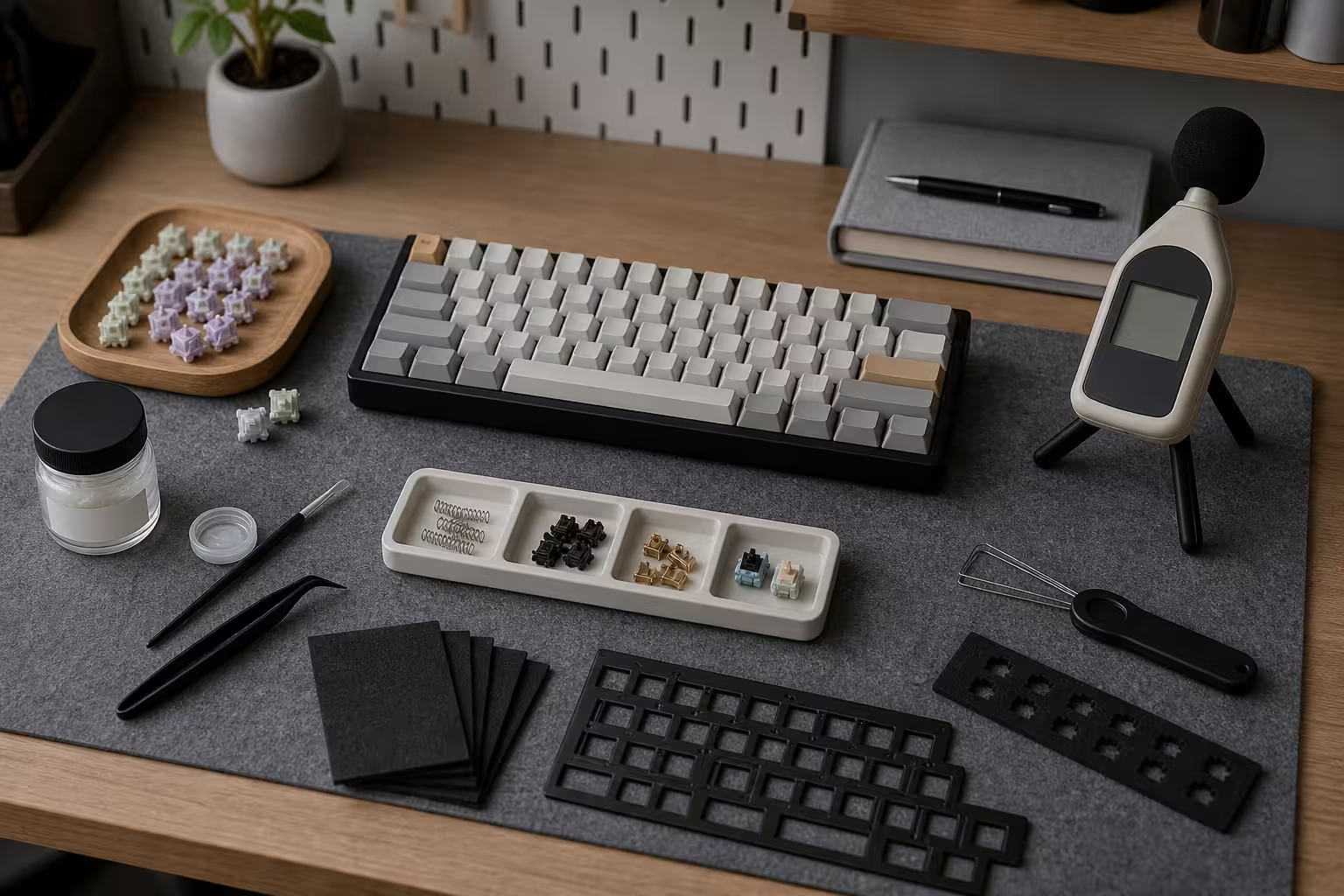
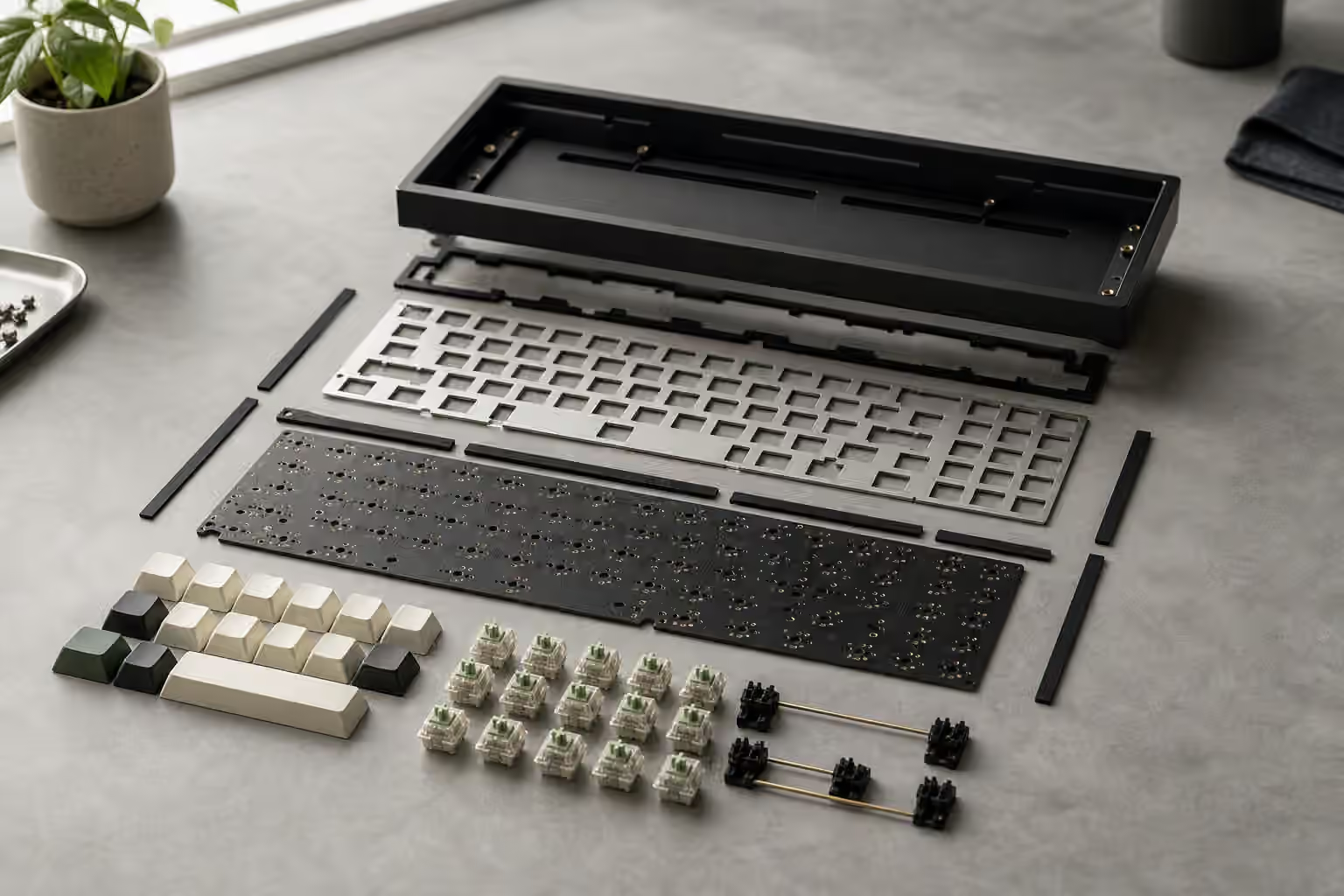
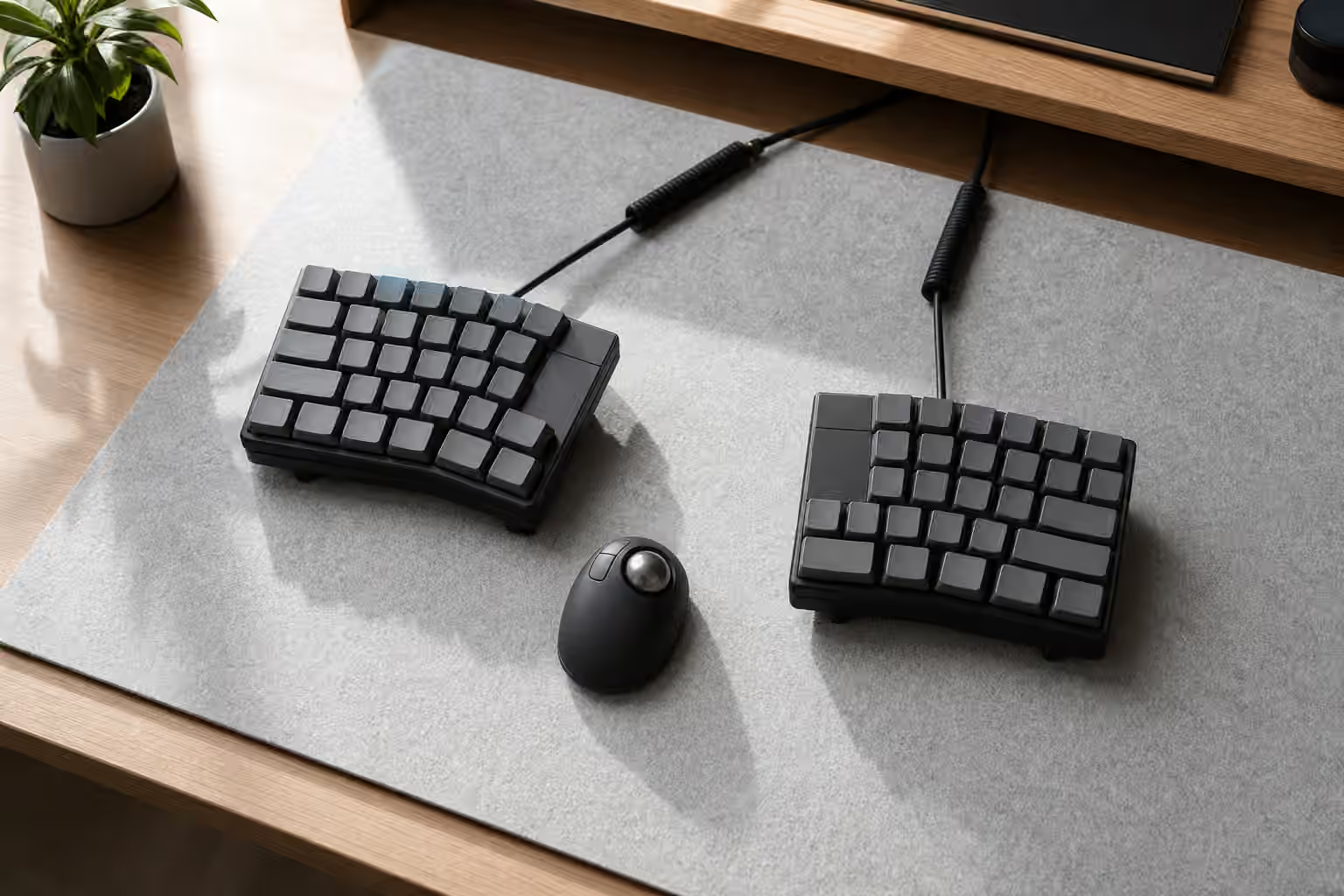
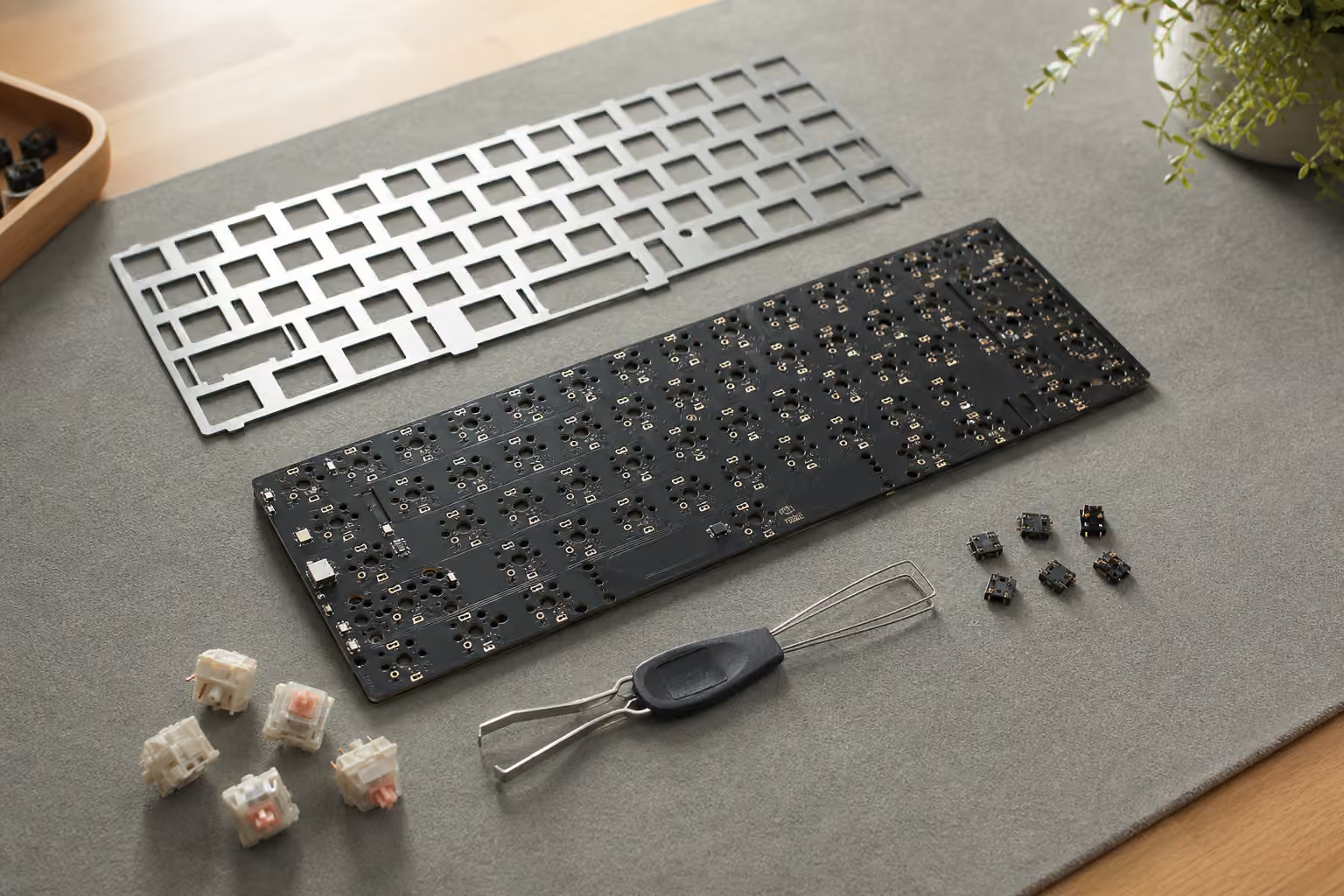
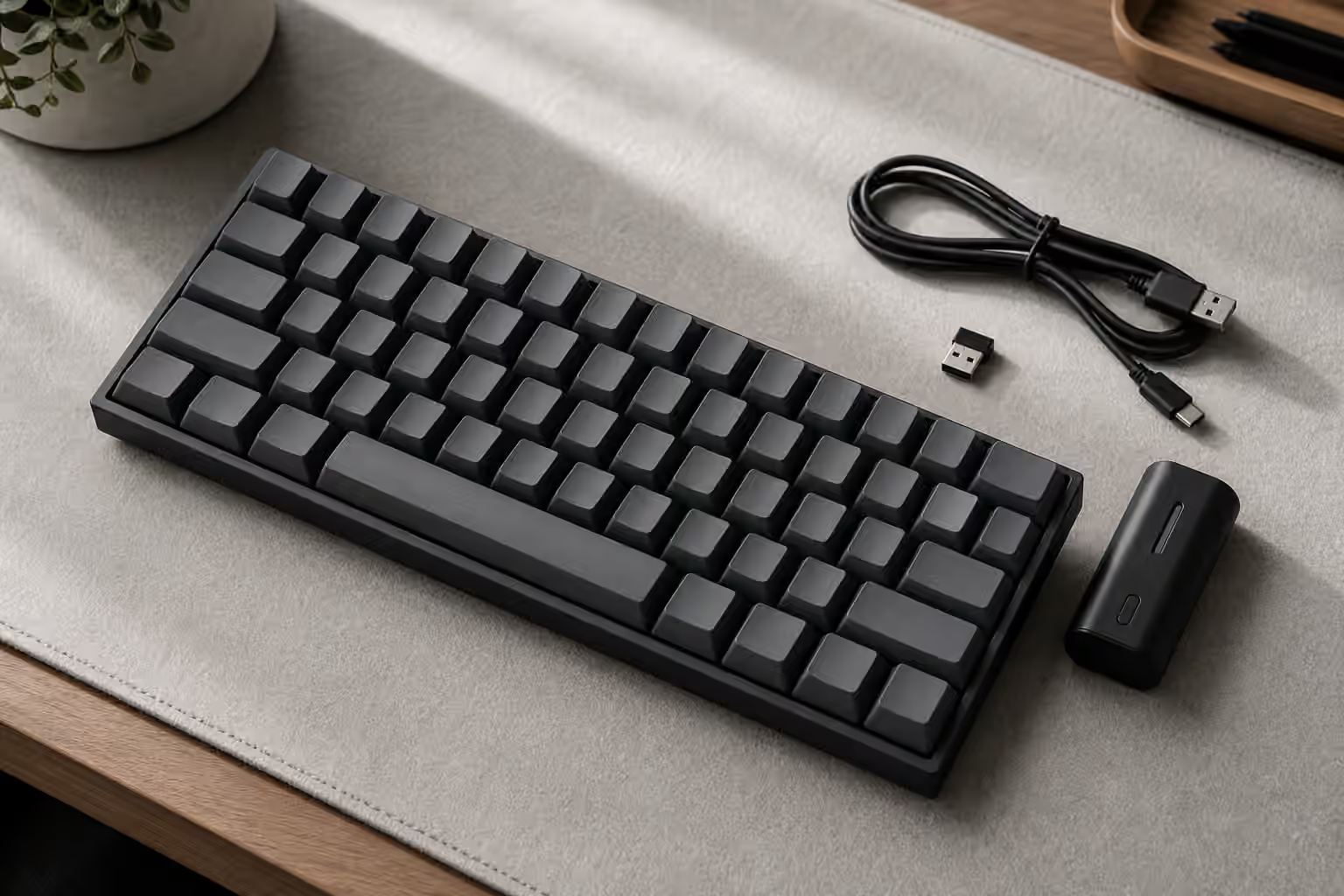
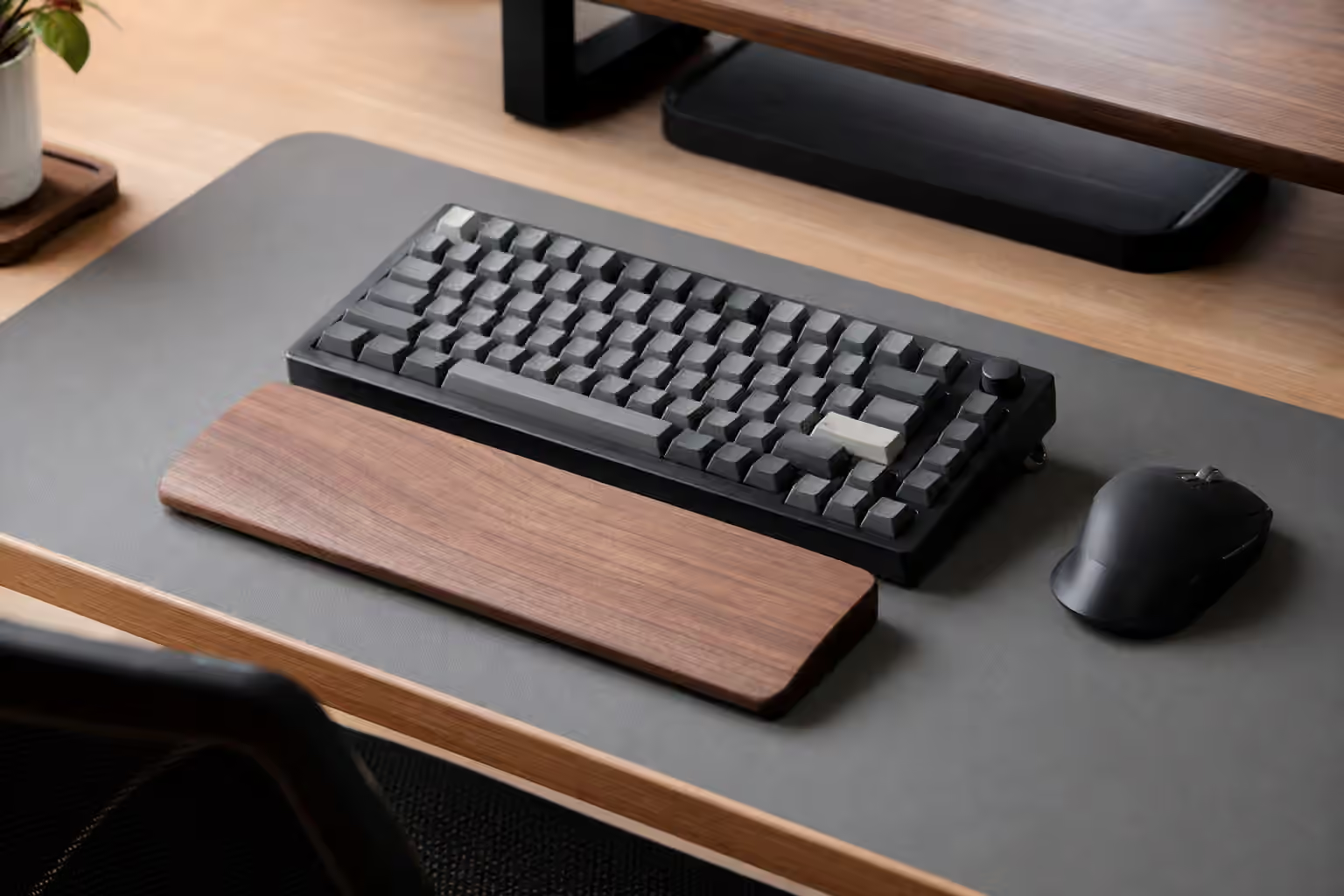
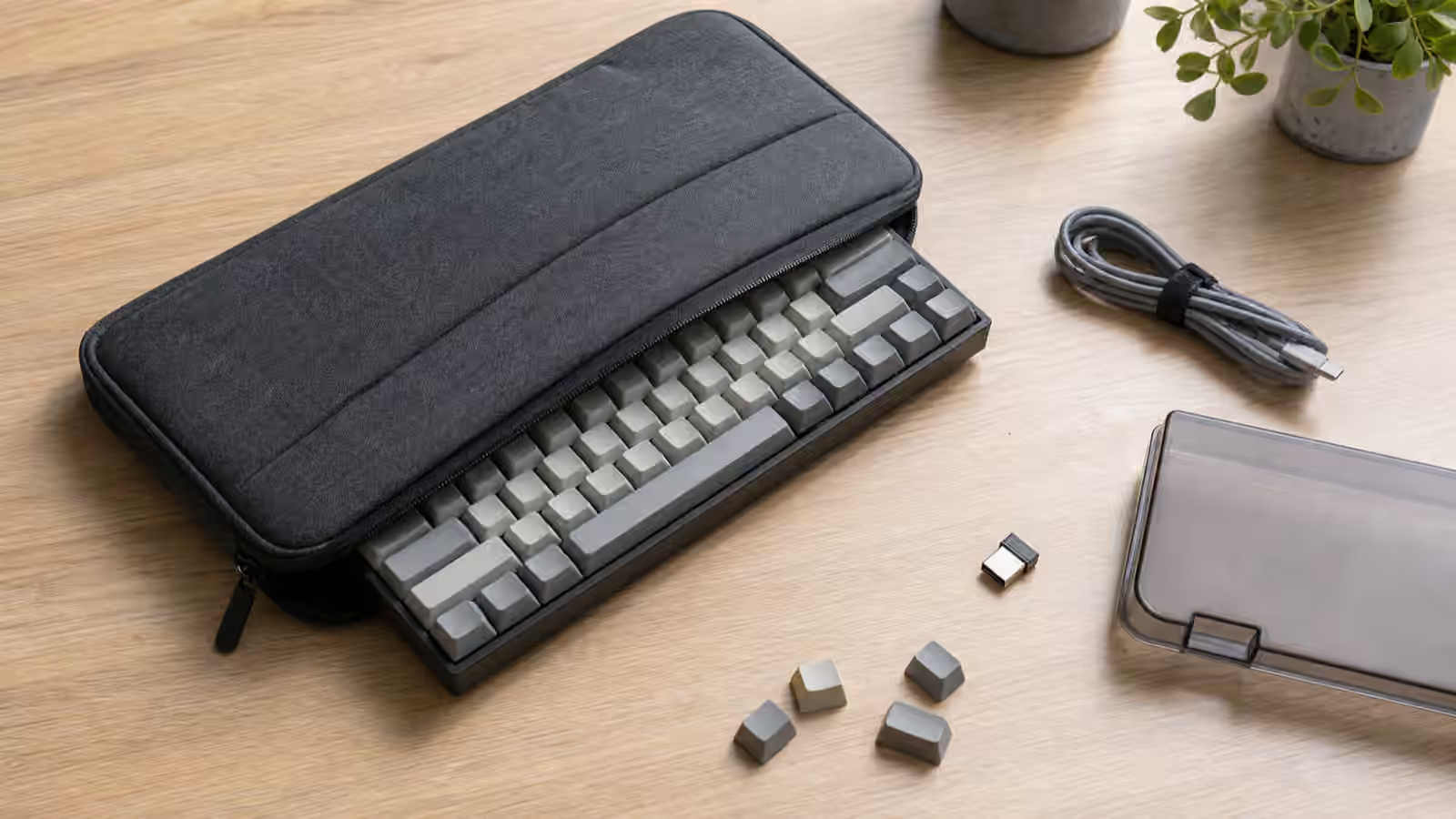
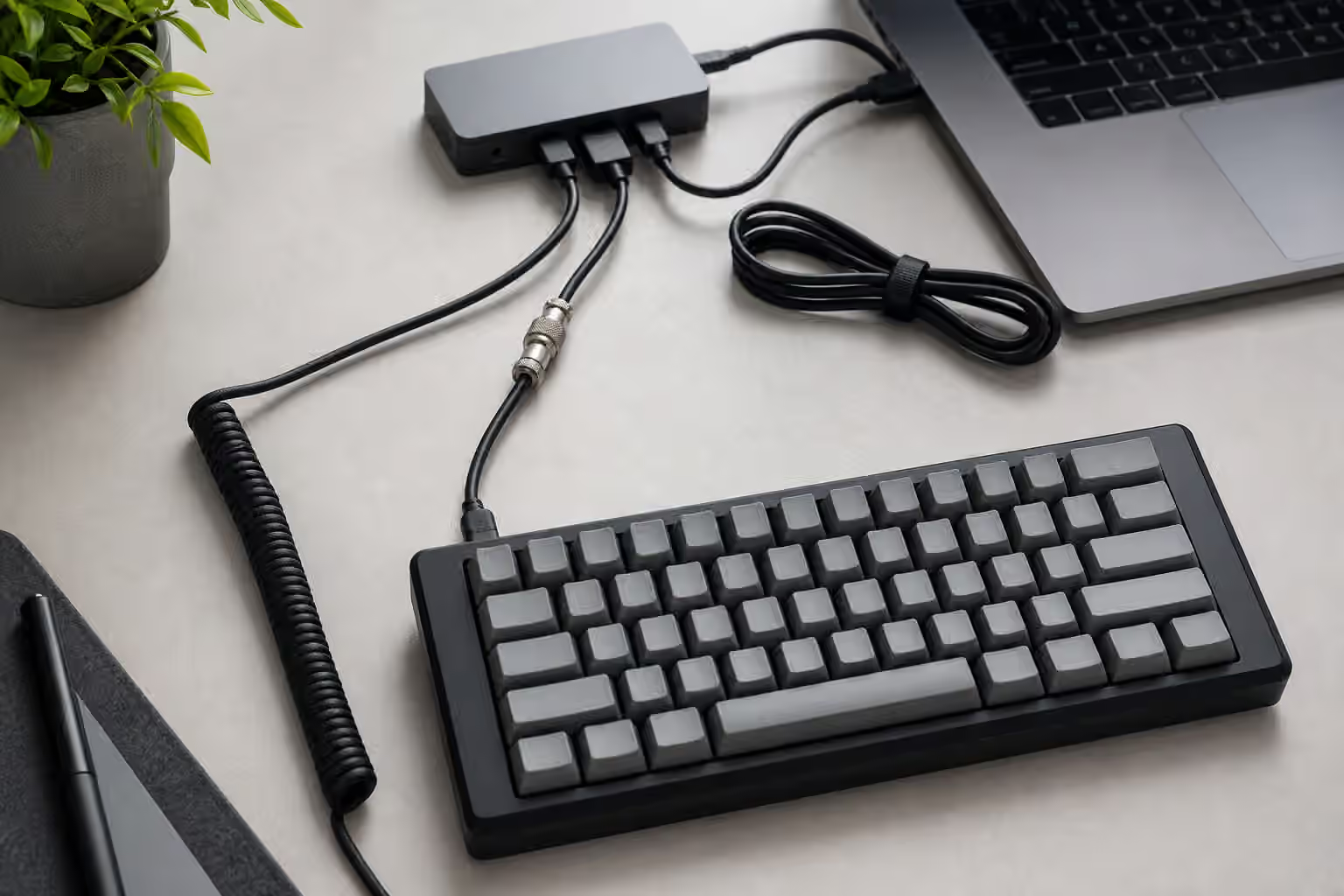
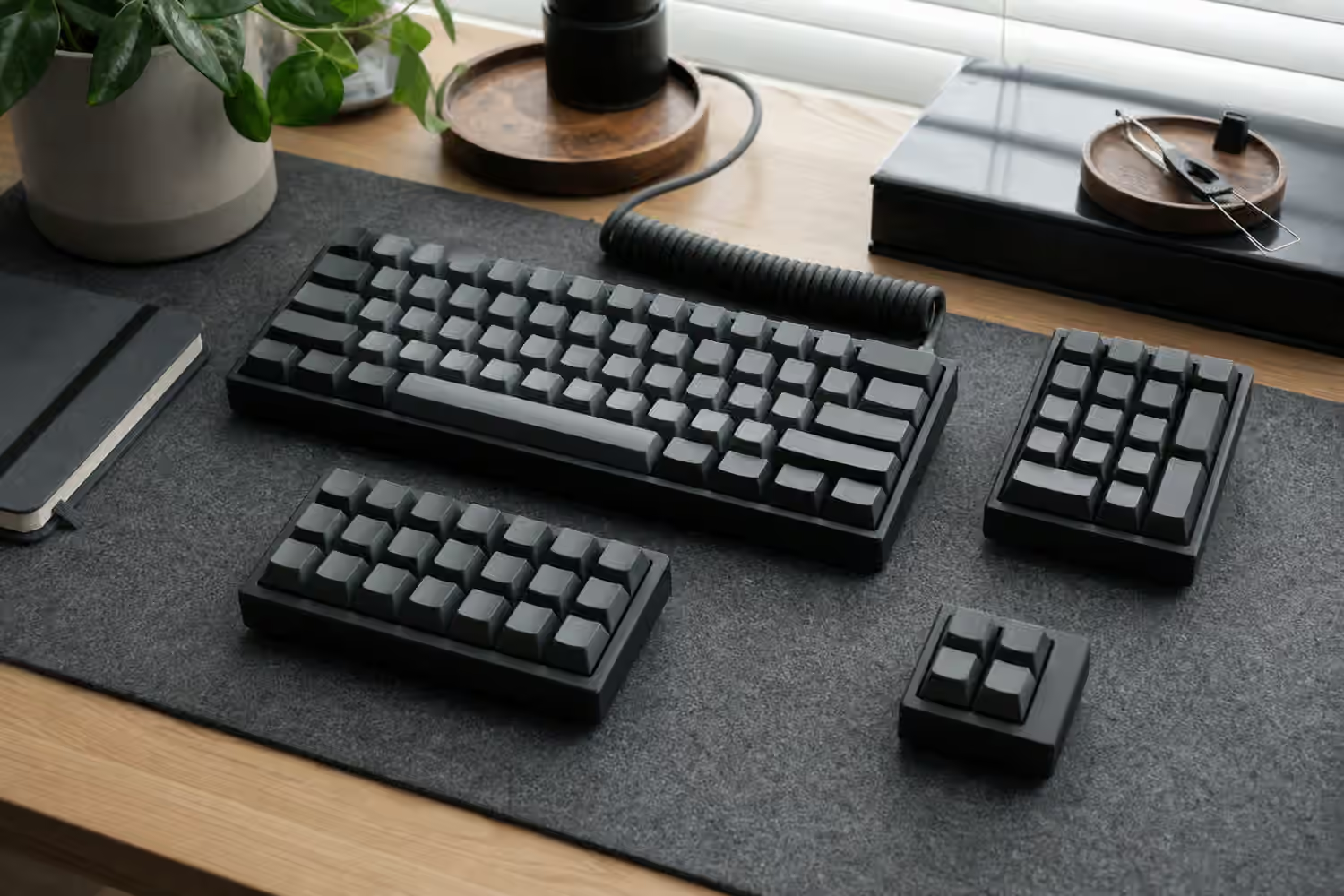
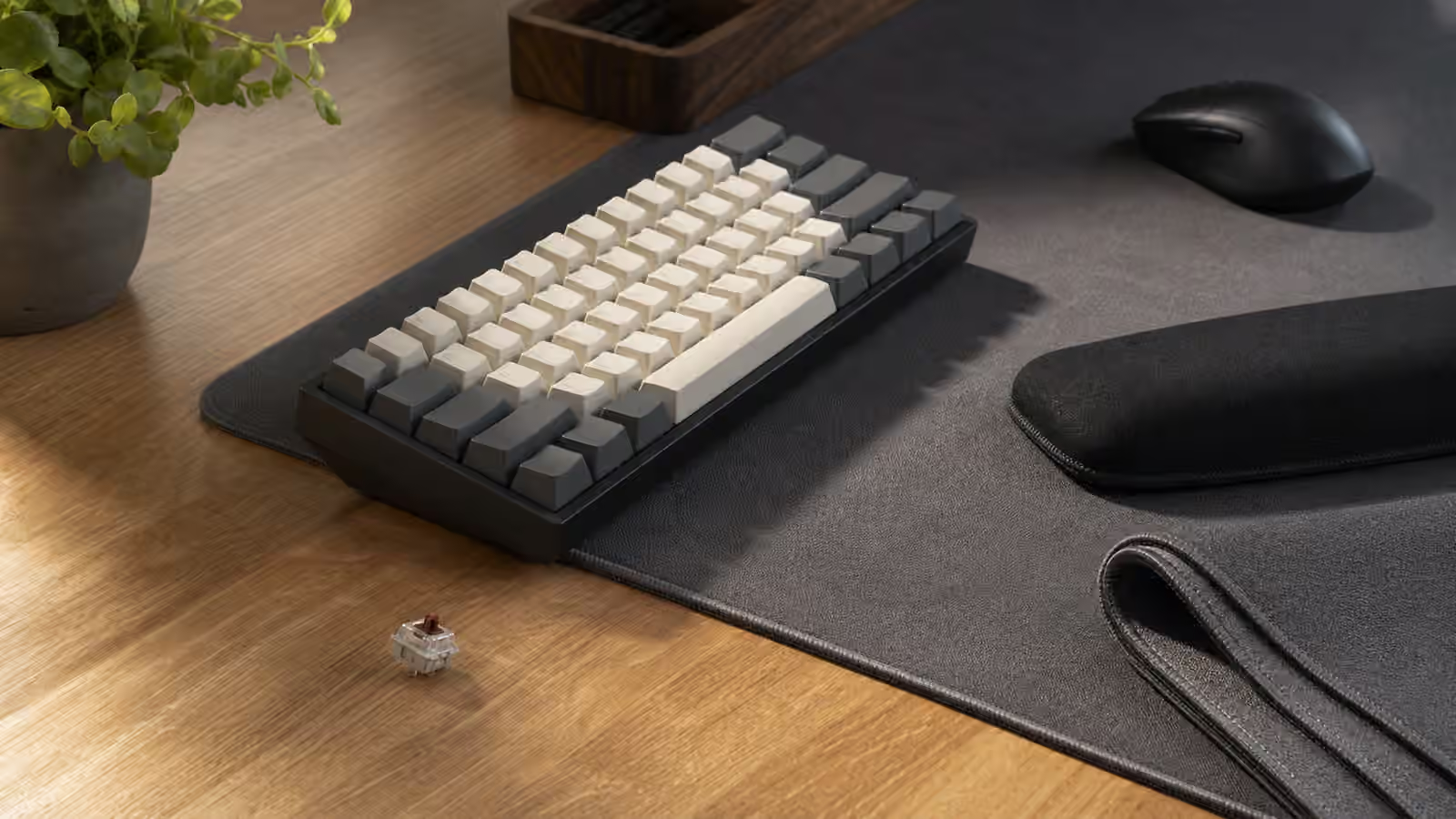
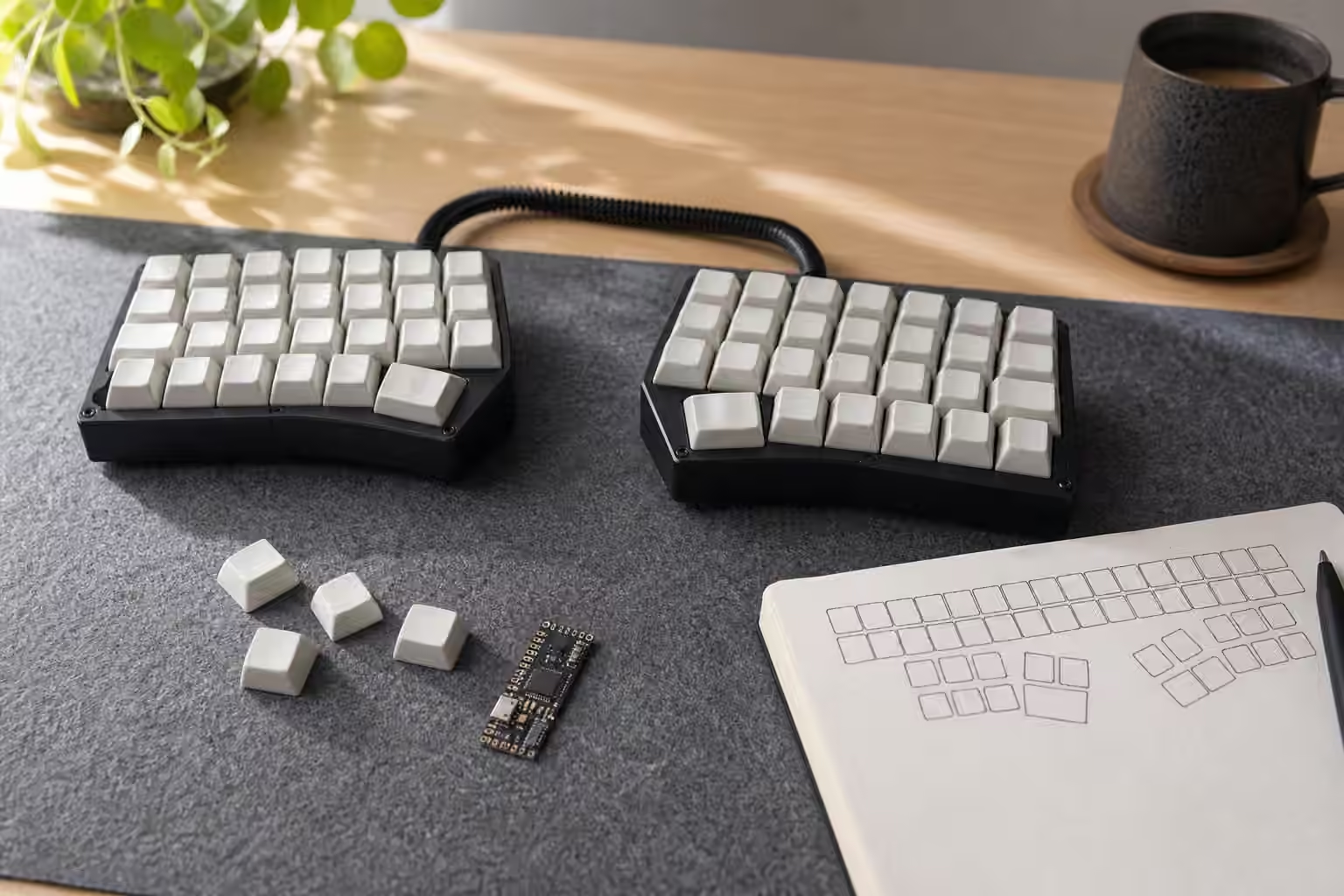
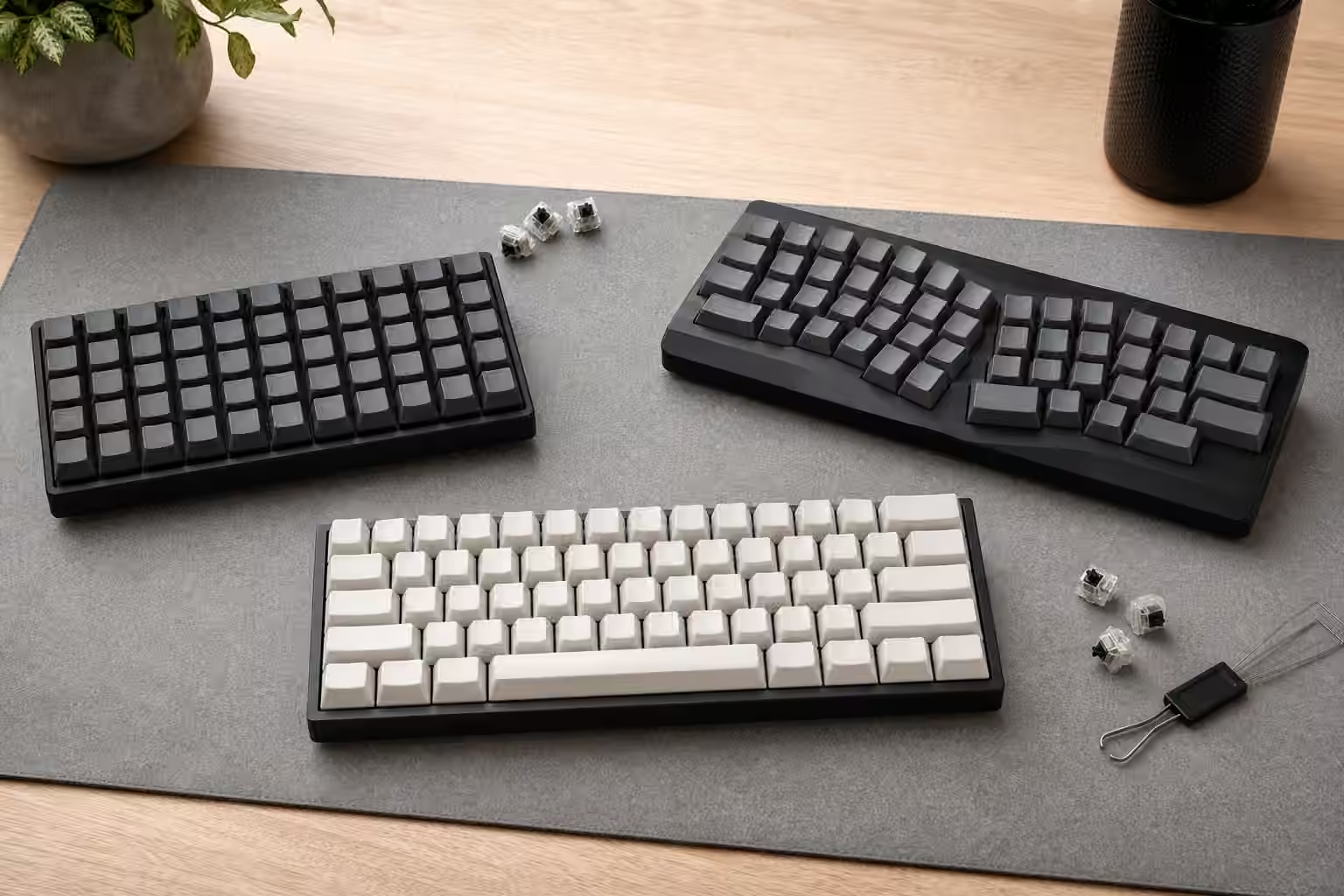
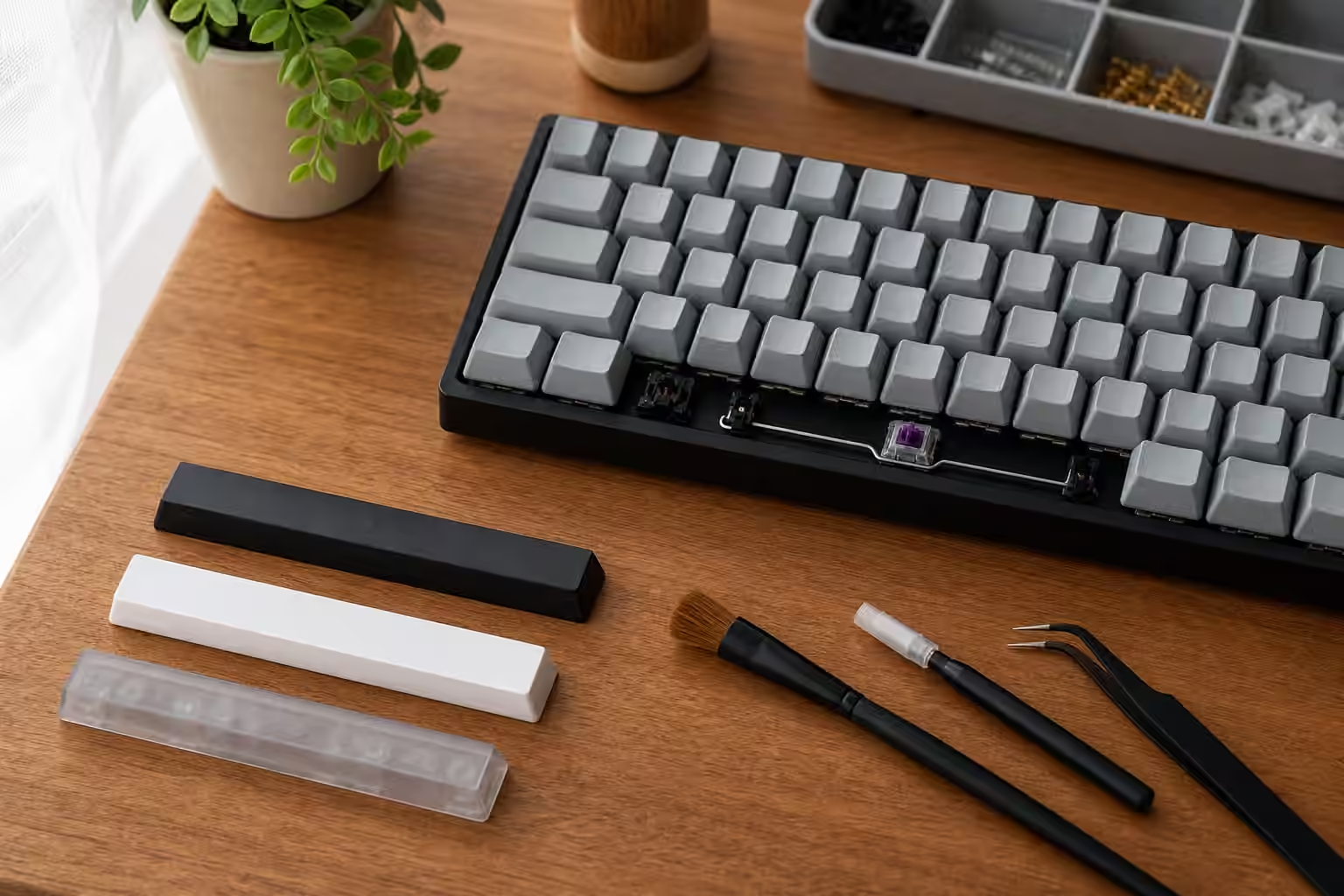
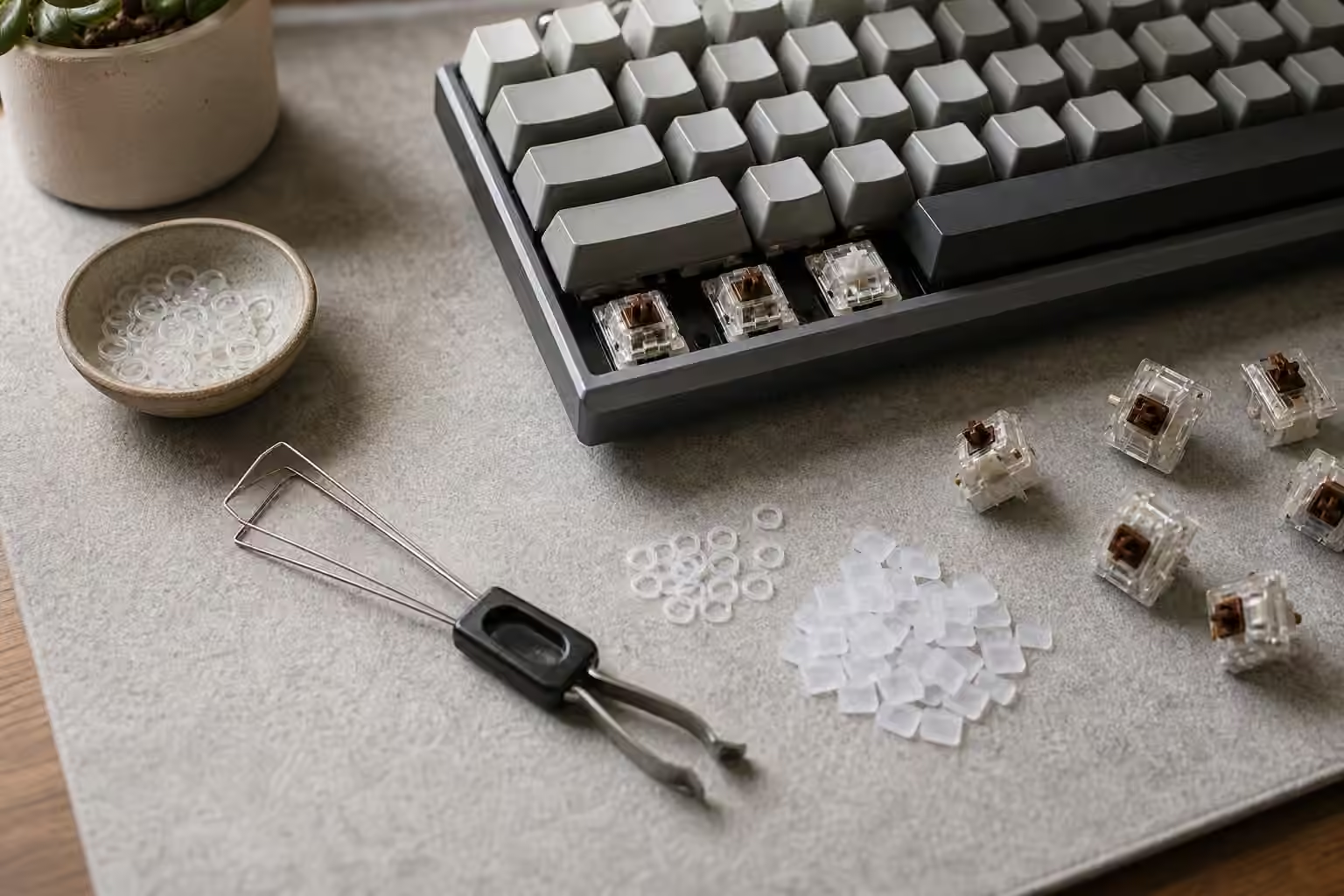
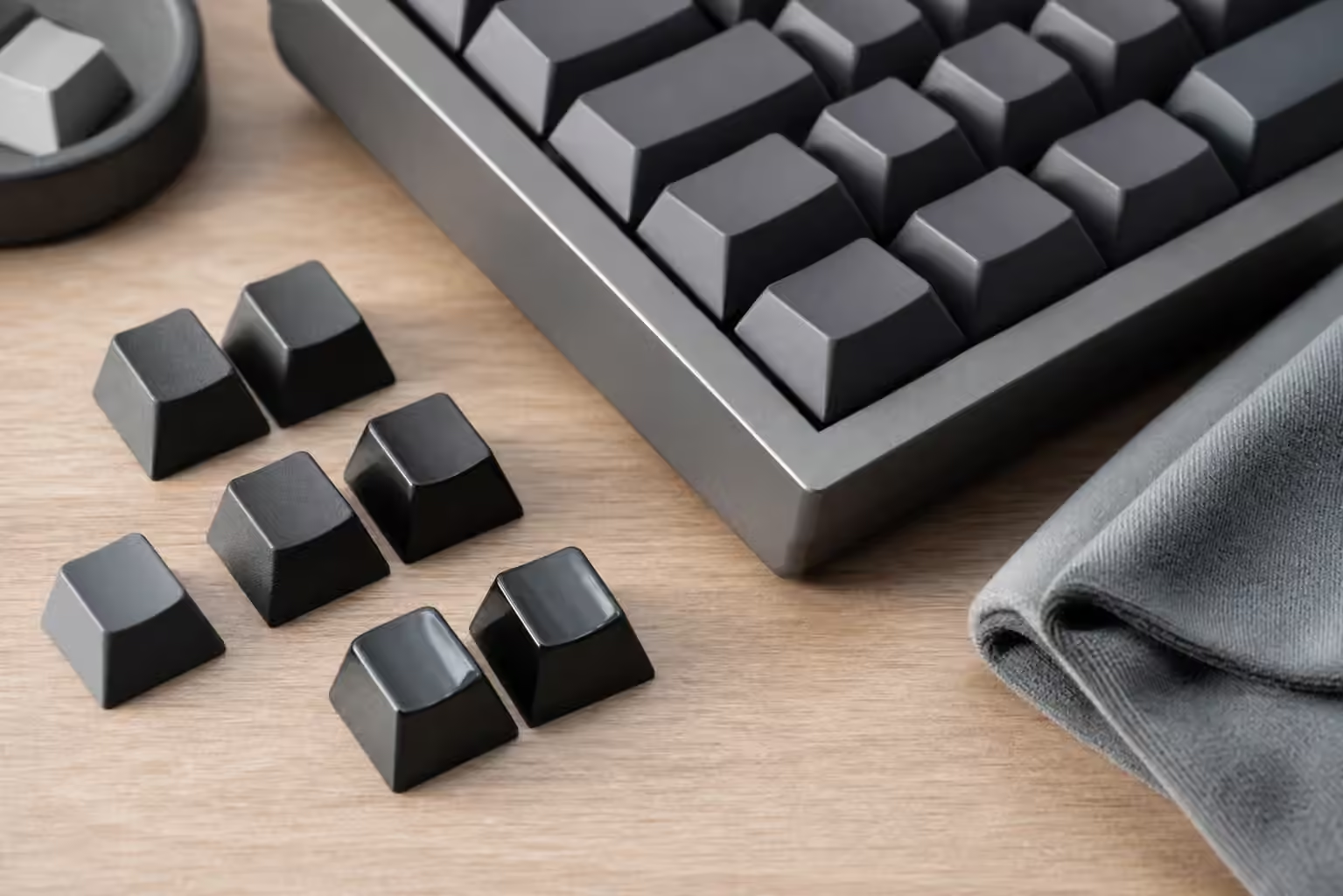
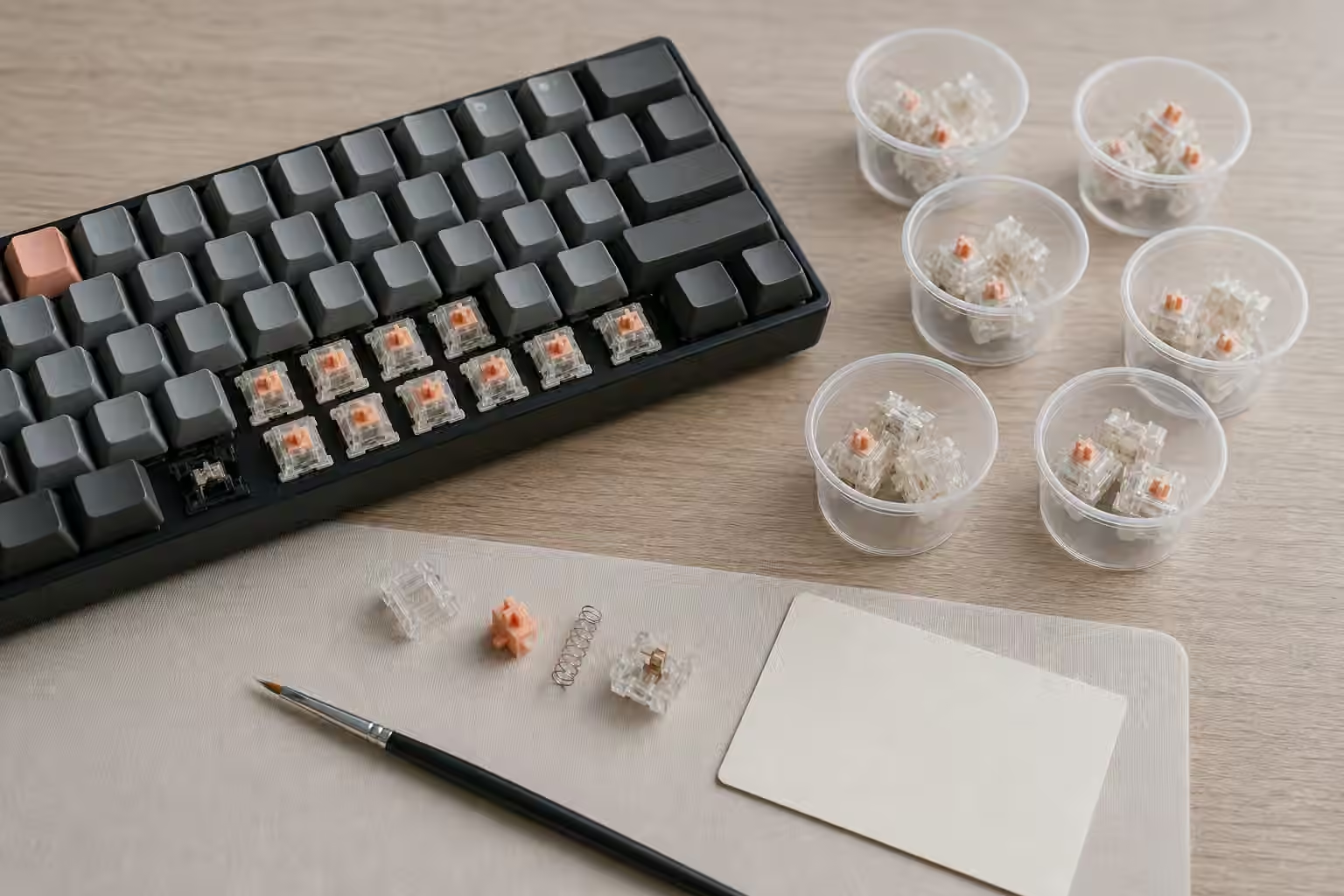
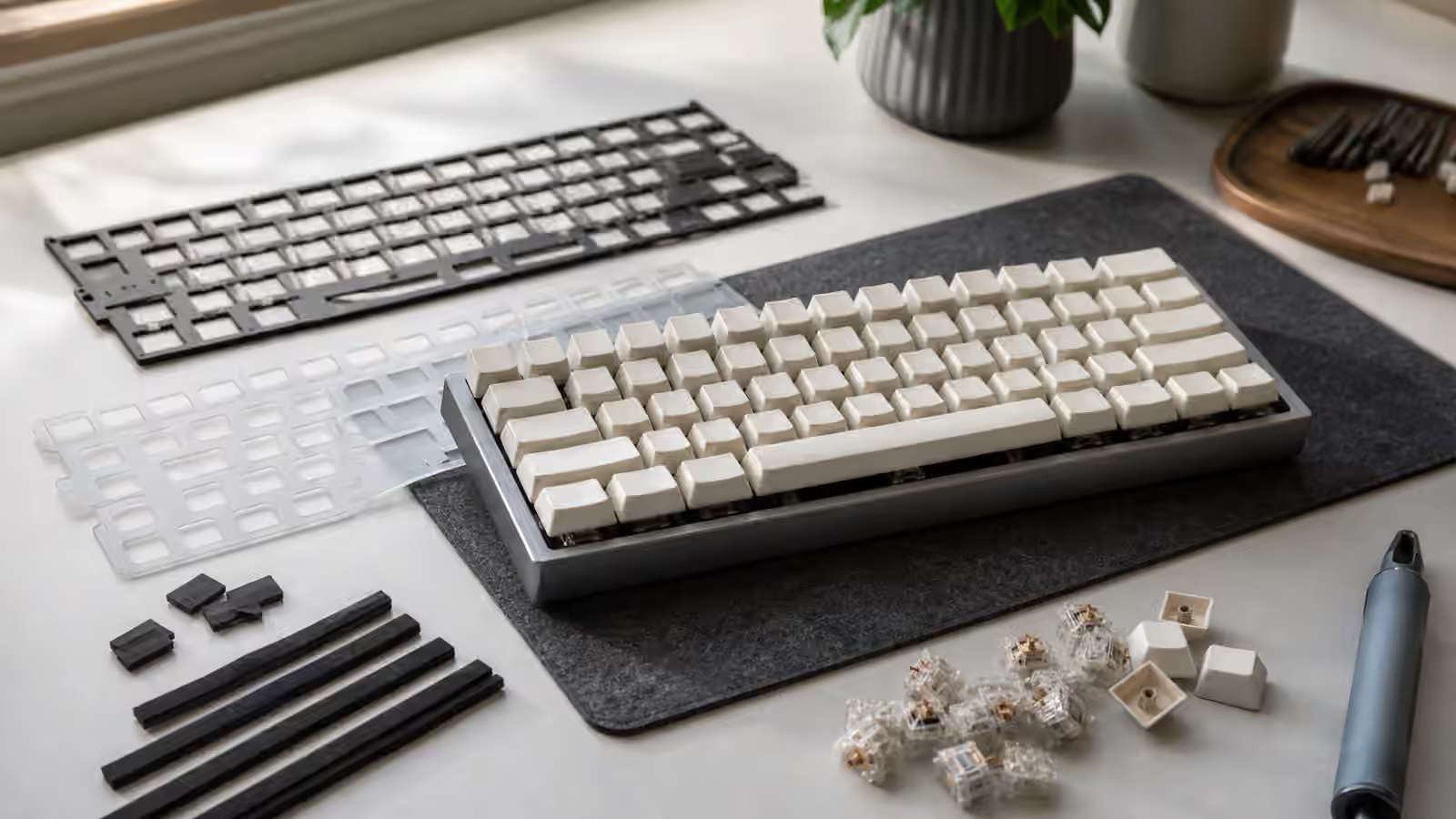
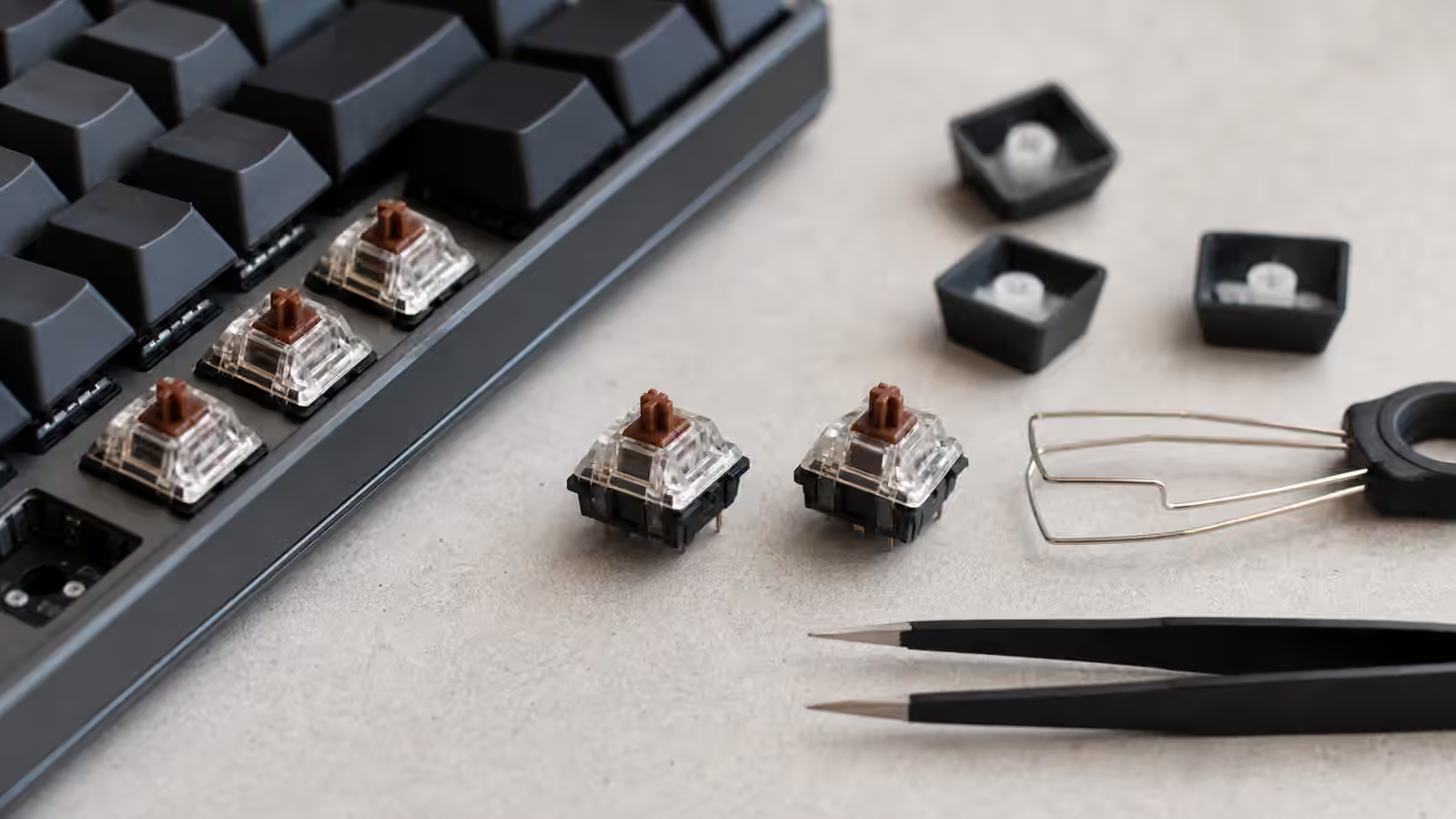
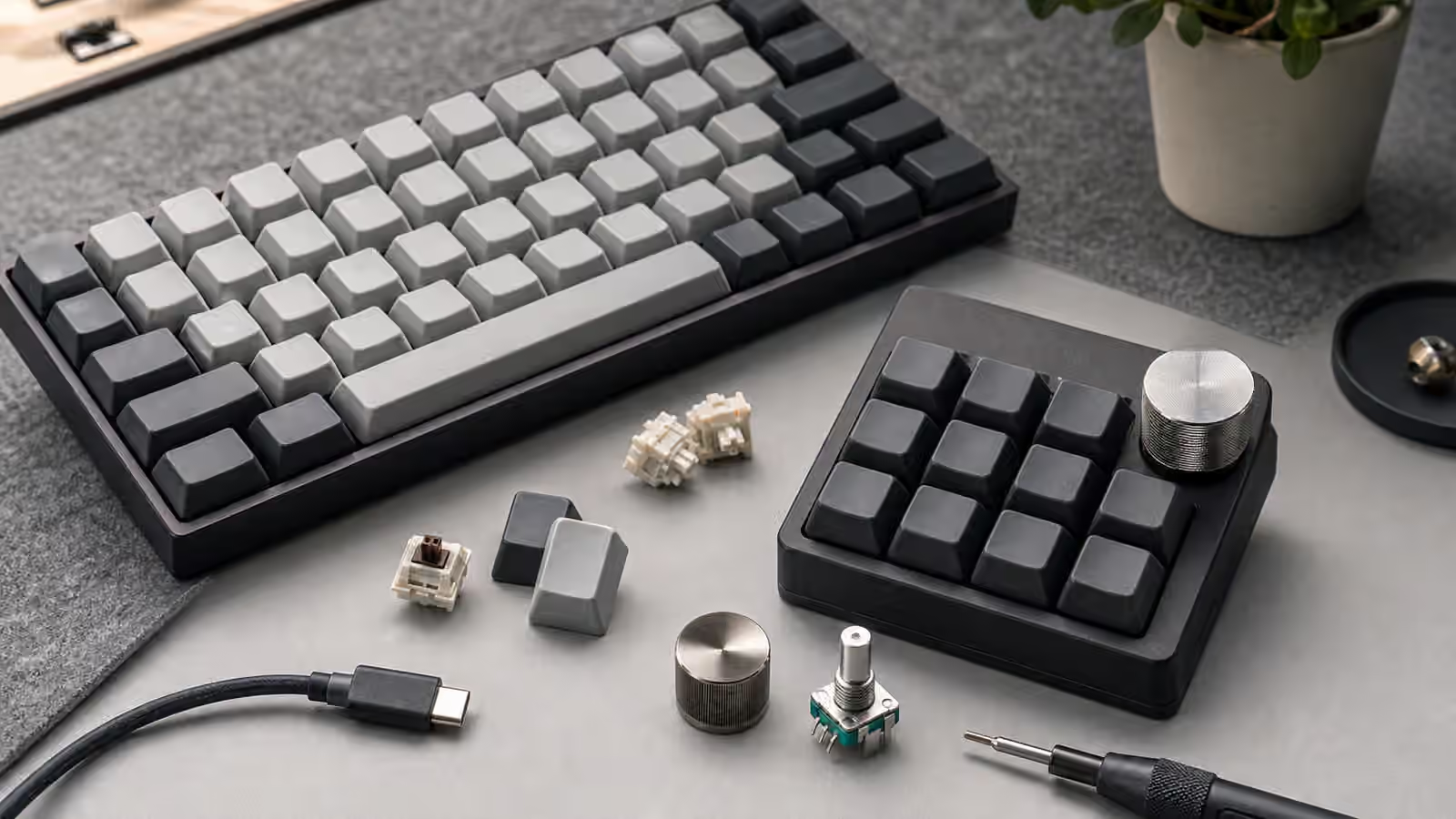
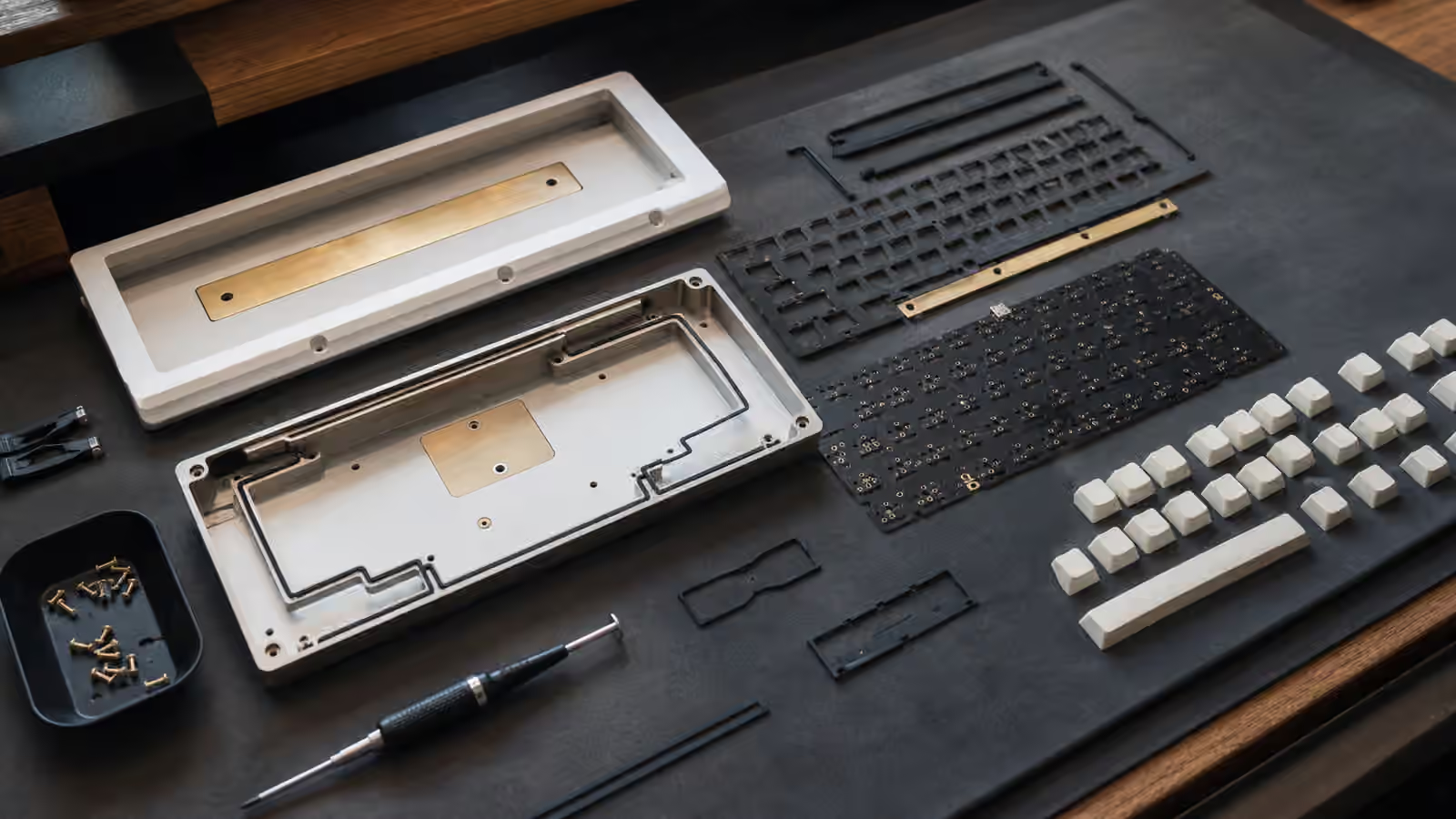
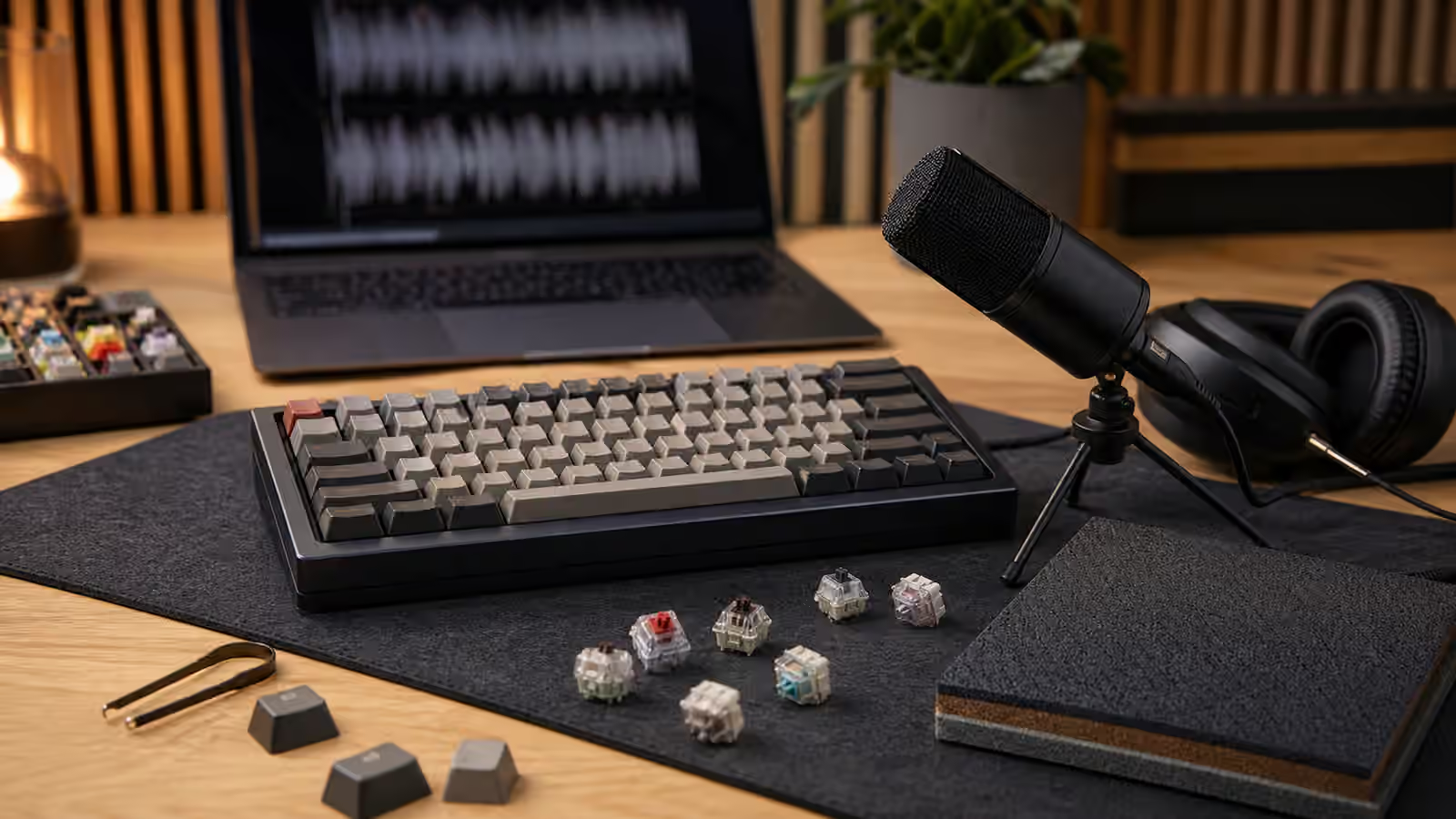
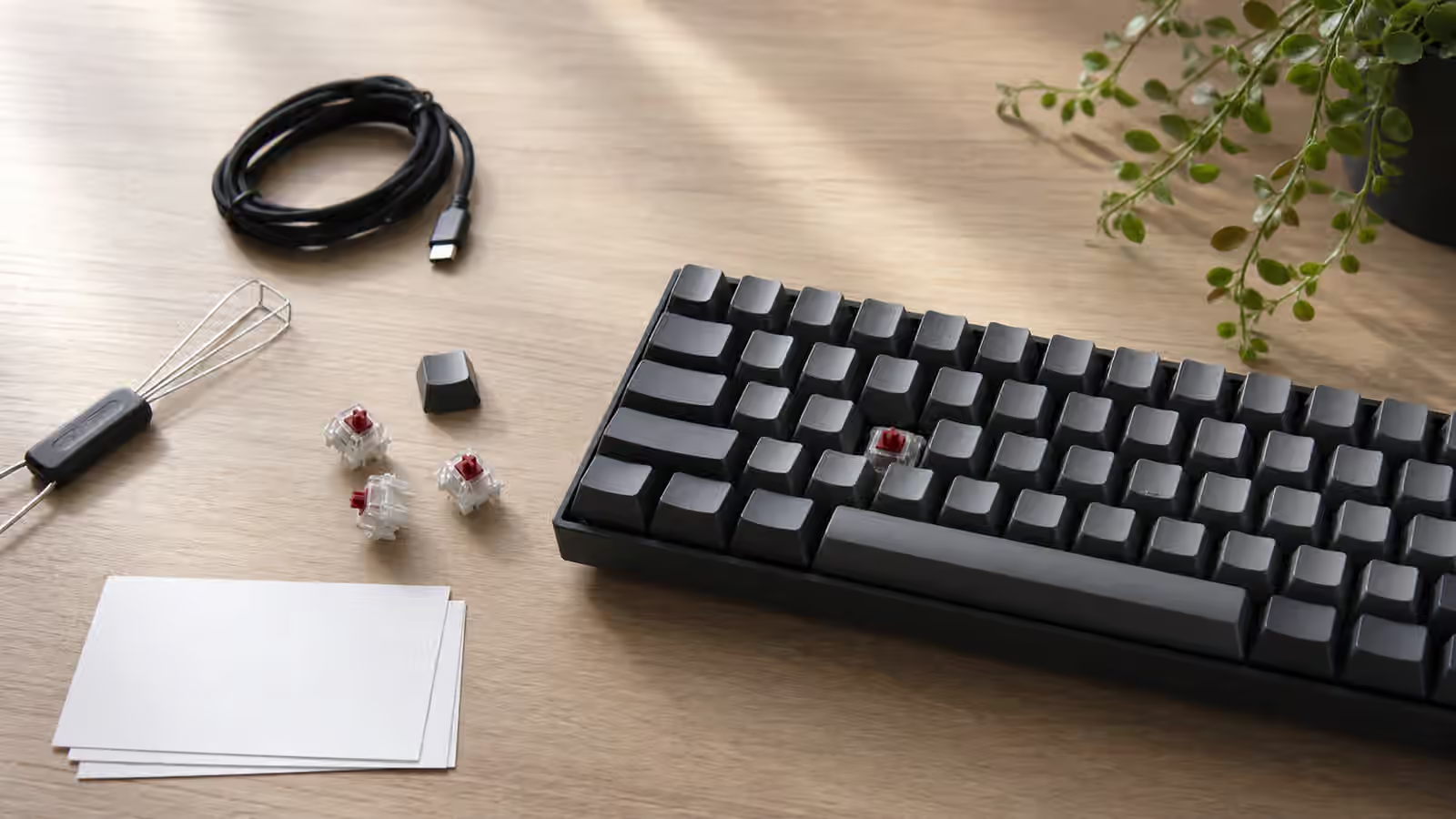
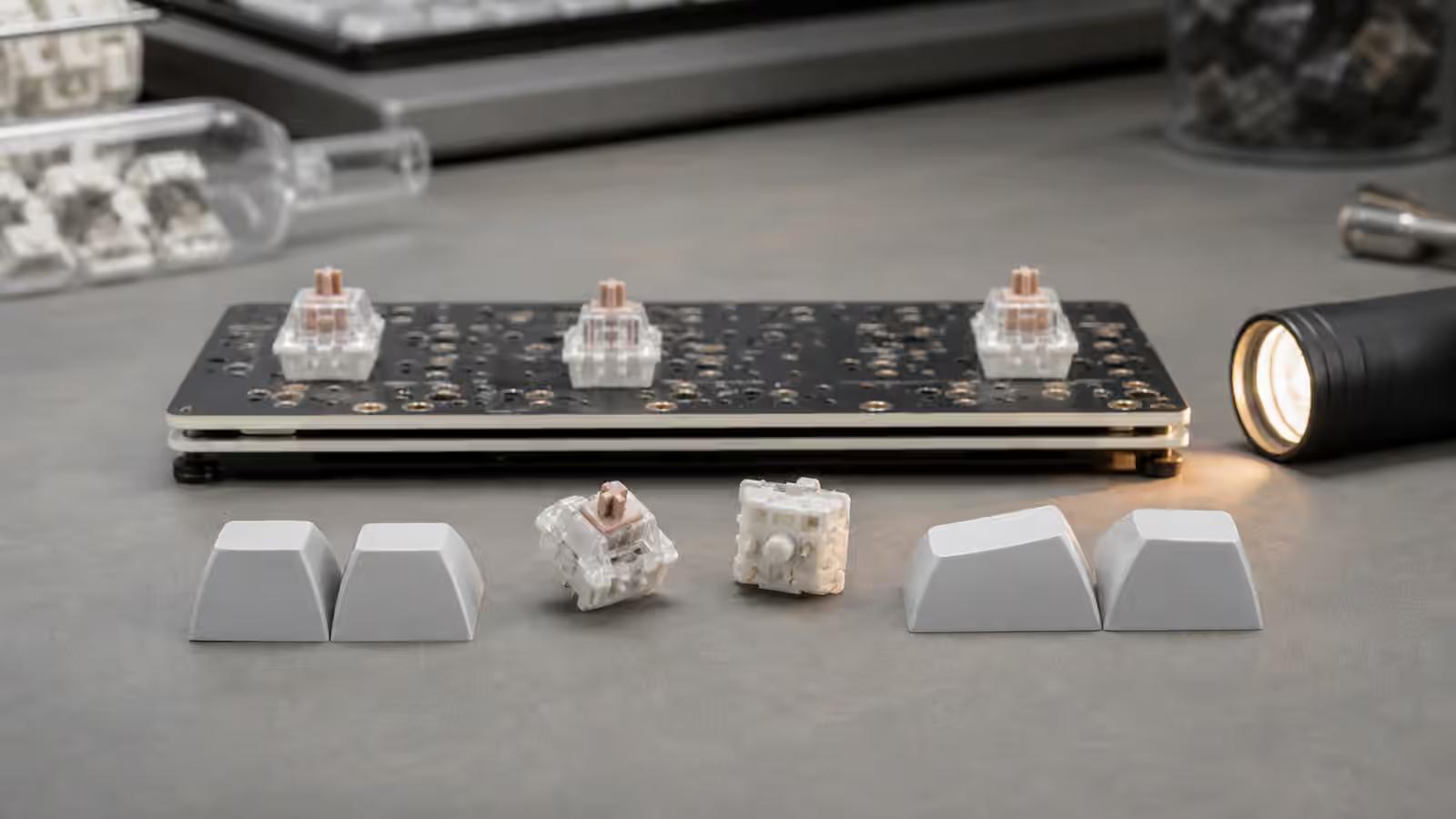
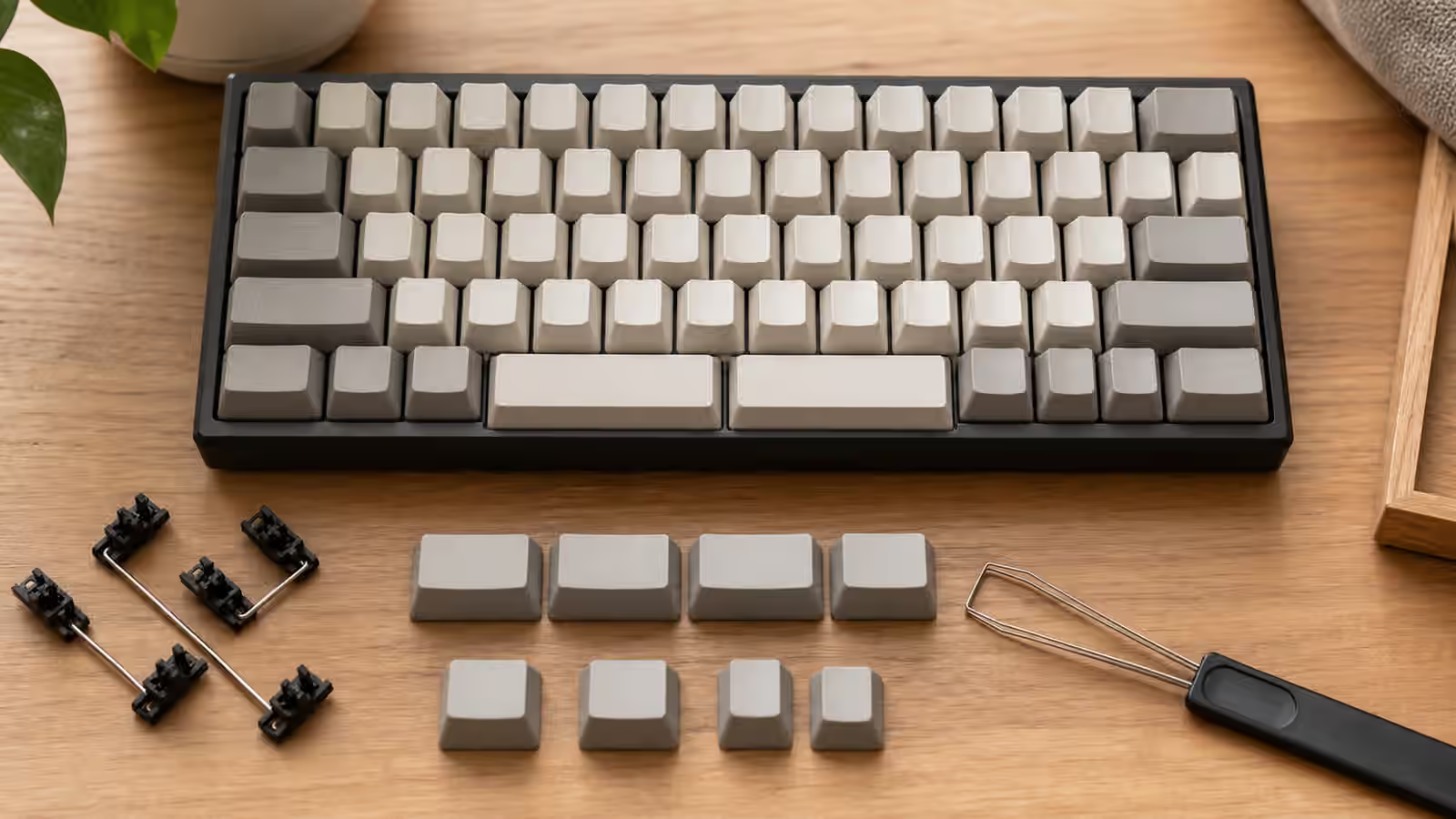
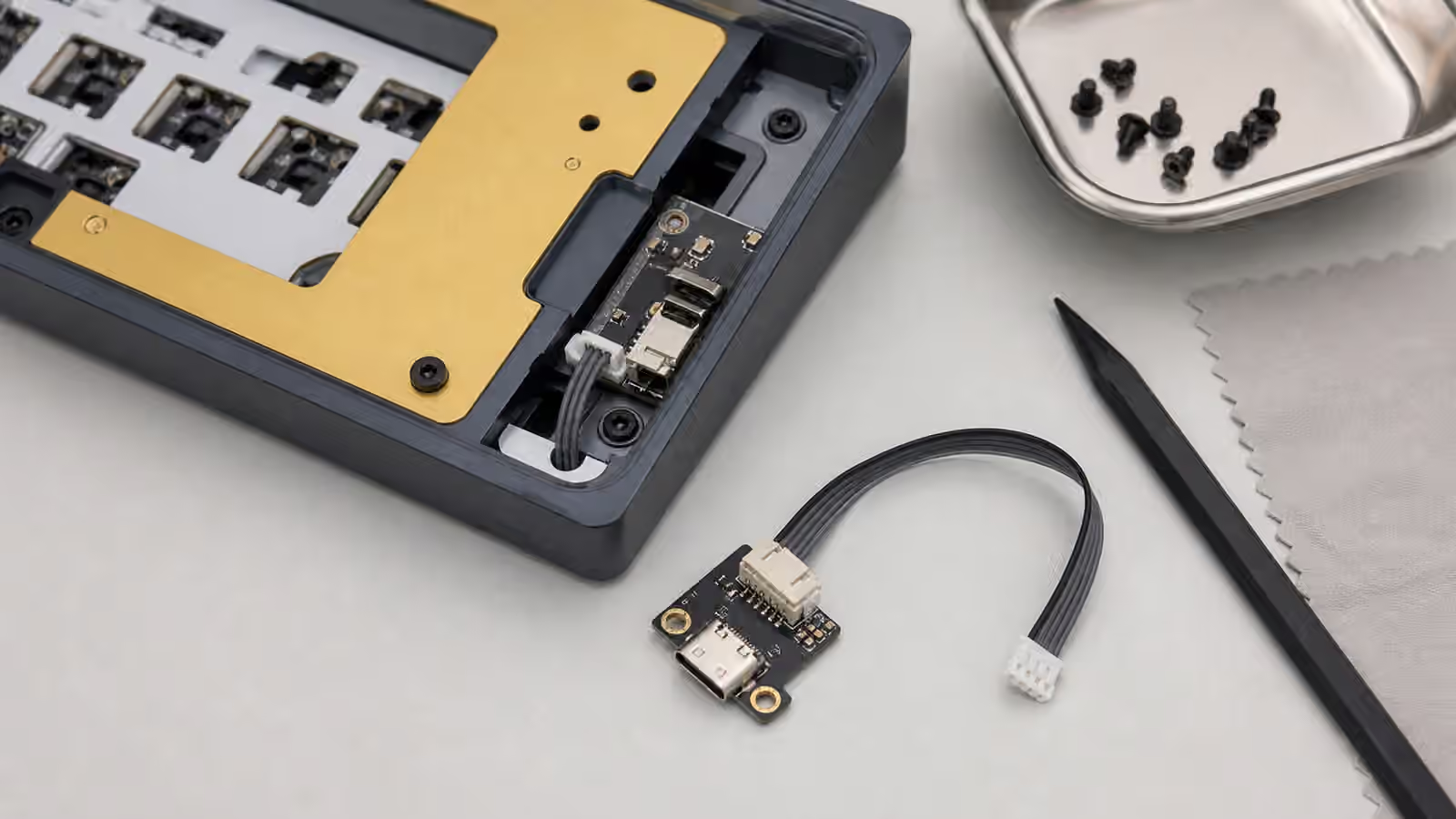
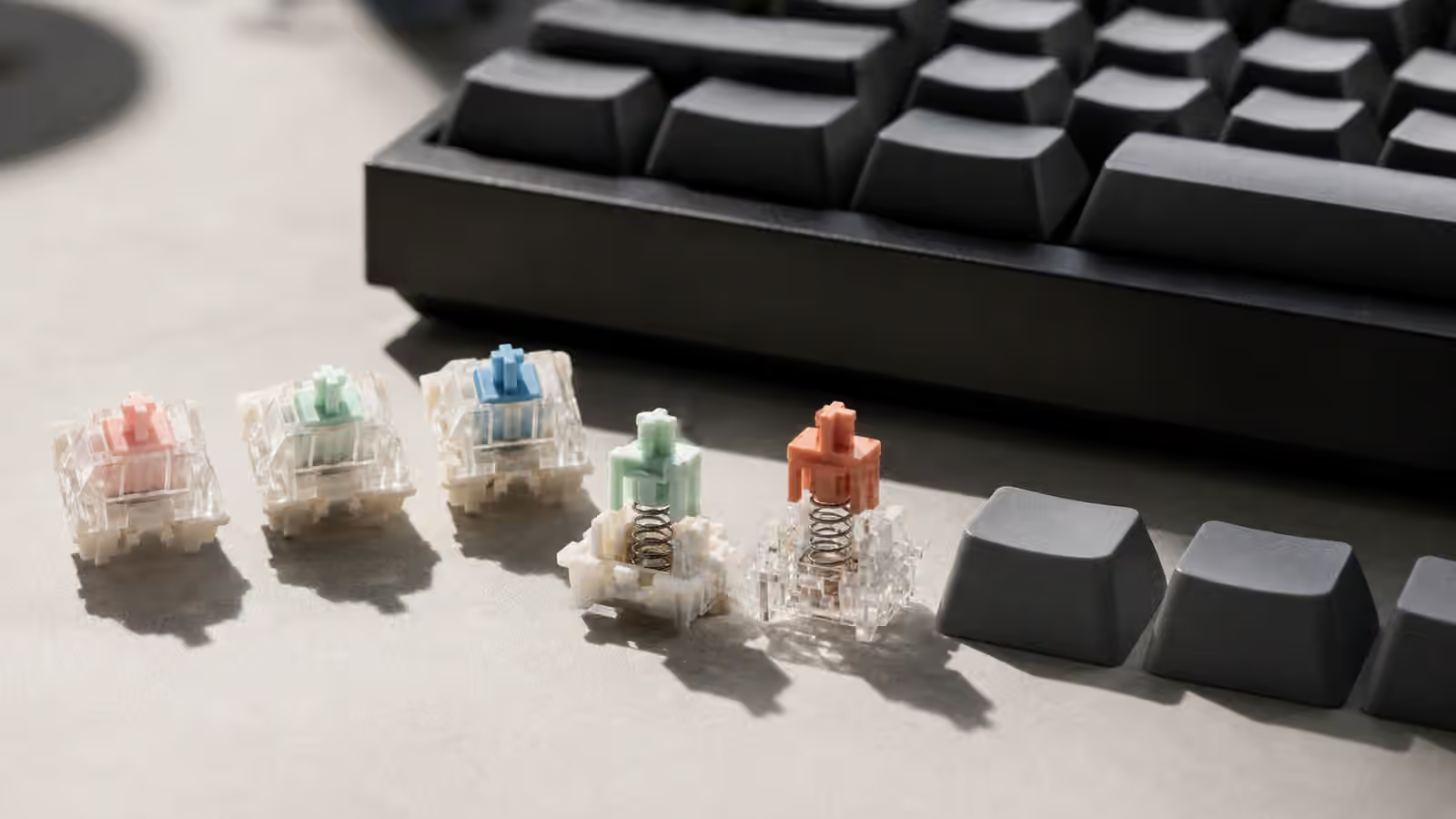
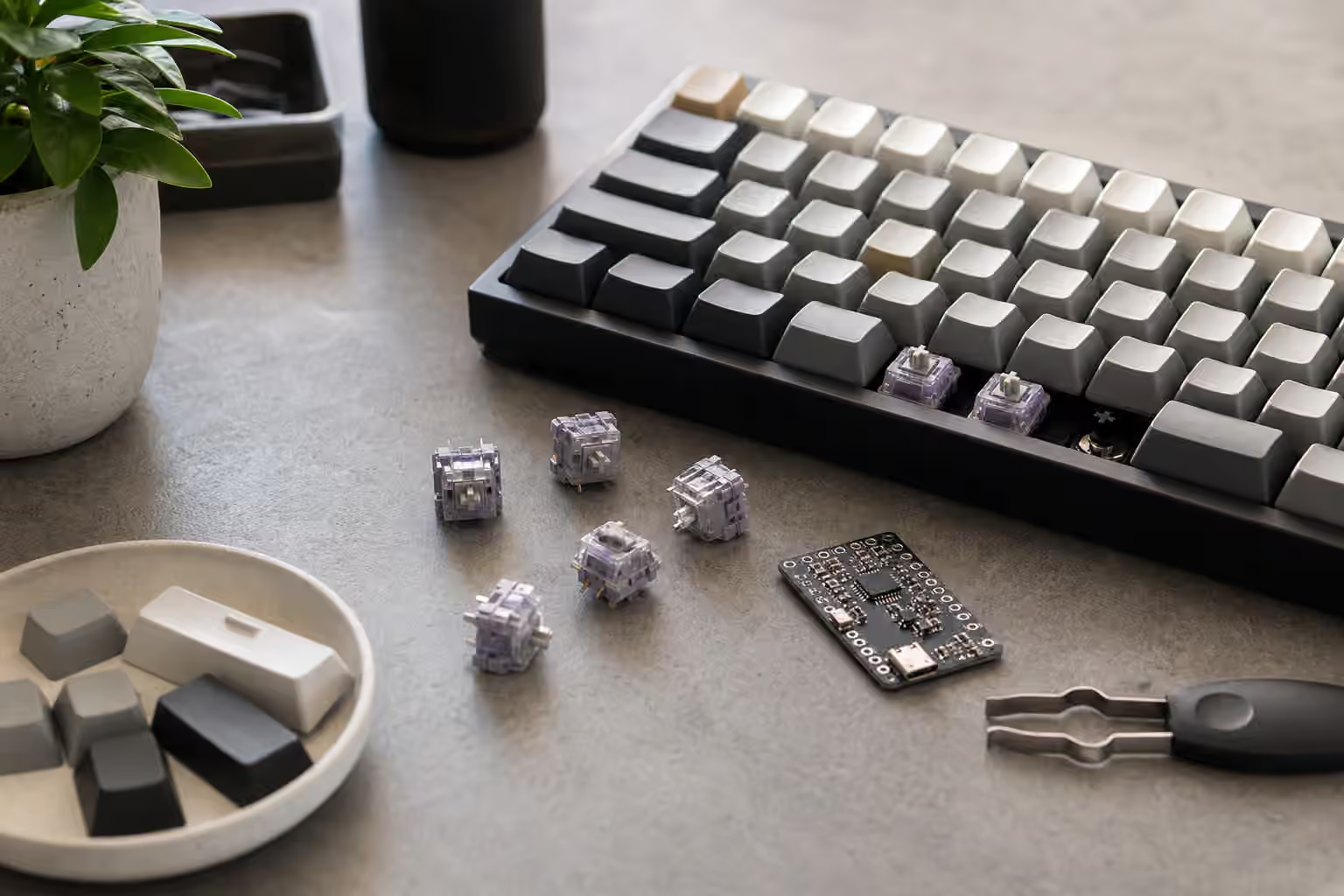
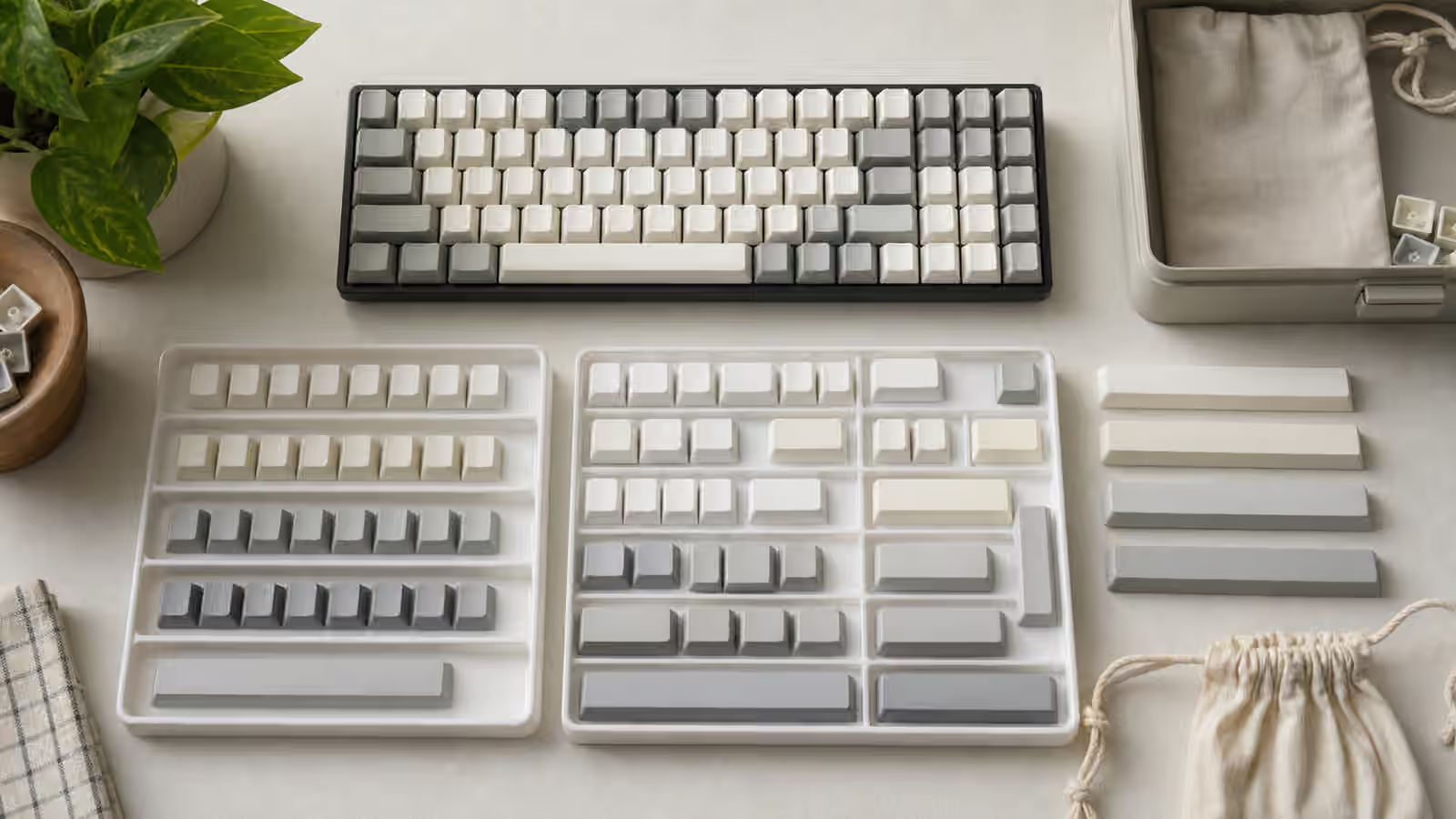
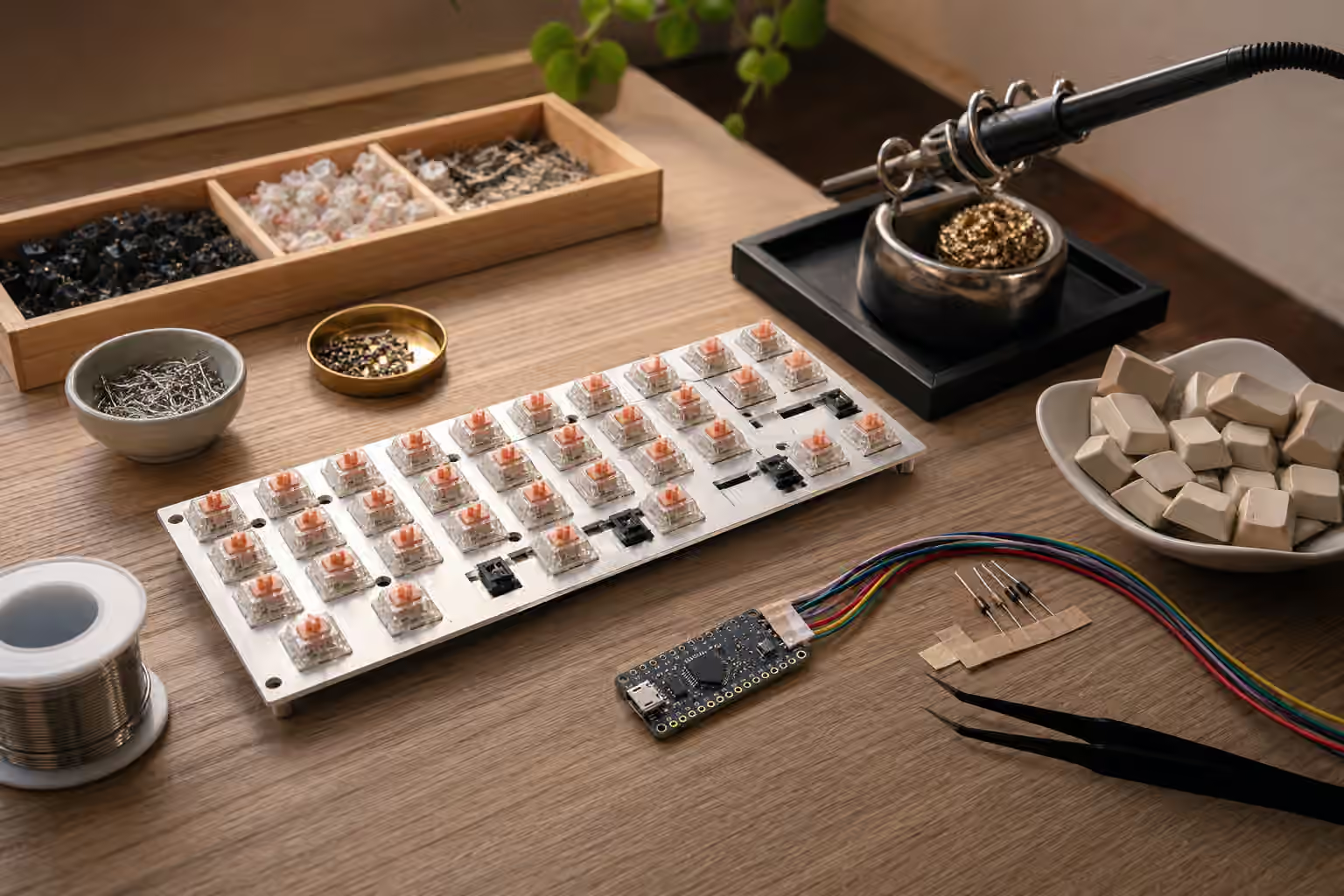
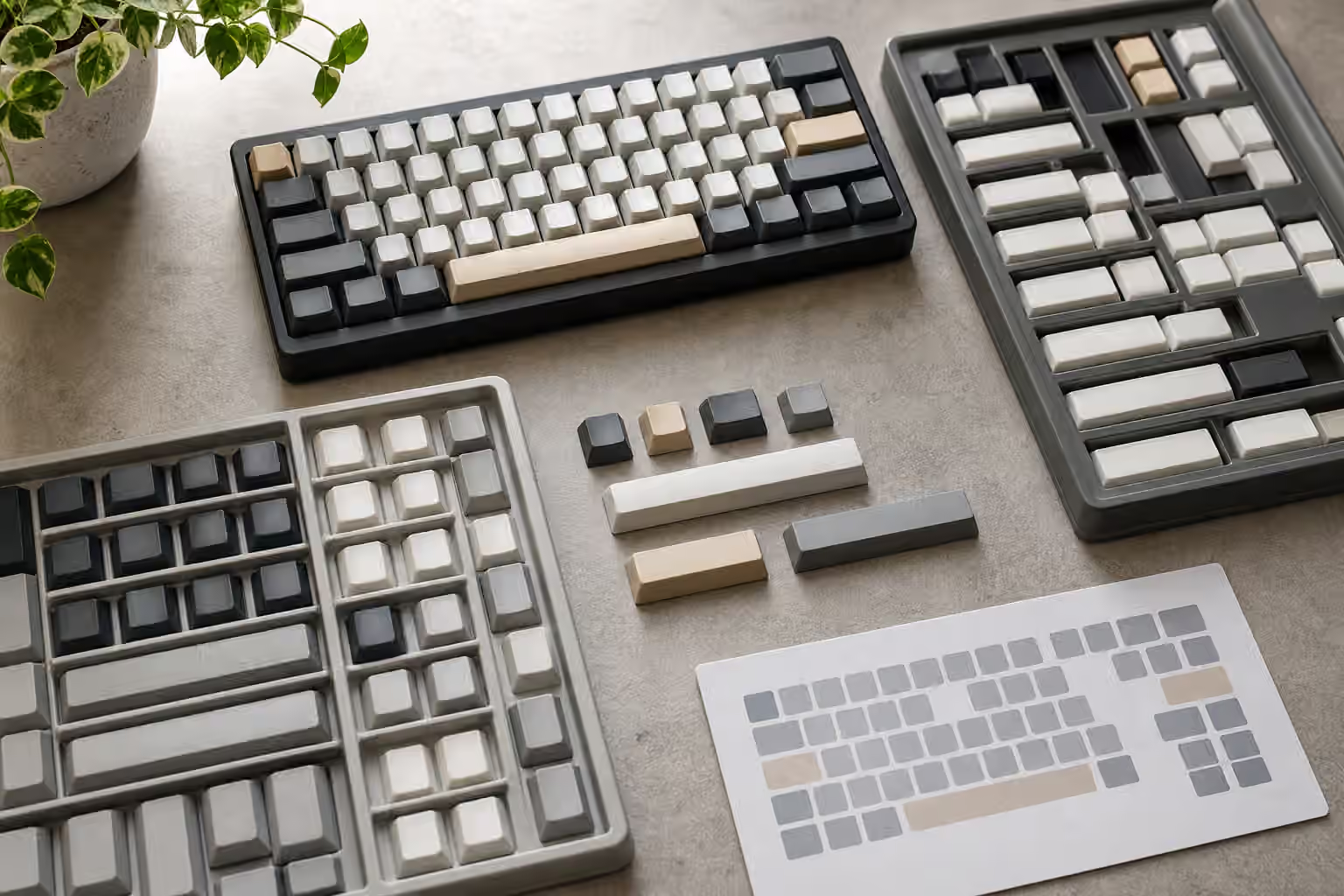
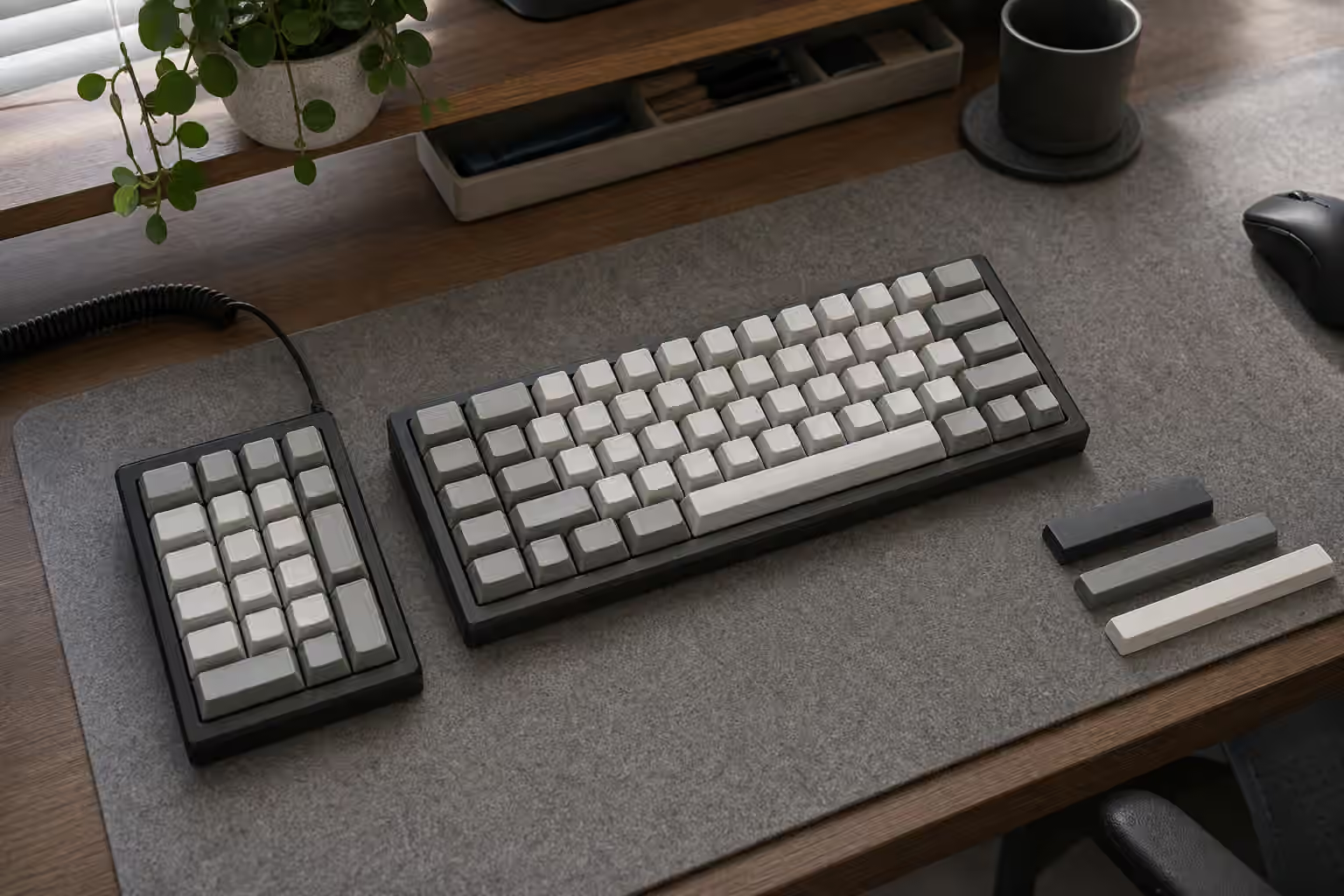
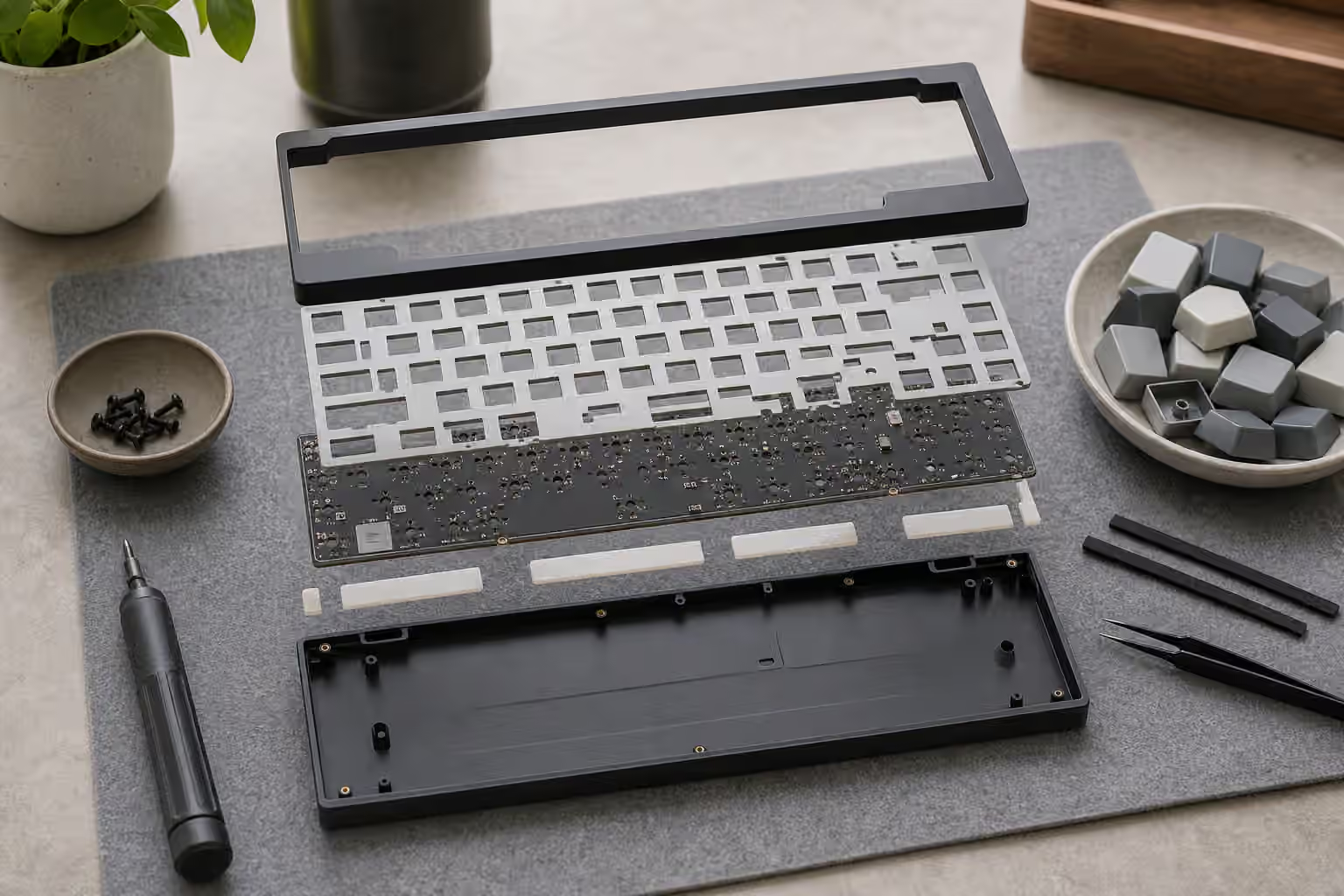
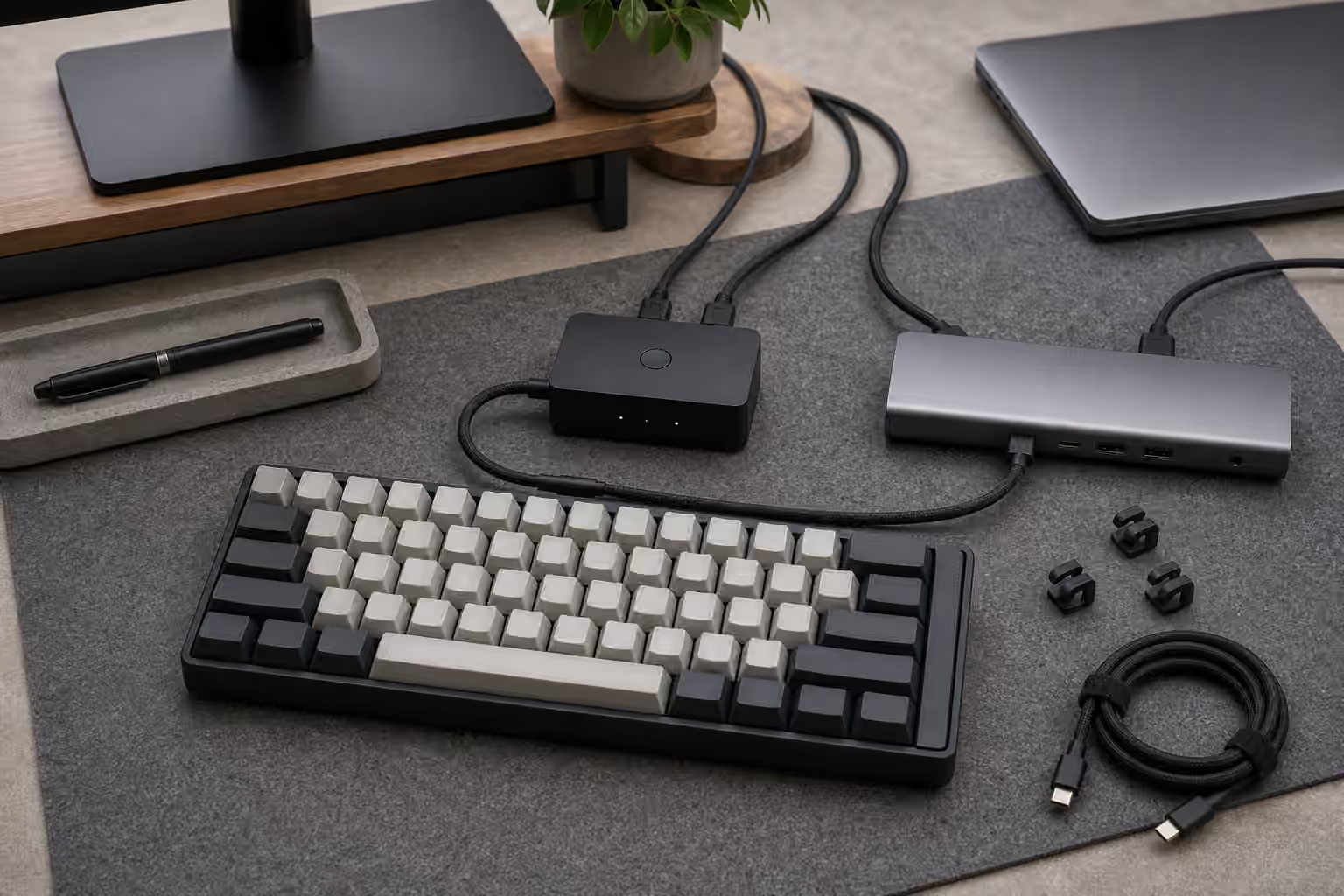
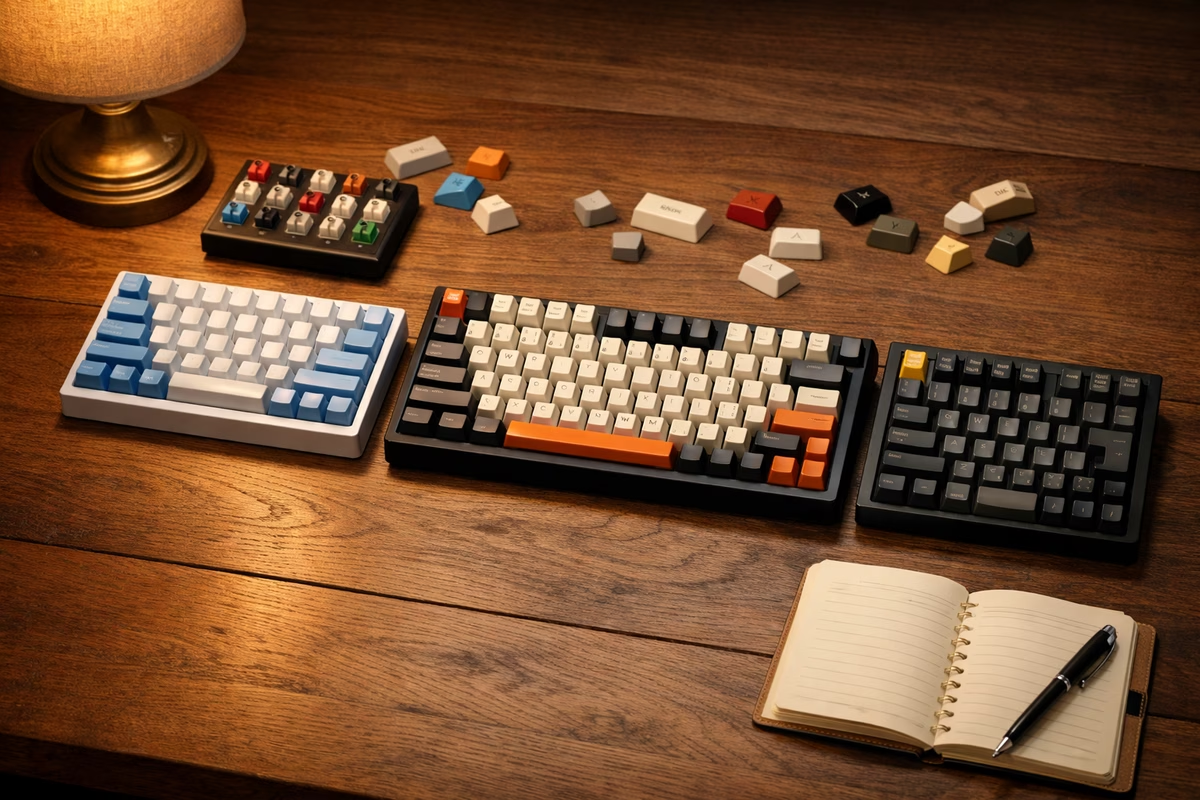
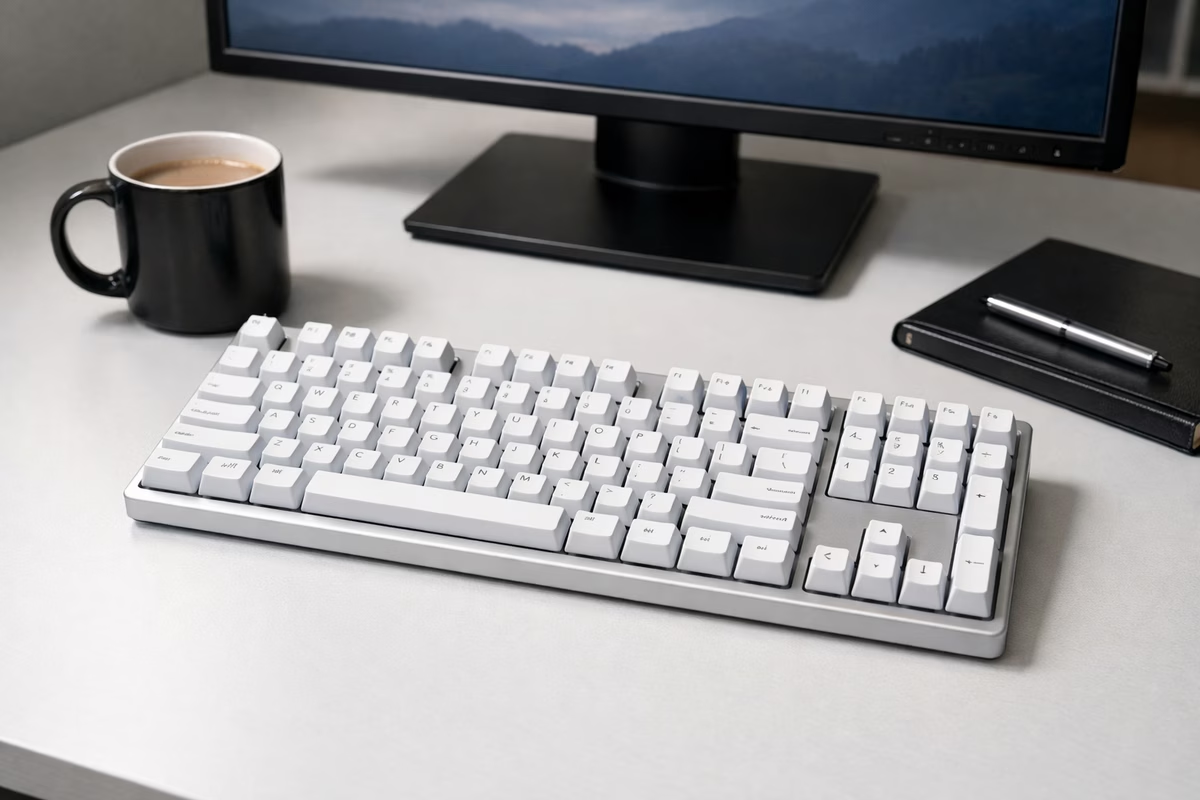
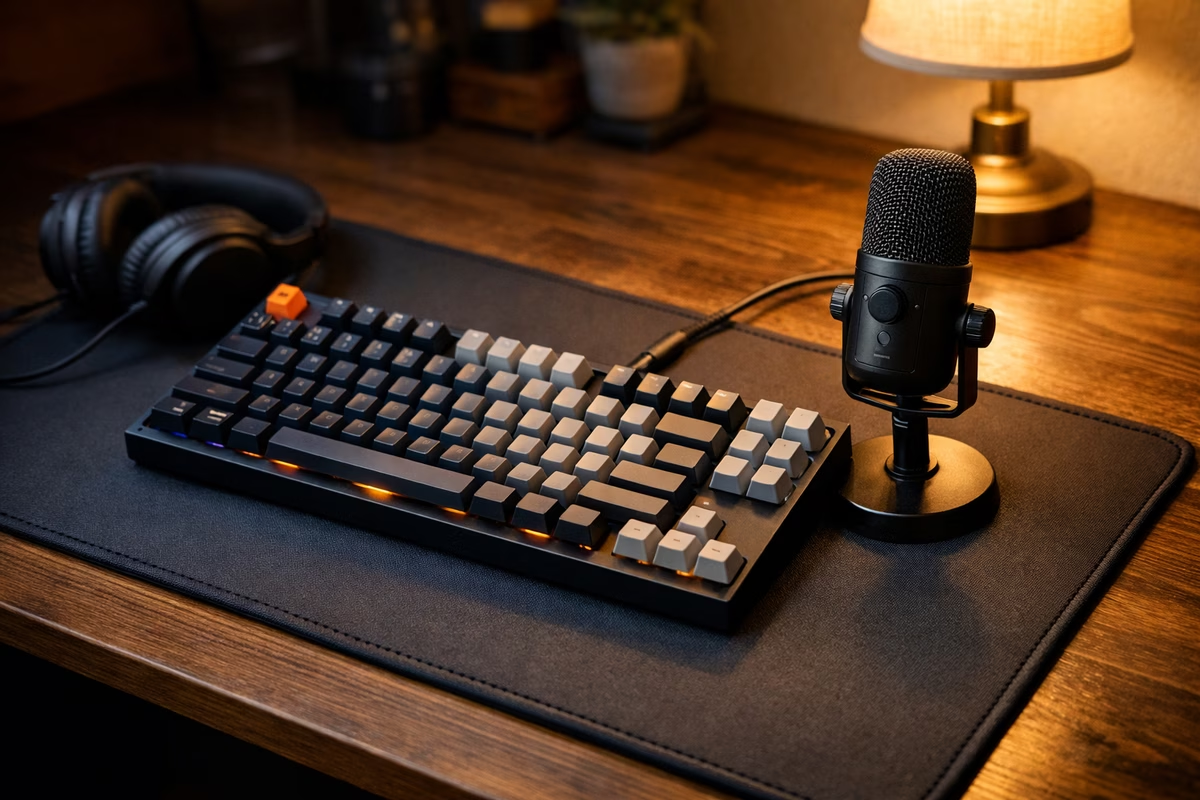
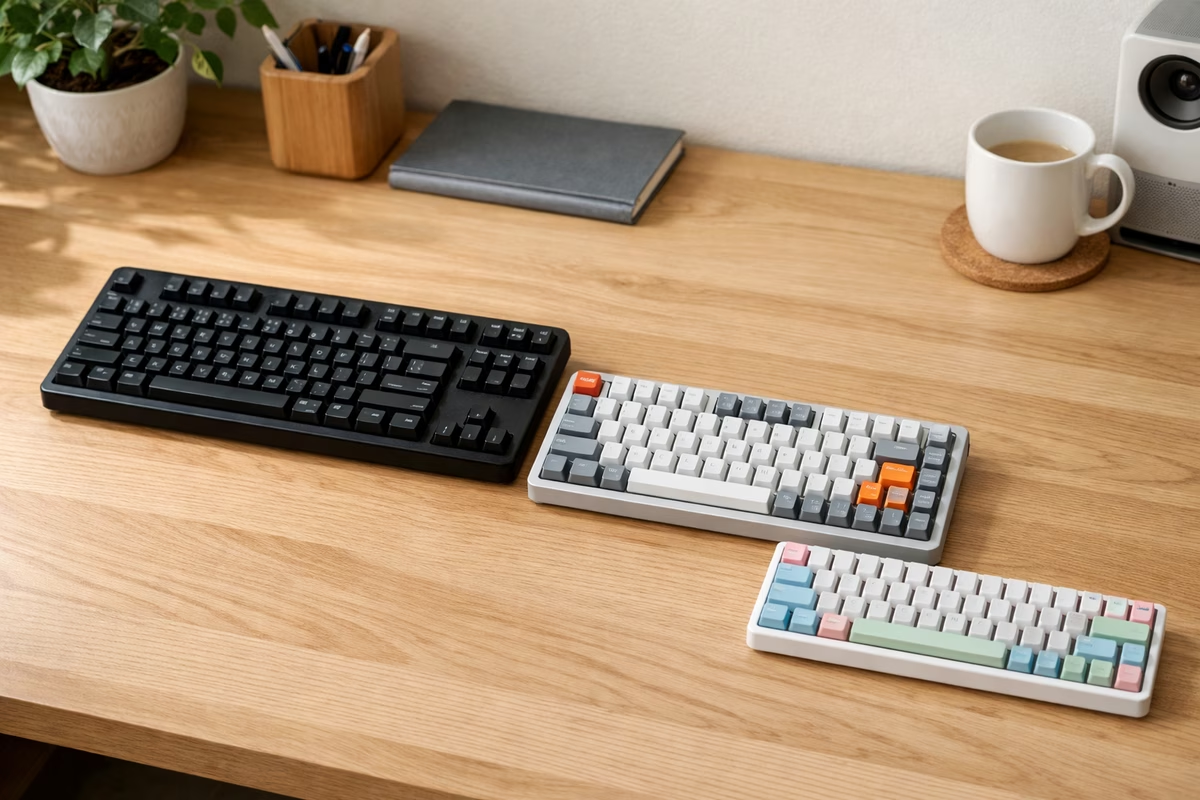
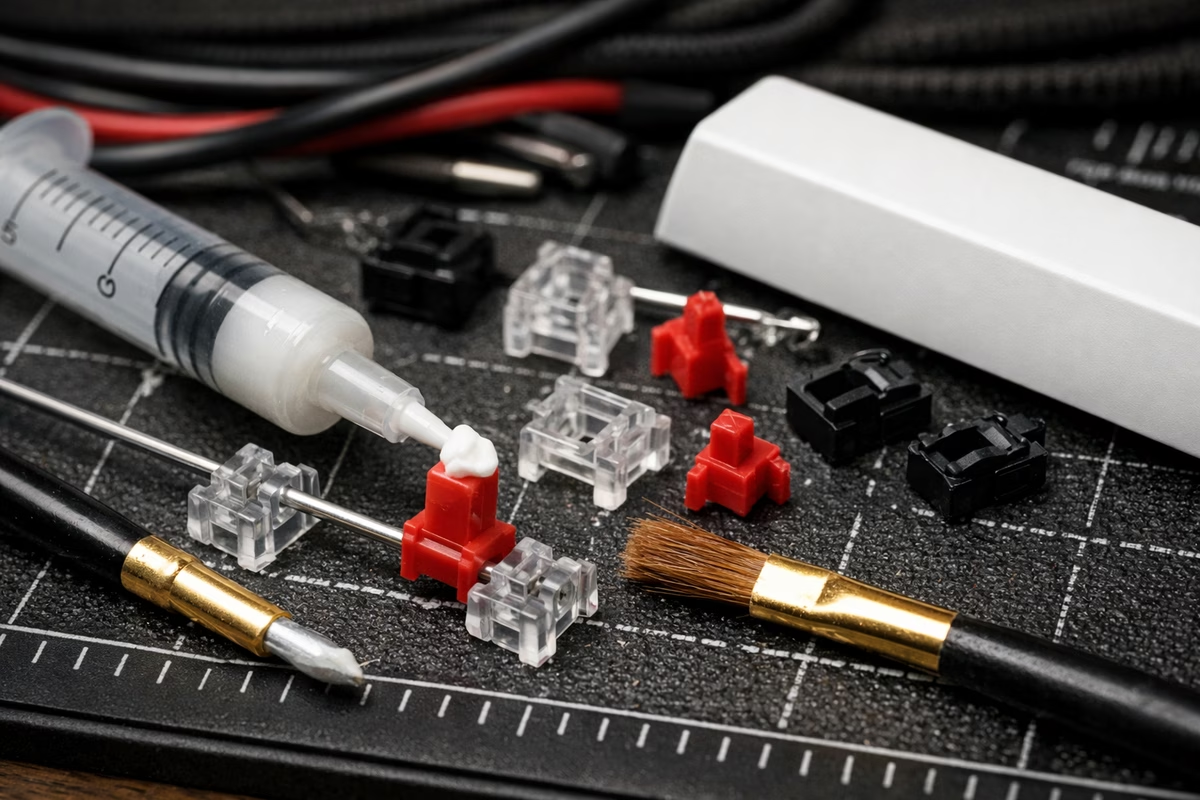
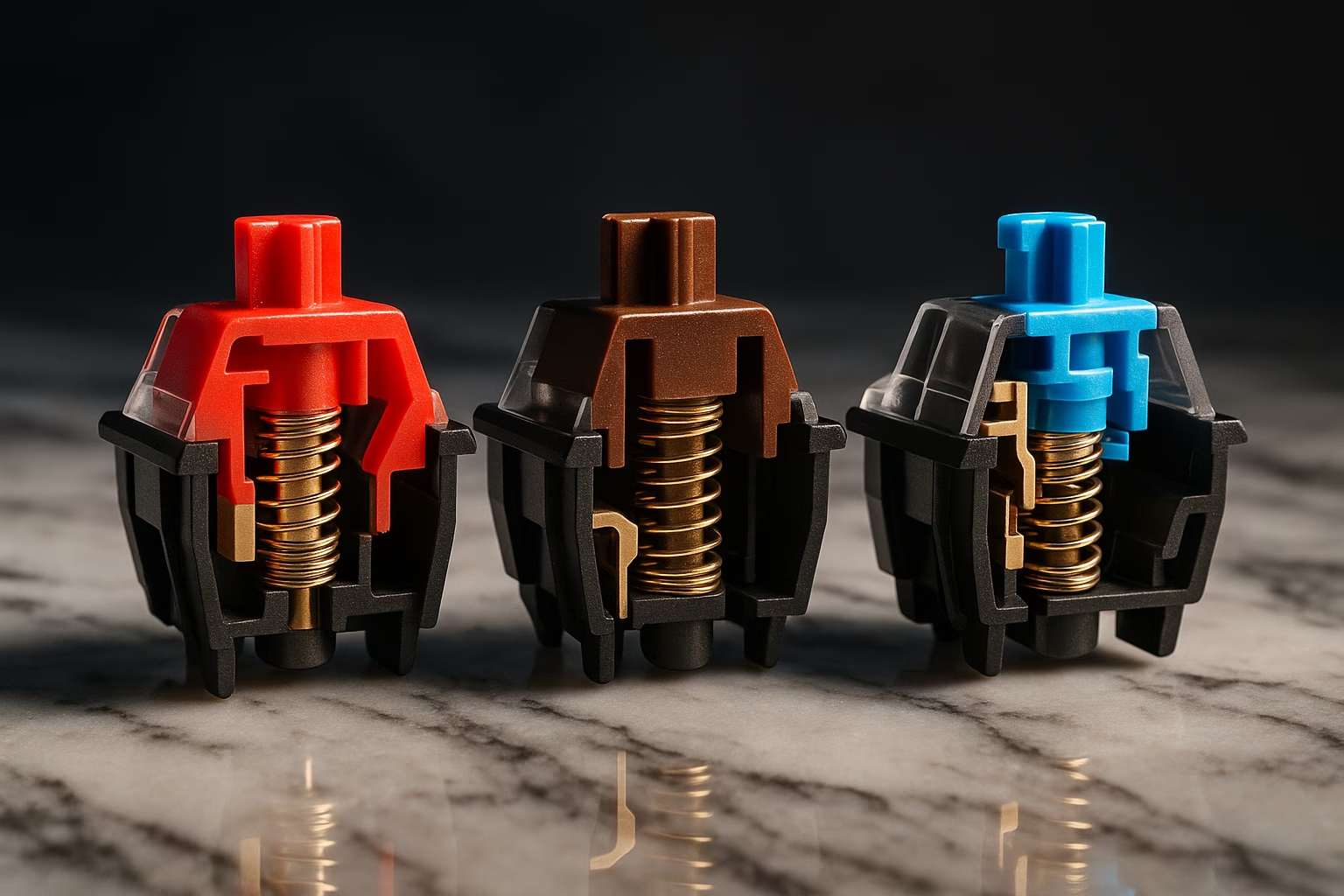
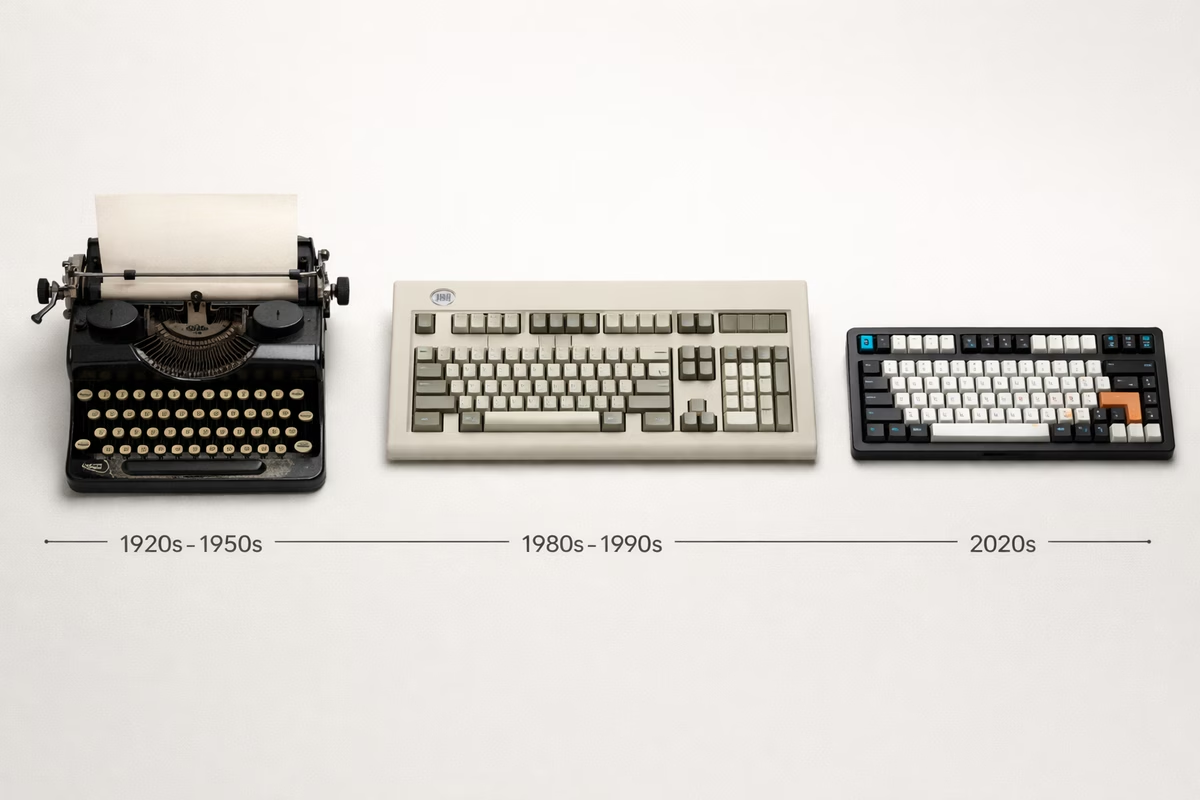
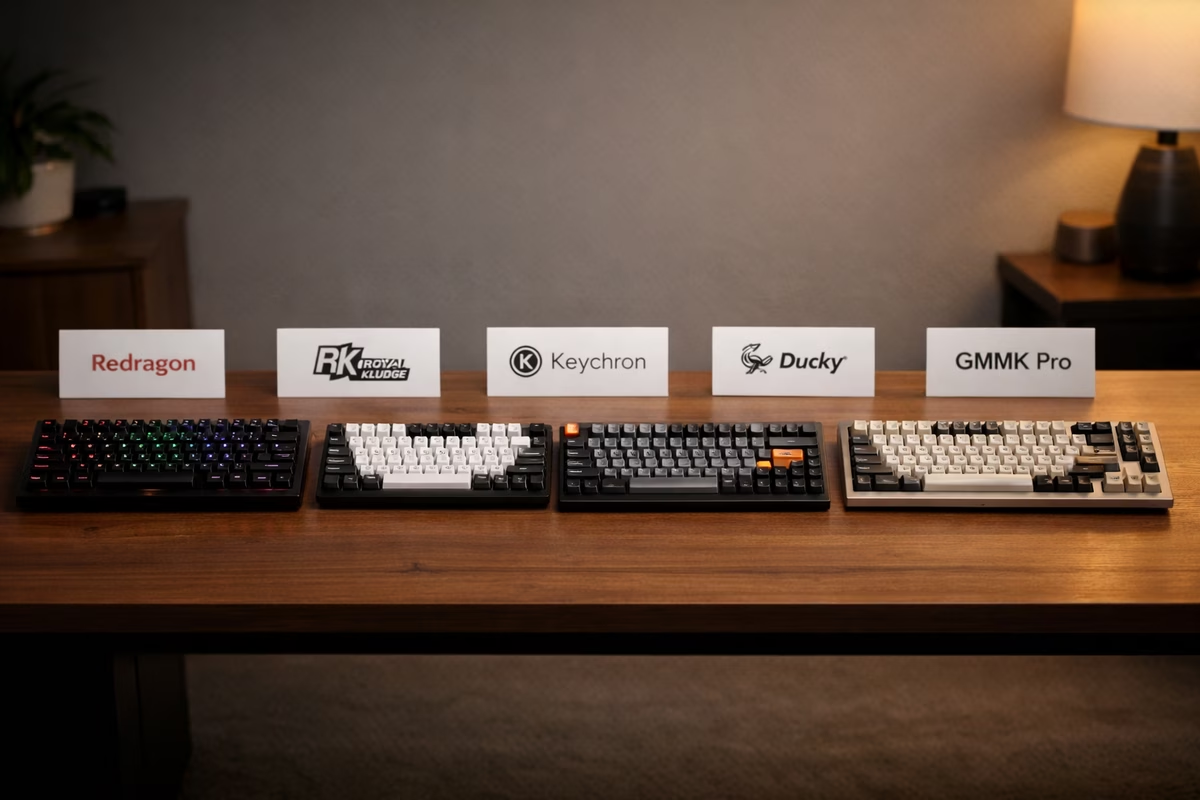
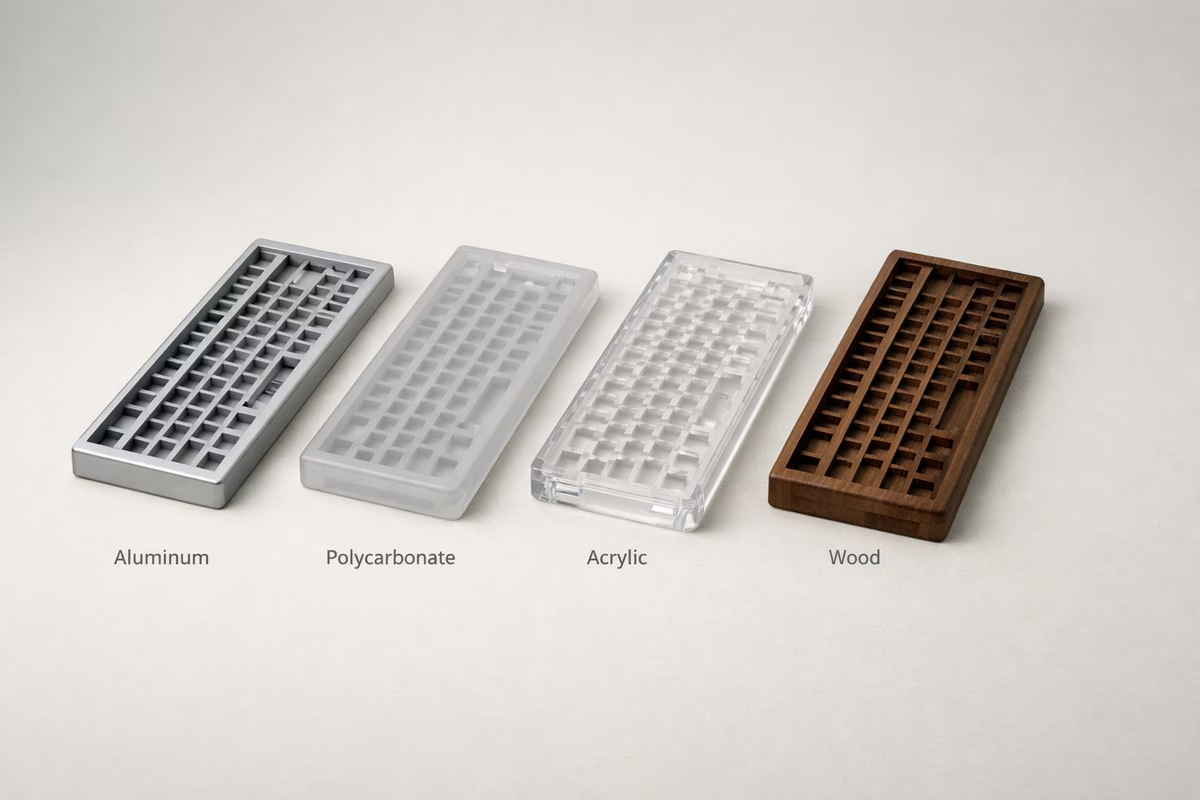
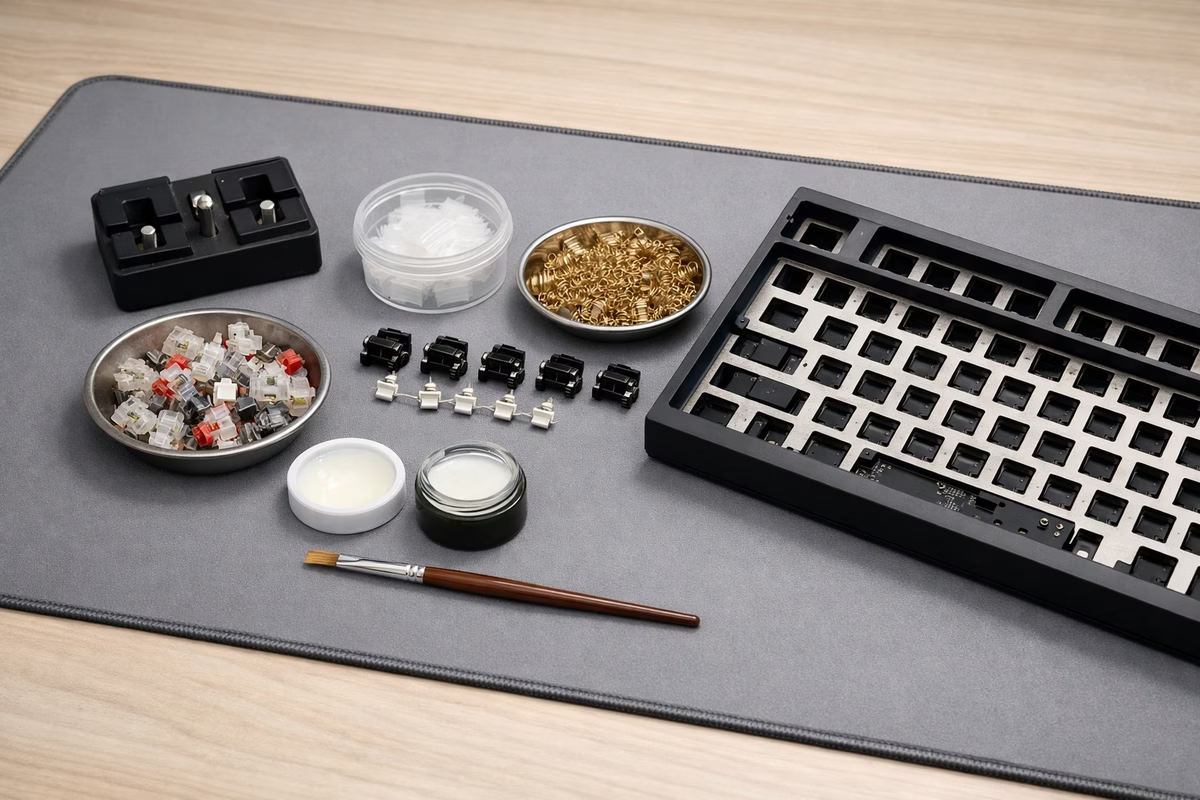
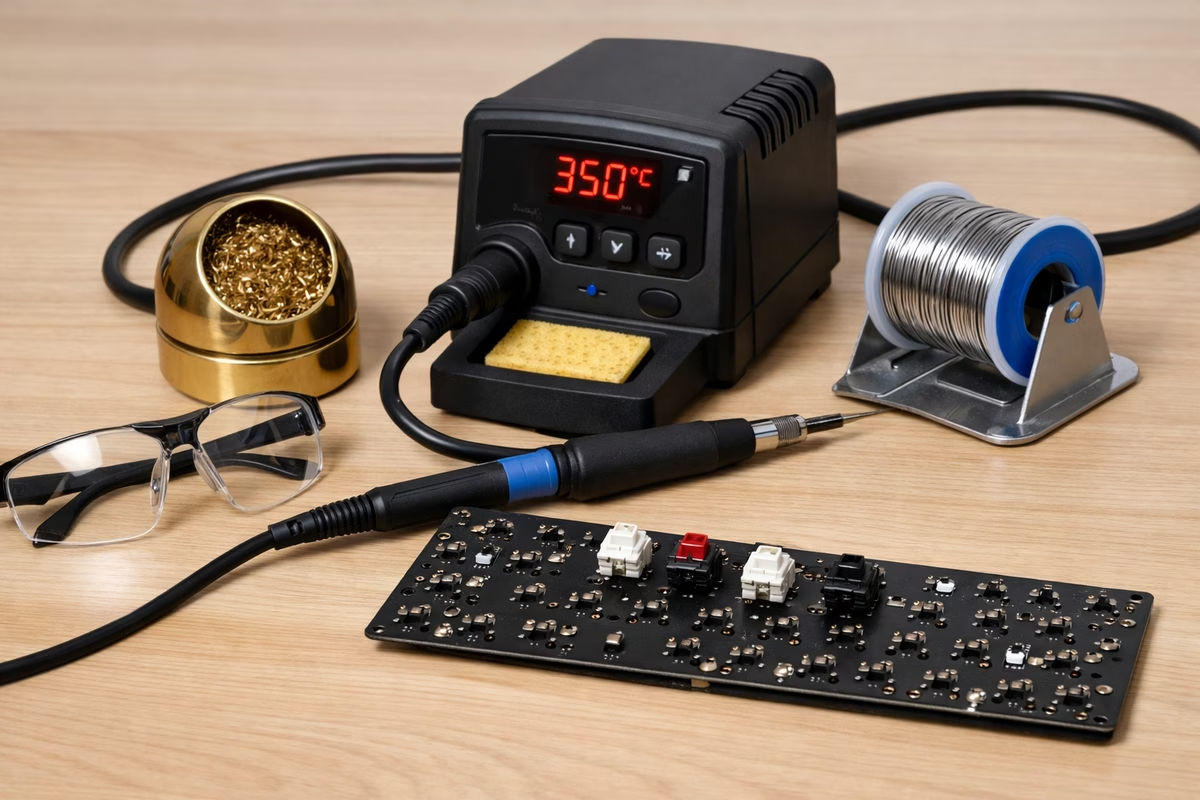
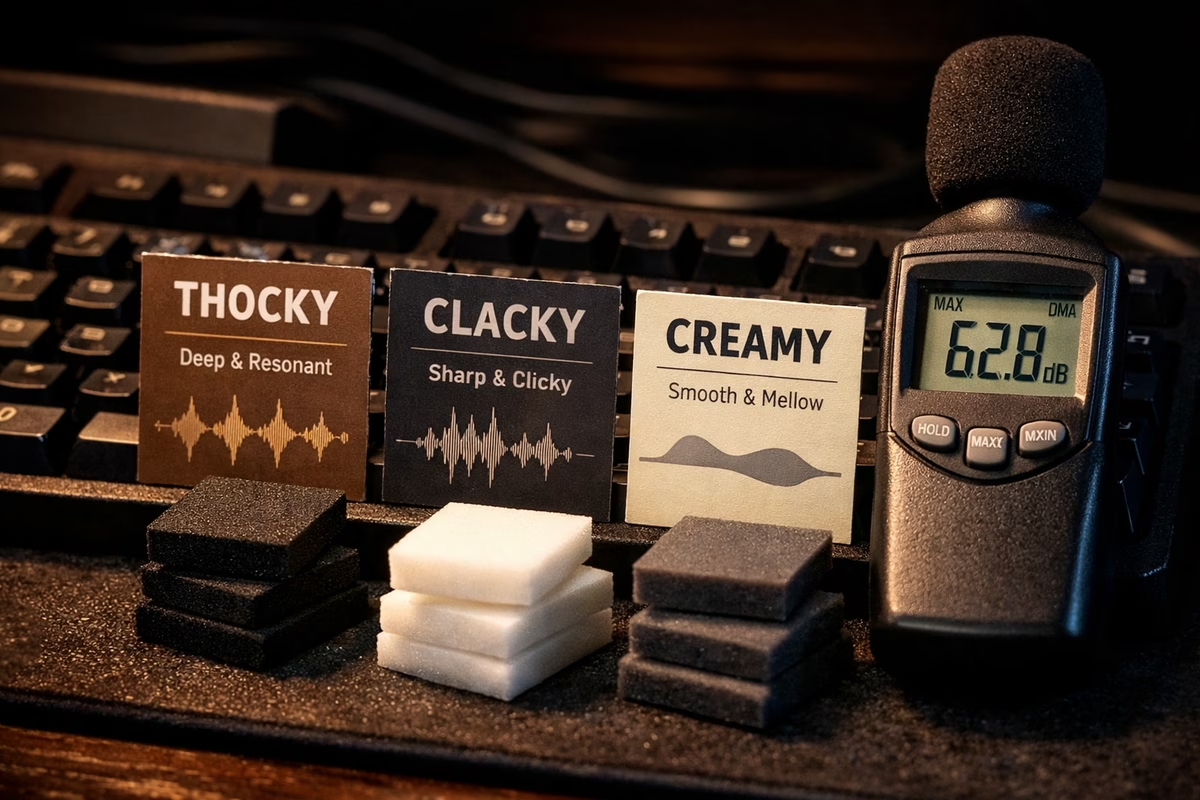
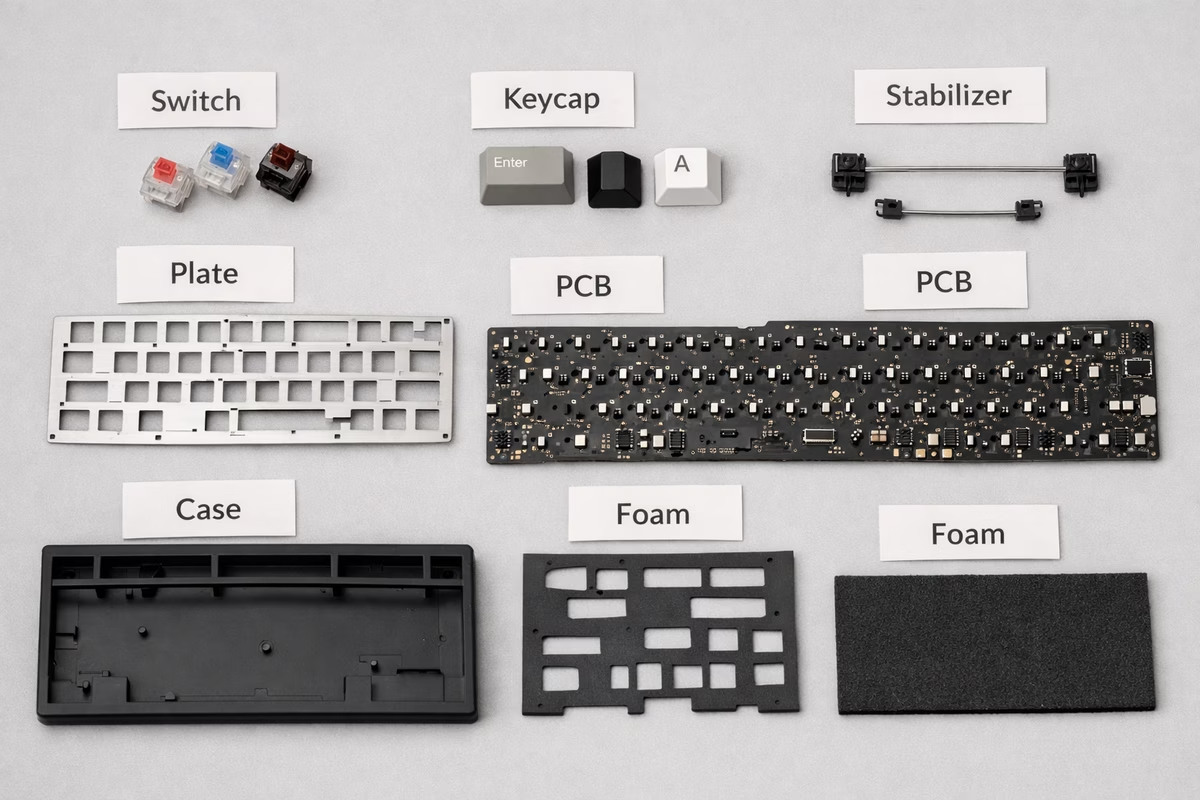
Mechanical keyboards get easier once you know the basics: switches, layouts, stabilizers, keycaps, and firmware. This library keeps those ideas simple so you can choose a board that fits how you type.
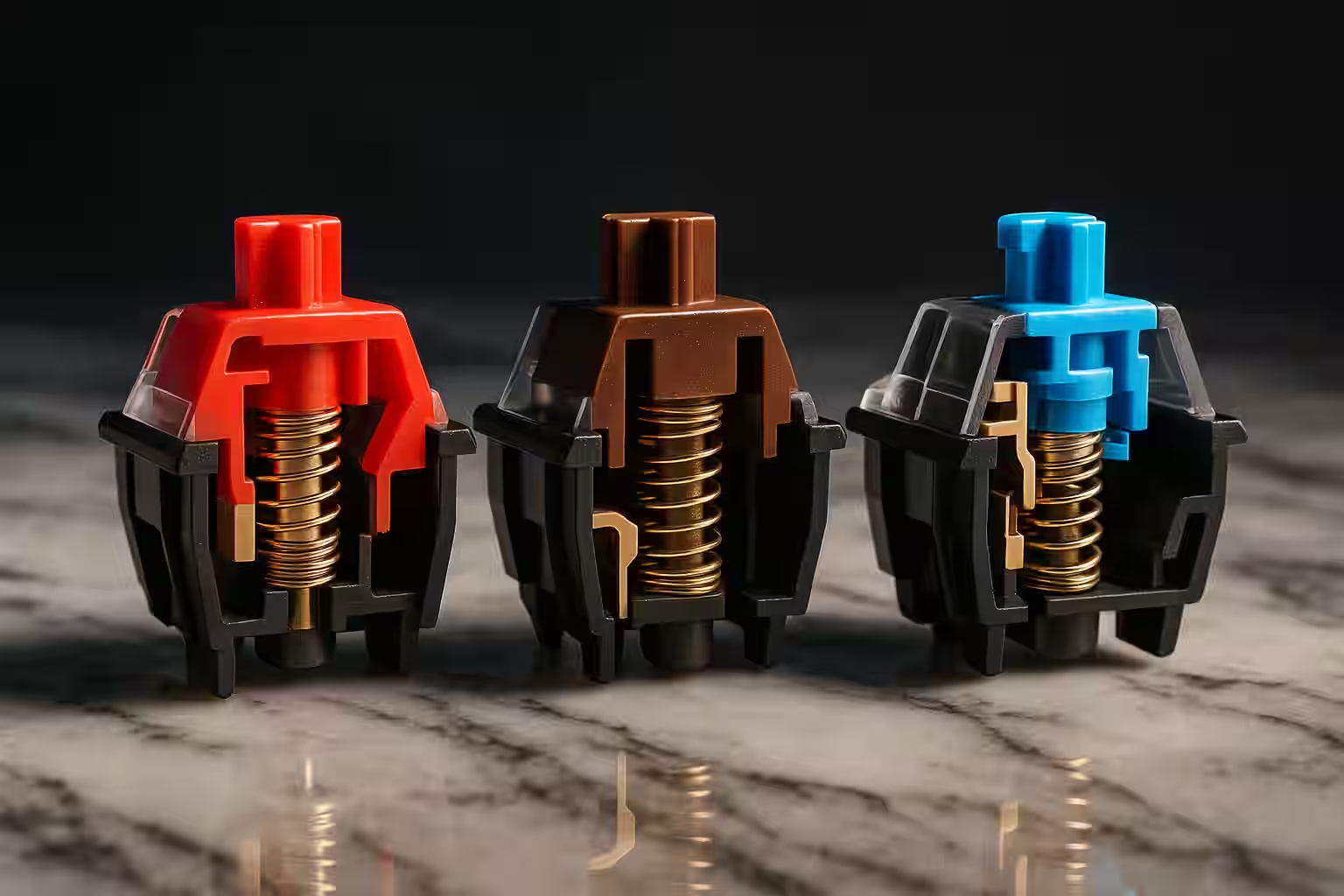
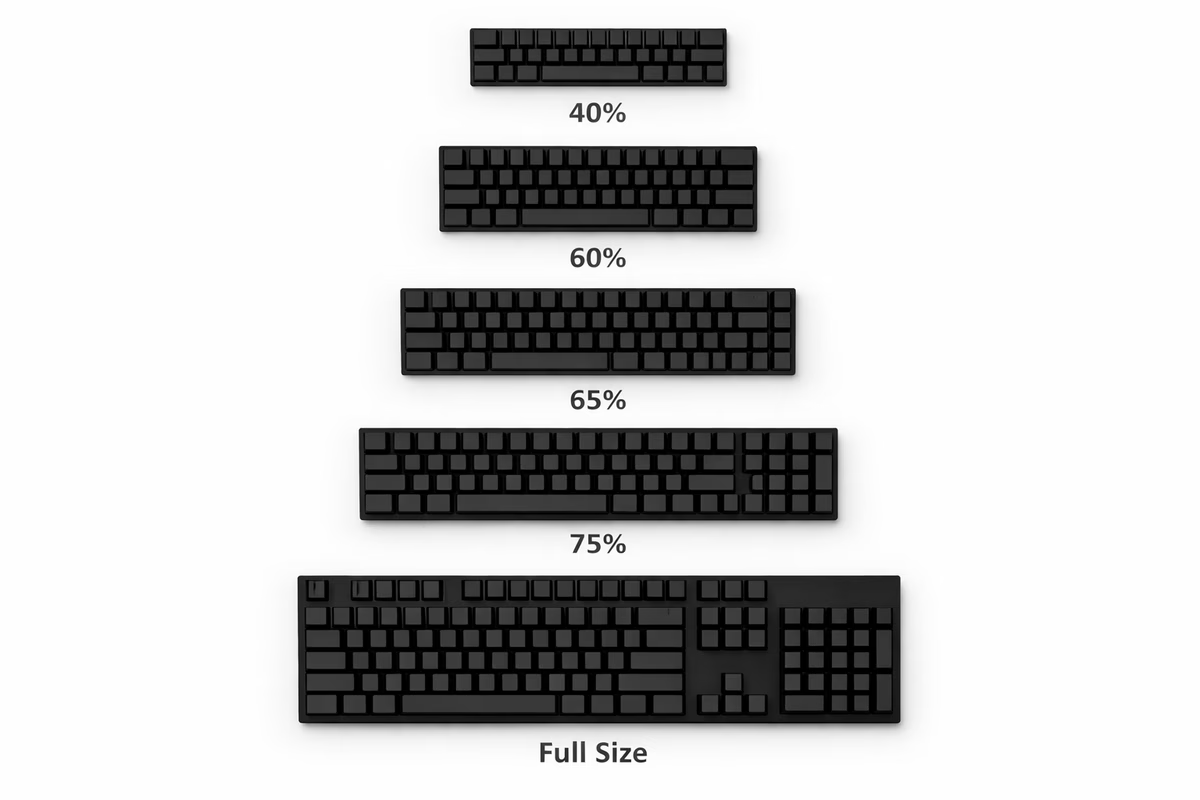
If you’re starting fresh, begin with Quickstart and keep the Glossary open. Then read the Switch guide and the Layouts guide so you can compare feel and size without guessing.
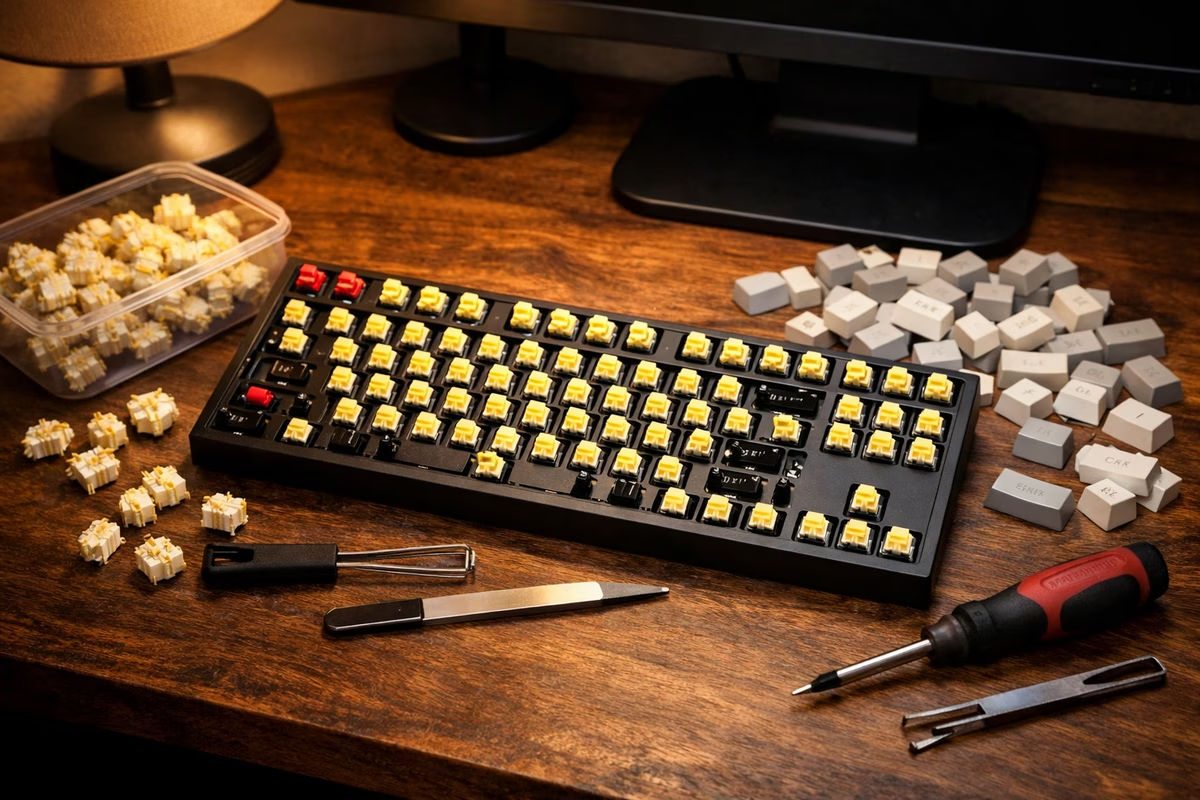
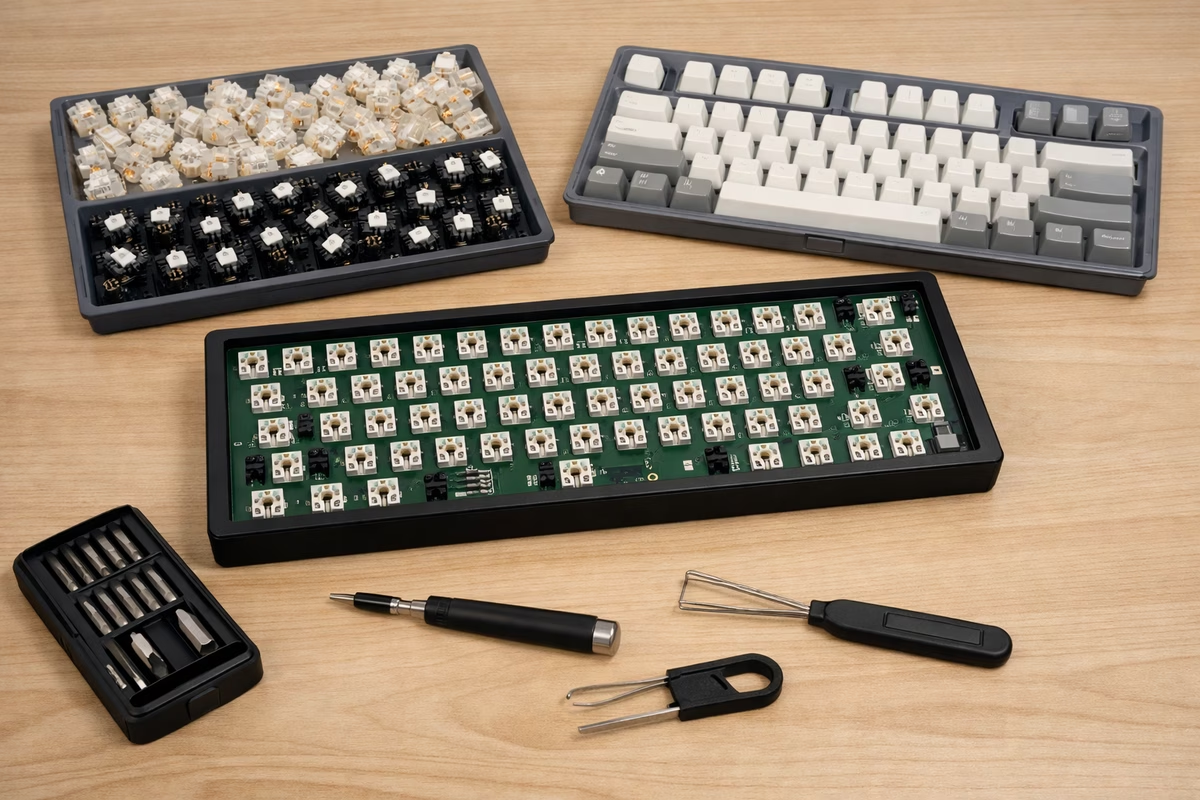
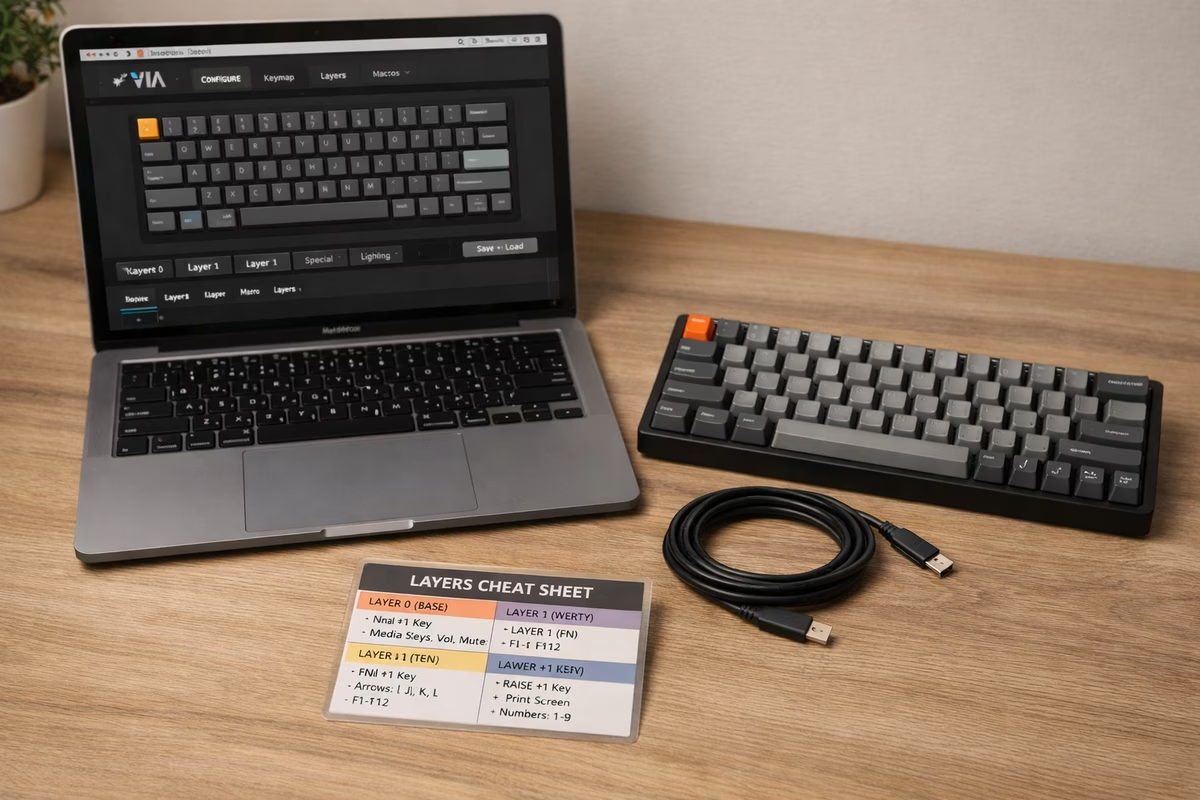
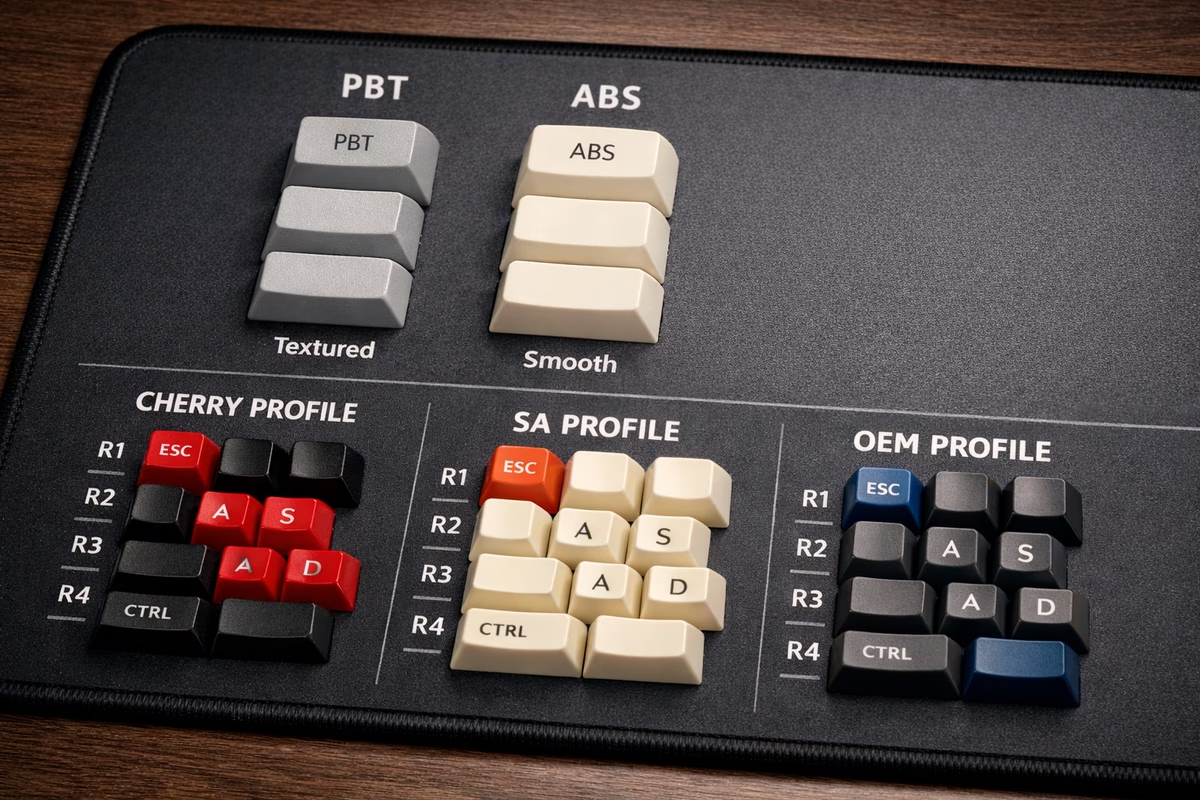
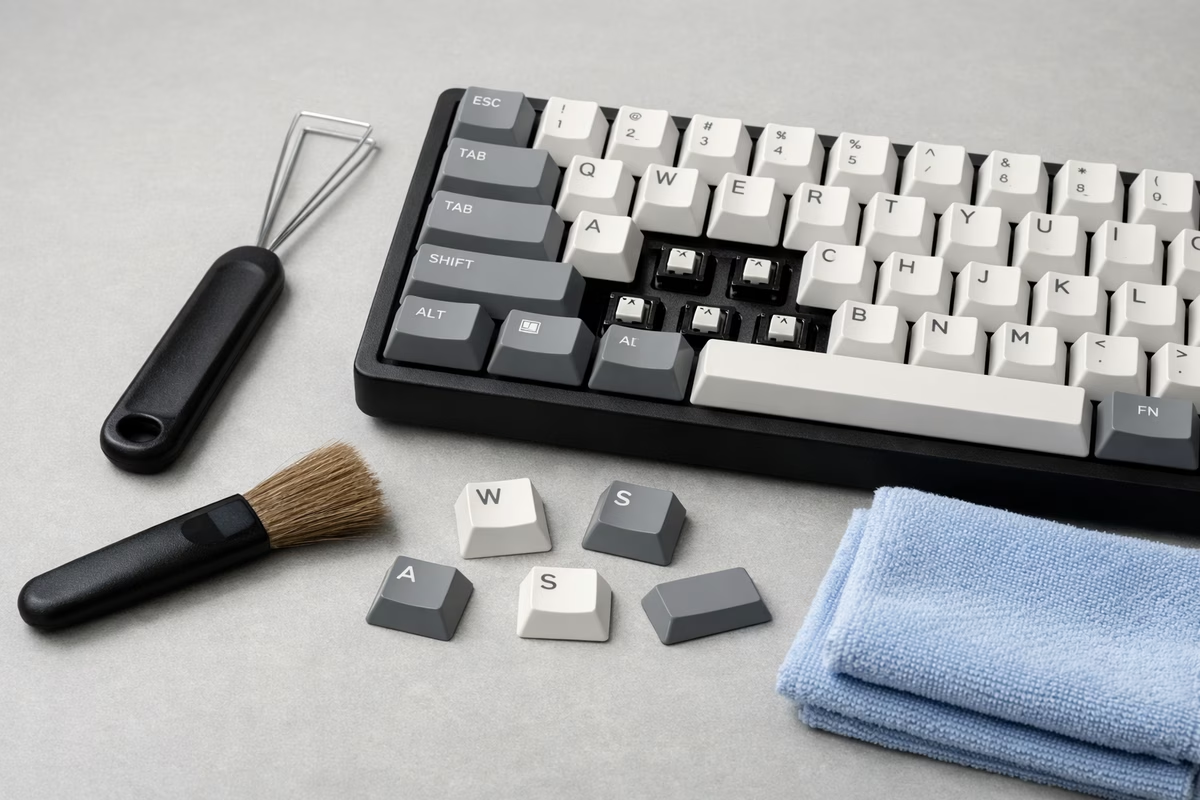
After that, choose your next step. If you want better sound and feel, read Stabilizers , Sound profiles , and Keycaps . If you want to build a board, start with Building and only use Soldering if you need it. If you want to troubleshoot or add features, use Firmware and Maintenance .
For shared rooms, late-night desks, and office setups, add Low-Noise Keyboard Setup . It focuses on the sounds that actually travel: switch bottom-out, stabilizer rattle, case resonance, desk vibration, and heavy typing.
For quick practice between reads, change one thing at a time and take notes. Swap one switch, tune one stabilizer, or try one keycap profile and notice what changed.