
Fondsites Labs
Methodology
Keyboard Sound Baseline Method
A repeatable keyboard sound baseline for comparing reversible changes before deeper modifications.
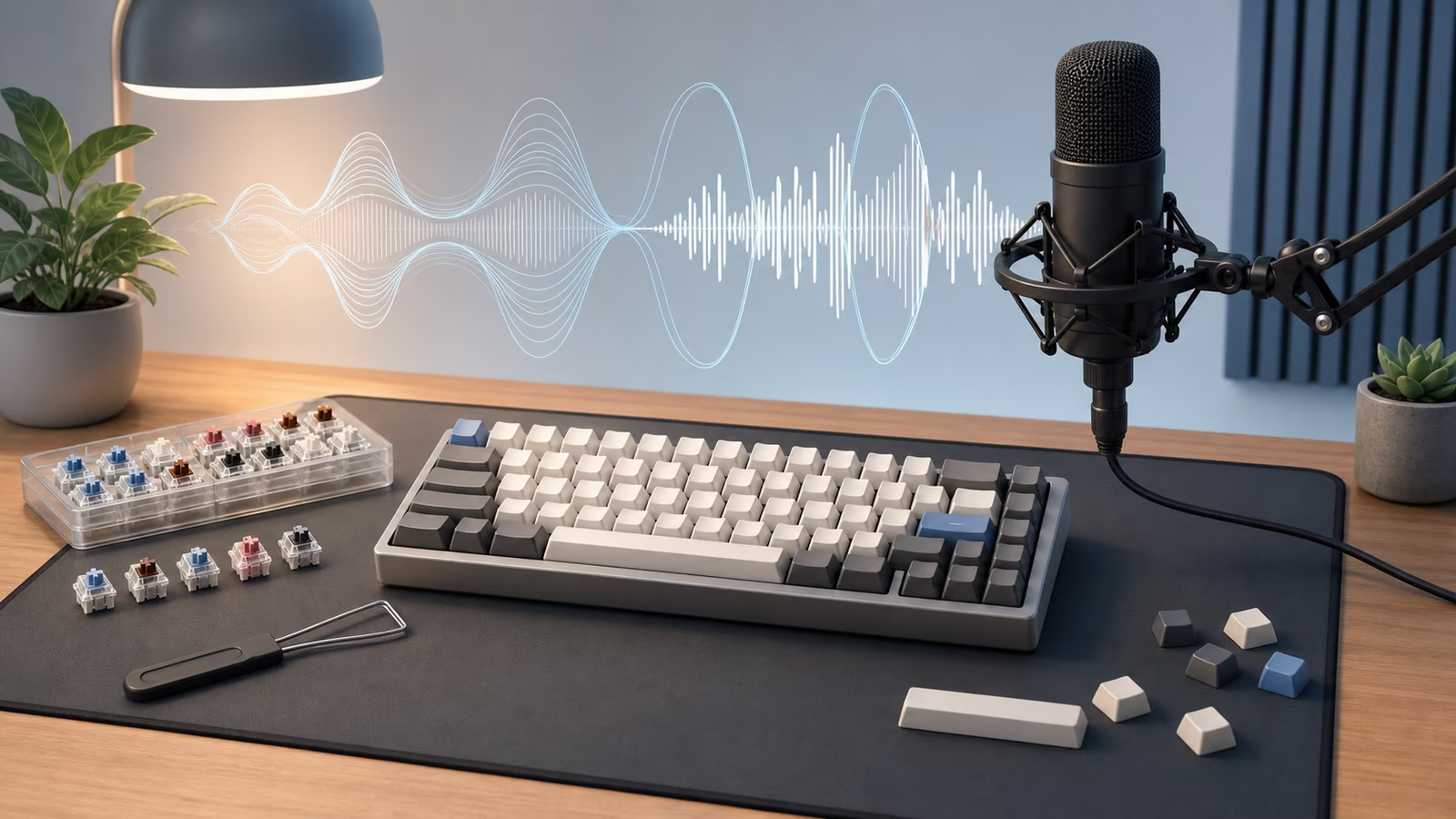
Method goal
Record keyboard sound in a comparable way so each change can be judged against a baseline.
This page describes a method. It does not claim test results unless results are actually present.
Why this method matters
Keyboard sound is where the hobby spends the most money on the least evidence. Social clips are compressed, recorded on other desks with other microphones, and edited to flatter; buying switches to chase a sound you heard in one is how drawers fill with abandoned parts. Your own baseline, on your own desk, is the only recording that predicts what you will actually hear.
A baseline also keeps modifications honest. Foam, films, lube, and stabilizer tuning each get credited with transformations they may not have caused; when every change is recorded against the same clip, you learn which interventions your board actually responds to — and which expensive steps changed nothing.
What to measure or document
- Keyboard, switches, keycaps, stabilizers, desk mat, and microphone or phone position.
- Typing sample, distance, room, and desk surface.
- Change made and whether it affected ping, rattle, loudness, or feel.
Equipment needed
- Phone or microphone.
- Same desk and mat for each recording.
- Short typing script or repeated key sequence.
- Keyboard sound test log.
Step-by-step method
- Record a baseline on the same desk with the same typing sample.
- Make one reversible change, such as desk mat, keycap, or switch sample.
- Record again from the same distance and angle.
- Compare only the targeted sound issue before changing another part.
- Keep the baseline clip with notes so later changes can be reversed.
Data table template
| Date | Keyboard | Switch | Keycaps | Desk setup | Change | Sound issue | Result |
|---|---|---|---|---|---|---|---|
Reading your results
Listen for the specific complaint you set out to fix, not for overall vibes. Ping and rattle are localized — compare the same keys in both clips. If a change made the board quieter but duller and you miss the old sound, that is a real result too; reverse it. When two clips sound identical despite a change, trust the recording over the receipt: the change may matter for feel, but it did not matter for sound on your desk.
Keep the baseline clip permanently. Boards drift as lube settles and stabilizers wear, and a six-month-old baseline is how you distinguish “my board changed” from “my memory changed.”
Common mistakes
- Changing switches, foam, stabilizers, and desk surface in the same pass.
- Recording at different distances or in different rooms.
- Judging sound from compressed social clips instead of your own desk.
Limitations
Microphones and rooms color sound.
A recording cannot fully capture feel, fatigue, or shared-space tolerance.
This page describes a method. It does not claim test results unless results are actually present.