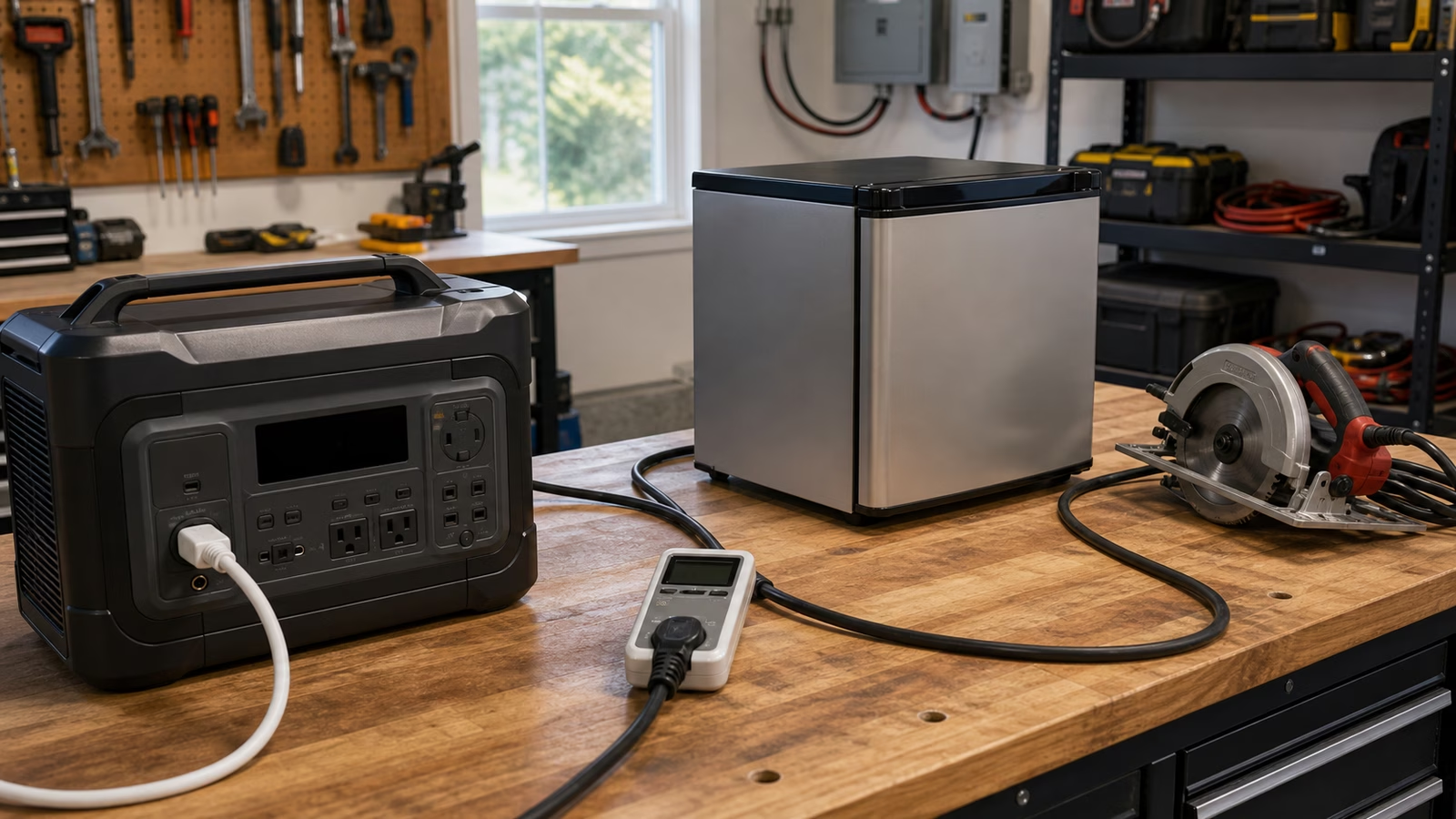
Backup power sizing is not about buying the largest device you can tolerate. It is about matching power to the outage you are actually planning for. A system that is too small disappoints at the worst moment. A system that is too large can waste money, space, fuel, and attention on loads that never needed backup in the first place.
Start with Outage Priority List . Then size around the loads that made the cut. The priority list turns backup power from a vague wish into a defined job: keep these things running, for this many hours, with this level of convenience and safety.
Start with the loads
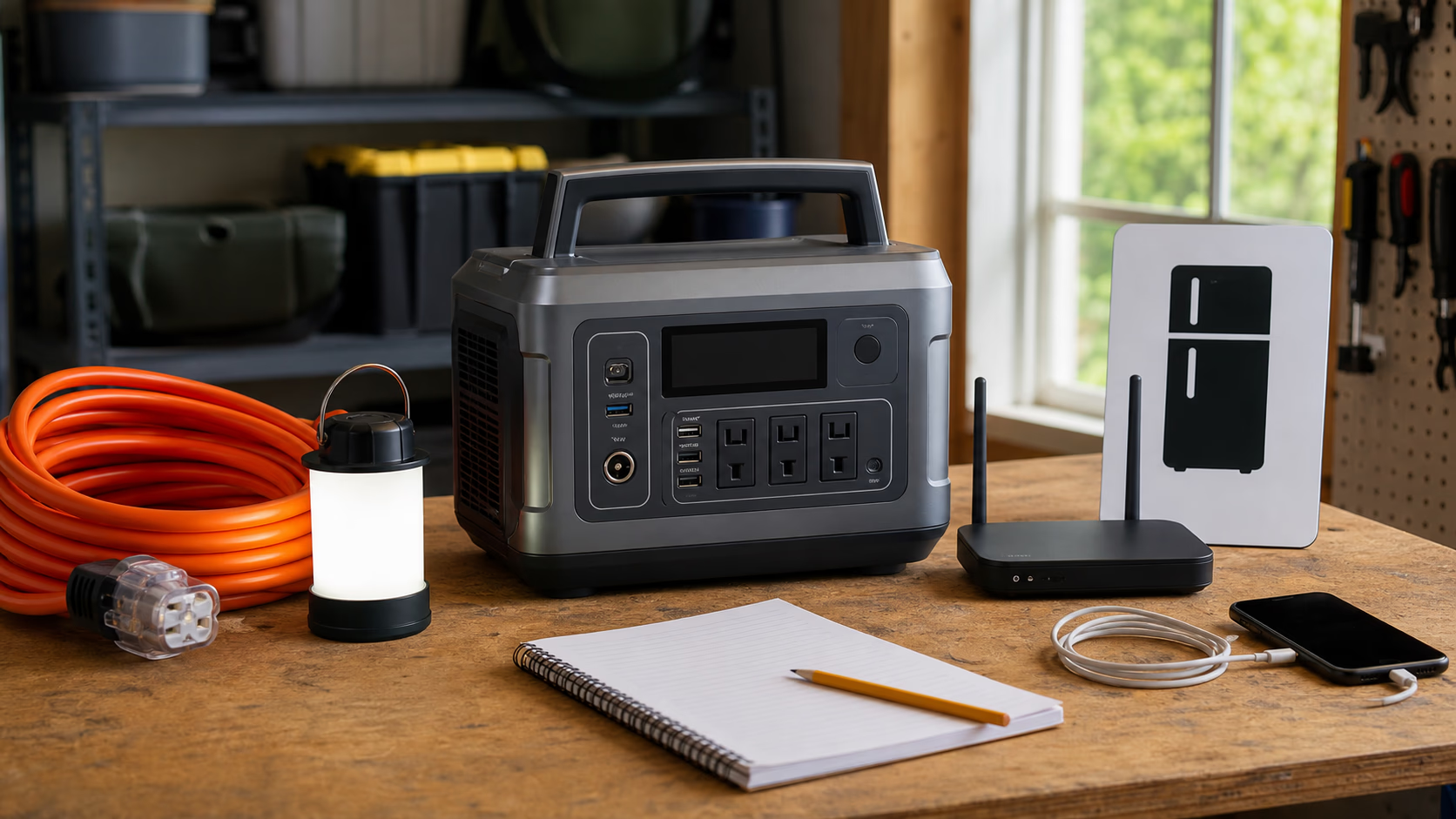
For each important load, understand its watts, the number of hours it needs to run, whether it has a startup surge, whether it is safety-critical, and whether it can be cycled or delayed. A refrigerator is easier to plan when you know its daily kilowatt-hours and startup behavior. A router is easier because it runs steadily. A sump pump is harder because it may sit quiet for hours and then demand serious power at exactly the wrong time.
Measured data is better than guessing. Labels and manuals help, but real use can be different. Refrigerators cycle. Dehumidifiers run longer in wet weather. Medical equipment may have no tolerance for experimentation. If a load matters for safety, comfort, food preservation, flooding, or communication, treat the number with respect and add margin.
Separate energy from power
The simple energy formula is still the heart of the plan: watts x hours = watt-hours. Add the watt-hours for the loads you expect to run, then add margin for inverter losses, battery reserve, cold weather, battery aging, and uncertainty. That total tells you roughly how much usable energy the system needs.
Power output is a different question. Energy capacity tells you how long the system can run. Power output tells you what can run at the same time. A battery with 2 kWh of usable capacity may charge phones and run a router beautifully while failing to start a compressor load if the inverter output is too modest. Capacity, continuous output, and surge output all have to match the outage plan.
Think about recharge
Backup systems need a way back to full. Wall charging before a storm is simple if there is warning. Solar charging can help during daylight, but clouds, shade, sun angle, and input limits matter. Vehicle charging may be possible only with supported equipment. Generator charging can be useful where safe and appropriate, but fuel storage, noise, placement, and carbon monoxide safety become part of the plan. Grid recharge is convenient after power returns, but it does not help during a long outage unless another source keeps the system alive.
Solar recharge sounds especially simple until the numbers appear. A battery that can accept only a small solar input may recharge slowly even if more panels are available. A large portable battery with one undersized panel can take so long to refill that it functions more like pre-charged storage than a renewable backup system.
Match the system to the outage
Phones and lights may only need a small battery. Router and laptop backup may fit a portable power station or UPS-style plan. Refrigerator backup pushes the design toward more capacity and surge awareness. A sump pump needs careful safety planning and enough output to start reliably. HVAC or whole-home backup usually belongs in permanent battery, generator, or integrated electrical design territory.
The right system is the smallest one that solves the actual outage. That does not mean fragile or underpowered. It means specific. A backup plan should say what runs, what does not run, what can wait, and how the system gets charged again.
Continue with Battery Runtime Calculator for the actual math.
Apply this guide as a decision record
Use Backup Power Sizing: Build the Smallest System That Solves the Outage to turn a vague household question into a checkable one. Its scope is specific: A step-by-step guide to sizing backup power from critical loads, runtime, battery capacity, inverter output, and recharge options. Before changing the setup, write down the condition you are trying to change, the constraint that matters most, and the evidence you still lack.
For a first pass through backup power sizing, compare the current state with a relevant baseline and record one observation, measurement, or conversation. Make the smallest reversible change available. Keep the manual, model number, room condition, schedule, or maintenance note beside the decision so a future check does not depend on memory. Keep backup power, sizing, battery in view as separate signals instead of treating them as one verdict.
A useful follow-up asks whether Backup Power Sizing: Build the Smallest System That Solves the Outage improved the named problem without creating a new one. Check the tradeoff that fits this subject — heat, noise, comfort, water, power, wear, effort, or cost — and describe the result in plain language. If a boundary is safety-critical, stop at the guide’s limit and bring the details to a qualified local professional.
The conclusion for backup power sizing should stay narrow. Record what was observed, which condition made the result possible, what maintenance keeps it dependable, and what would make you revisit the choice. That turns a guidebook into a decision record you can use again rather than a promise to remember.