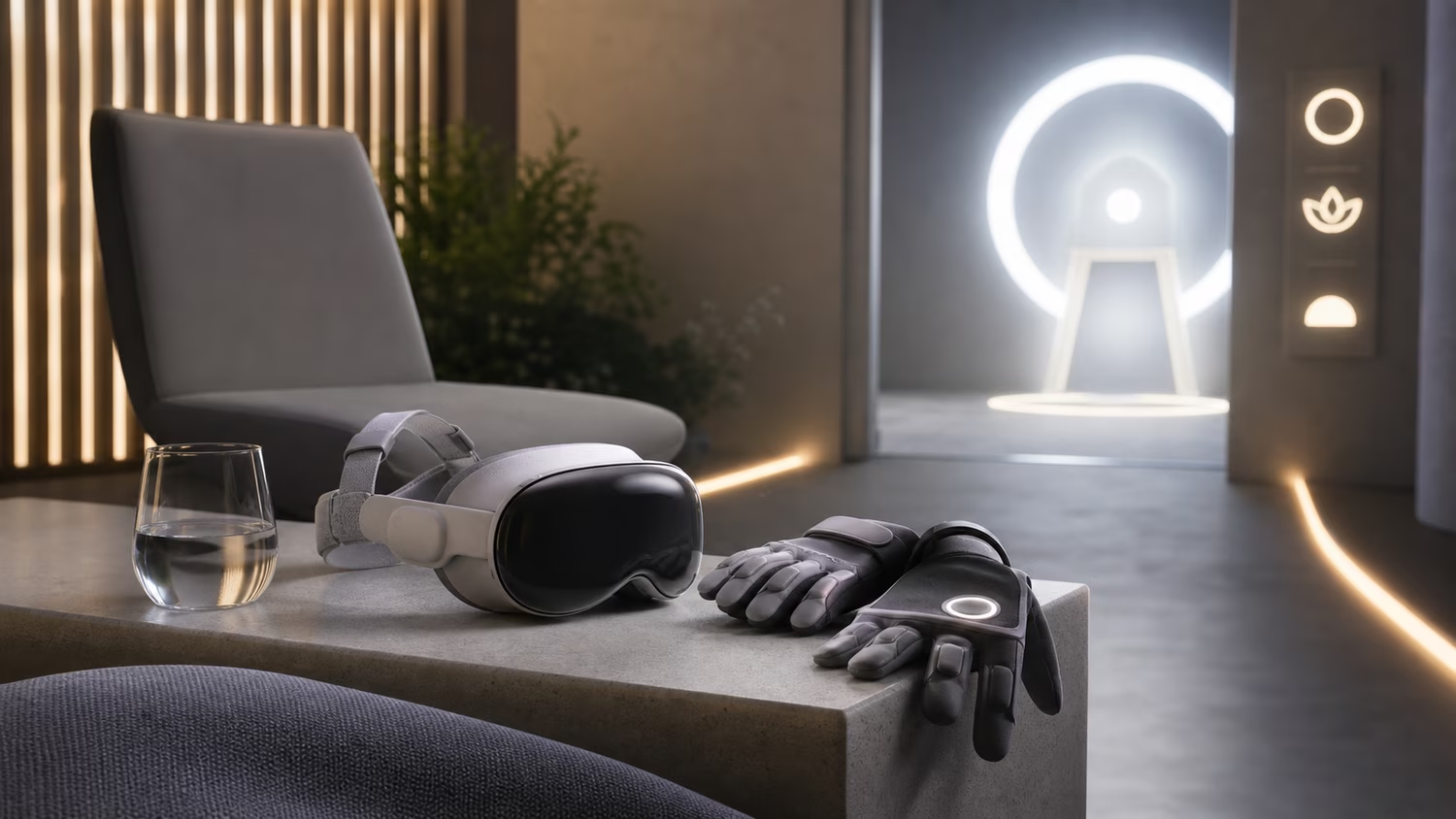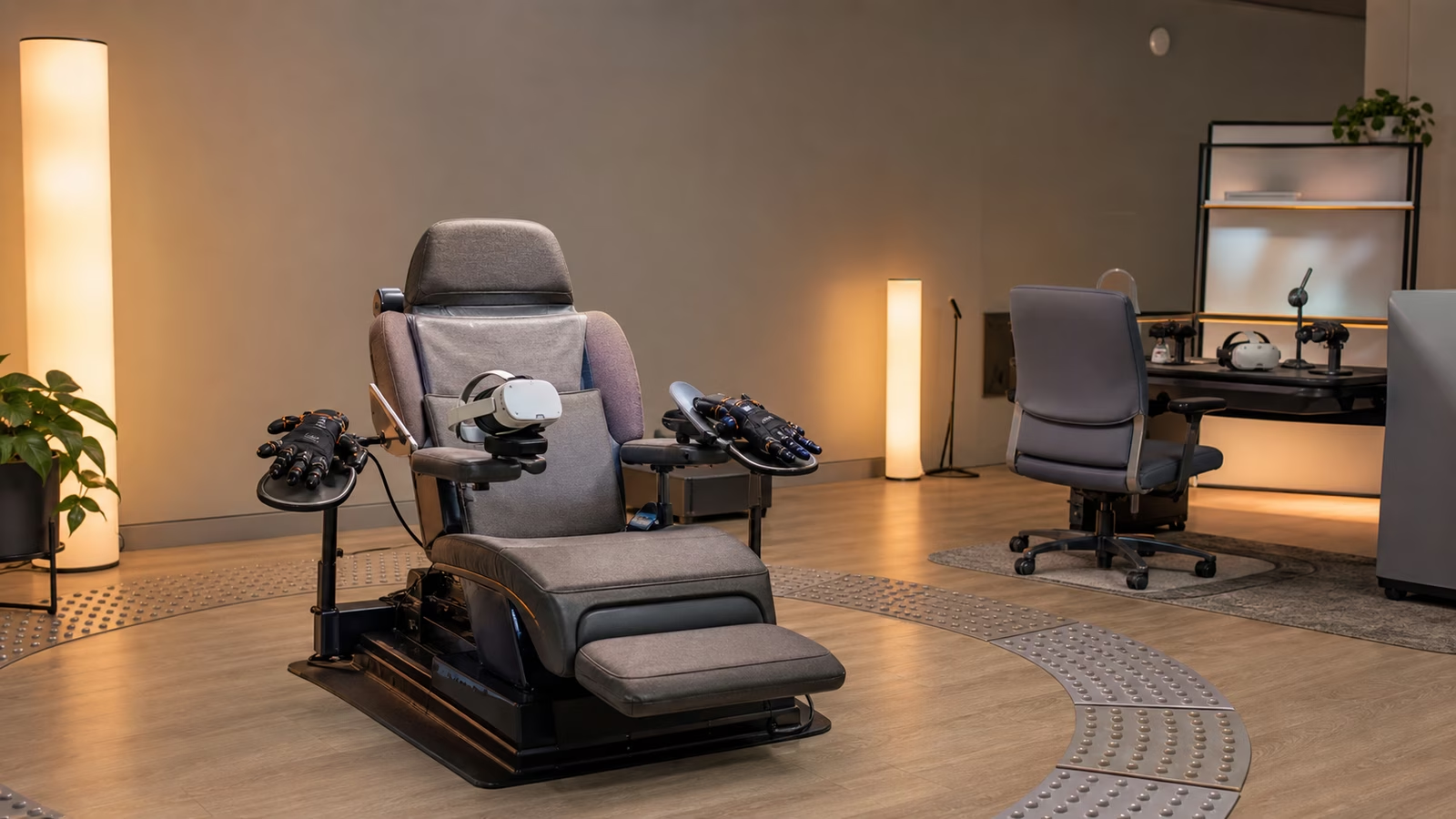
Full dive VR is often imagined through the body of an ideal user: someone standing easily, moving both hands freely, hearing every cue, seeing every detail, tolerating motion, trusting balance, and returning from the session without lingering strain. That imaginary user is useful for a demo. It is a poor foundation for a real medium.
If full dive VR ever becomes ordinary, it will be used by people with different bodies, different senses, different stamina, different movement patterns, and different relationships to technology. Some users will enter from a wheelchair, bed, recliner, or physical therapy room. Some will use one hand, no hands, voice, eye gaze, muscle signals, switches, prosthetics, or caregiver-supported setup. Some will need visual simplification, captioning, audio substitution, reduced motion, lower haptic intensity, slower pacing, or a way to leave without standing. Accessibility is not a side quest for this field. It is one of the ways the technology proves it understands embodiment.
The rest of this guidebook collection keeps returning to the body because full dive is not only a display problem. Avatar Bodies and Body Schema explains why the virtual body has to be calibrated with care. Comfort and Reorientation in Full Dive VR explains why coming back should be designed. Accessibility sits between those two concerns. It asks whether the system can make room for the body the user actually has, not only the body the interface designer assumed.
Accessibility Belongs Before the Spectacle
Many technologies treat accessibility as a patch added after the main experience is complete. A menu receives a larger font. A game adds captions. A website gets keyboard focus after the visual design is already settled. Those changes can matter, but full dive VR is too embodied for late repair to be enough.
If a world depends on two-handed gestures, fast standing turns, subtle color warnings, spatial audio cues, or haptic sensations at a precise body location, then accessibility is already part of the core design. It cannot be sprinkled on later. A user who cannot stand safely should not have to ask for a lesser version of the world. A user who cannot hear a directional warning should not be left outside the logic of the scene. A user who fatigues quickly should not be punished by pacing that assumes constant movement.
This does not mean every experience must be identical for every user. Deep immersion will always involve tradeoffs. A climbing simulation, a dance lesson, a crowded social room, and a surgical training environment may all need different accessibility strategies. The important shift is that access has to be designed as an ordinary path through the world, not an exception hidden in a settings drawer.
Bodies Do Not Enter the System Equally
Full dive discussions often focus on the virtual body, but the physical body still matters. The user has to put on equipment, sit or stand somewhere, manage heat, deal with straps or sensors, recover after the session, and live with whatever fatigue the experience creates. The fantasy of leaving the body behind is misleading. A deeper interface may make the physical body less visible for a while, but it does not make the body irrelevant.
For some people, the setup is the barrier. A headset that is easy for one user to wear may be difficult for someone with limited arm movement, neck pain, spasticity, tremor, sensory sensitivity, or a hairstyle, head shape, or medical device the hardware did not anticipate. Haptic gloves may be unusable for hands that do not match their sizing assumptions. Body tracking may misread posture, mobility aids, prosthetic limbs, or involuntary movement. A platform that treats these cases as edge conditions will quietly exclude many of the people who could benefit most from embodied computing.
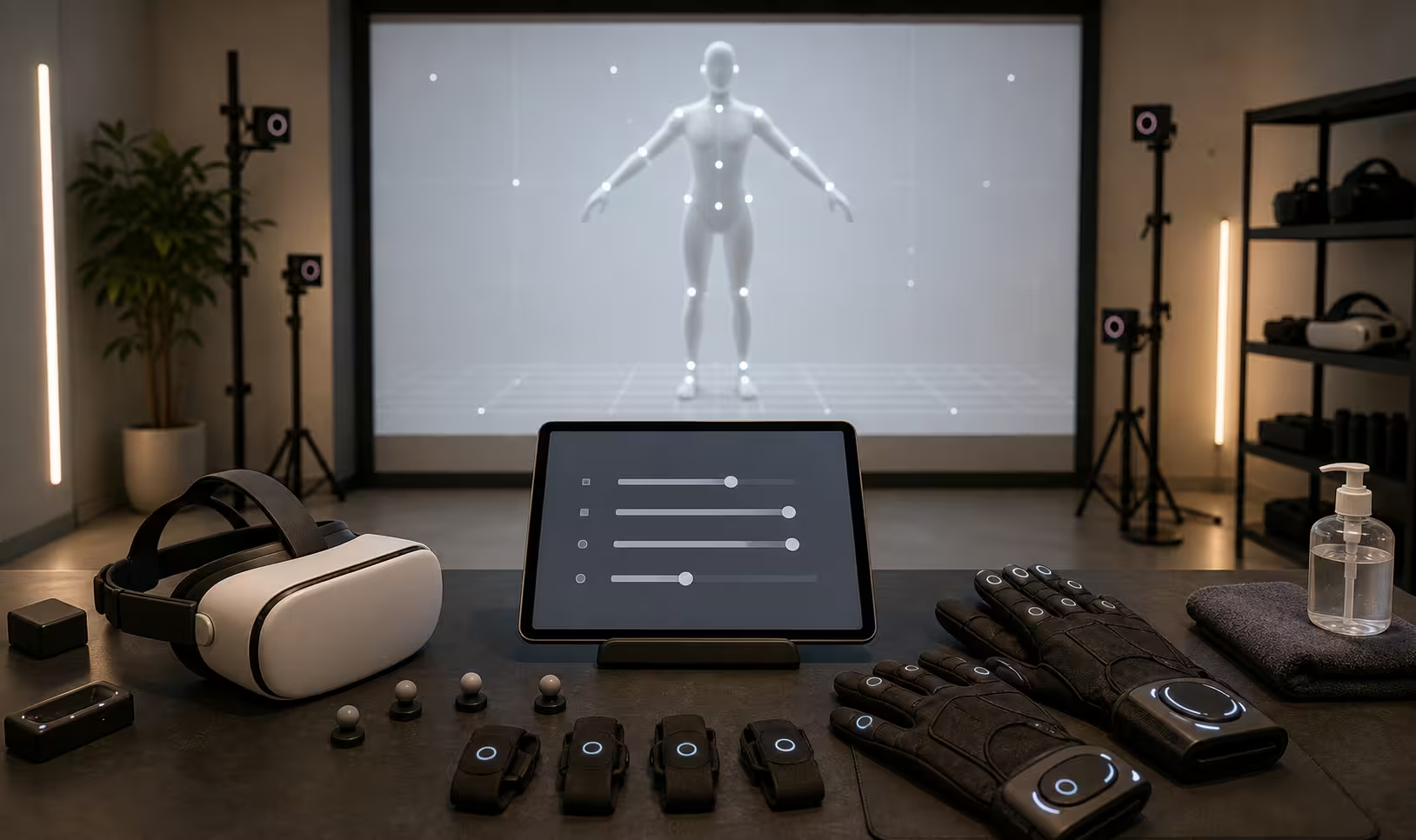
The answer begins with calibration that listens. A good system should ask what posture the user will use, what movements are available, what should be avoided, what sensations are welcome, and what should stop the session. It should not force the user to prove normality before entering. It should build a usable body model from the user’s actual range.
Input Should Have More Than One Door
Input is where accessibility becomes practical. How Full Dive VR Might Work describes the loop between intention, action, and feedback. For an accessible system, that loop needs multiple possible entrances.
A gesture can be useful, but it should not be the only way to act. Voice can be powerful, but it should not be required in a noisy room, a public setting, or for a user who does not speak comfortably. Eye gaze can help with selection, but it can become tiring if every look is treated as intent. Muscle sensors, switches, controllers, sip-and-puff devices, adaptive gamepads, prosthetic controls, and caregiver-assisted setup may all belong in the same design vocabulary.
The deeper principle is that intention should not be confused with a single motion. If the goal is to pick up a virtual cup, the system may infer that through a hand reach, a gaze-and-confirm action, a voice command, a shoulder movement, or a saved preference. If the goal is to move through a world, walking in place is only one option. A seated user may want gaze-steered movement, short jumps between stable anchors, slow vehicle motion, or a companion-guided path. The world should preserve agency even when the body does not match the default controller map.
This is also why remapping must be dignified. Accessibility settings should not feel like cheat codes, warnings, or apologies. They should feel like fitting the room to the person.
Sensory Output Needs Ranges
Full dive VR promises richer sensory output, but richer does not always mean stronger. Vision, sound, touch, balance cues, temperature, pressure, and simulated contact should have ranges that respect different thresholds. Some users need more signal. Some need less. Some need one sense to substitute for another. Some need the system to avoid specific sensations entirely.
Consider a warning in a virtual workshop. One user may hear a spatial alarm from the left. Another may see a light pulse at the edge of vision. Another may feel a soft vibration on the wrist. Another may receive a simplified pause that removes the hazard before it becomes confusing. If the only warning is a realistic sound, the world is less accessible and less robust. A real safety system does not rely on one channel when more than one channel is available.
Haptics deserve special care. A touch cue that feels delightful to one user may be painful, startling, or unreadable to another. Pressure, vibration, heat, and resistance should be introduced gradually and labeled through experience. The user should understand what a sensation means before it appears during a high-stakes moment. This is not only comfort design. It is literacy. The system is teaching a new sensory language, and users should be allowed to learn it at their own pace.
Seated Worlds Are Not Lesser Worlds
A serious full dive platform should treat seated use as first-class. That does not mean every world becomes static. It means the system respects that sitting, reclining, supported standing, lying down, and using mobility equipment are normal ways to enter an immersive environment.
Current VR sometimes treats seated mode as a compromise. The player loses reach, height, locomotion, or social presence because the world was designed around a standing body and then folded down. Full dive VR can do better by building scenes that make seated embodiment coherent from the start. A cockpit, studio, classroom, command room, garden bench, observatory, ship cabin, theater, workshop, or shared table can all support rich presence without pretending the user is standing.
The same idea applies to social design. A seated avatar should not automatically signal weakness, inferiority, or absence. If a user wants a wheelchair, chair, floating support, abstract body, or no visible support at all, the choice should belong to them. Public spaces should make room for different body heights and movement speeds without turning every difference into a spectacle.
Fatigue Is Part of the Interface
Fatigue is often invisible to software. A user keeps moving until they stop. The system records activity and treats longer engagement as success. Full dive VR should be more careful. The body can tire from posture, attention, sensory load, social effort, and the work of staying oriented. A person with chronic illness, pain, sensory sensitivity, neurodivergence, injury, age-related limitations, or simply a long day may need a slower rhythm.
Good pacing does not have to announce itself as medical accommodation. It can appear as natural rest points, shorter scenes, adjustable intensity, quiet rooms, saved state, gentle reentry, and exits that do not punish the user. A world can let people sit together without constant task pressure. It can make stillness meaningful. It can respect the value of observing, listening, and being present without demanding performance every minute.
Designers should be especially cautious with social pressure. In a shared full dive room, leaving may feel rude. Asking for reduced intensity may feel exposing. Shared Worlds in Full Dive VR argues that social presence needs boundaries built into the room. Accessibility adds another reason: the system should help people adjust or leave without making their needs into public drama.
Dignity, Privacy, and Calibration Data
Accessible systems often collect sensitive information. They may store movement range, sensory thresholds, fatigue patterns, assistive device mappings, speech preferences, gaze behavior, and emergency contacts. That information can make the experience better. It can also become intimate data about disability, health, habits, and vulnerability.
The platform should remember what it needs in order to serve the user, not everything it can measure. A body profile used for local calibration should not automatically become a marketing profile, a social label, or a permanent behavioral archive. Memory Rights in Full Dive VR makes this point broadly, and accessibility makes it concrete. Users should not have to trade privacy for basic access.
Dignity also means avoiding forced disclosure. A user may want the system to know they need reduced motion, but they may not want every person in a shared world to know why. They may want an adapted avatar without announcing a diagnosis. They may want assistive input that looks ordinary to others. Accessibility works best when it gives people control over both function and presentation.
The More Flexible World Is the More Believable One
There is a quiet artistic benefit to accessible design. Worlds that adapt to different bodies often feel more real. Real places have chairs, ramps, pauses, handles, quiet corners, signs, routines, and ways to ask for help. Real social spaces include people who move, sense, speak, rest, and participate differently. A virtual world that only works for one idealized body can feel oddly thin, even if its graphics are beautiful.
Full dive VR should not chase realism by narrowing the user. It should chase presence by widening the ways people can belong inside the scene. That means flexible input, sensory ranges, seated and supported embodiment, fatigue-aware pacing, private calibration, respectful social defaults, and exits that work for people who cannot use the heroic version of the interface.
The future worth wanting is not a perfect illusion built for an imaginary average body. It is a set of worlds that can meet real bodies carefully. When full dive VR learns to do that, accessibility stops being a compliance category and becomes one of the foundations of trust.