Navigation can make e-bike riding easier, especially when a low-stress route uses side streets, trails, cut-throughs, or station connections. It can also become a problem: the phone dies, the app chooses a hostile road, the rider fiddles with the map while moving, or a route ignores local e-bike rules. A navigation routine should make the route calmer before the ride starts.
Preview the route at home
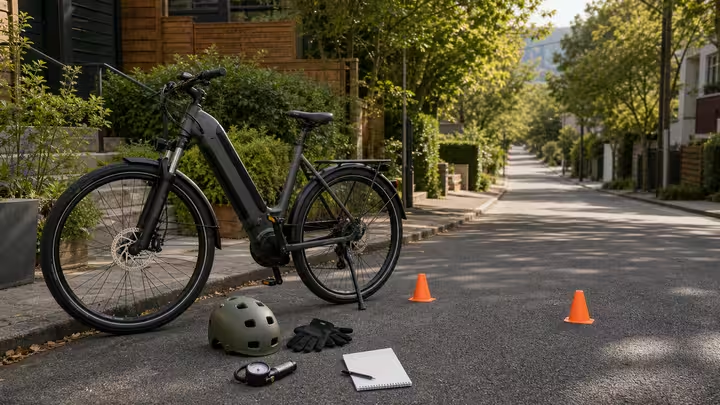
Do not let the first route review happen at an intersection. Look at the route before leaving. Check crossings, hills, path rules, bridges, school zones, road speed, lighting, and parking. Use street view or local maps where useful, but remember that maps can be stale. If a route seems to use a sidewalk, trail, or path, verify current local rules.
Pick one or two decision points to remember. A rider who understands the route broadly can use the phone as a cue, not as a boss.
Simplify the cues
A full map can be too much information. Turn-by-turn audio, a route card, or a small list of streets may be better. If using audio, check local rules and keep hearing available for traffic and people. If using the screen, set brightness, orientation, and route before moving. Avoid app modes that require frequent tapping.
The goal is to reduce attention cost. If the phone makes you look down every block, the route needs simplification.
Charge the phone like a ride tool
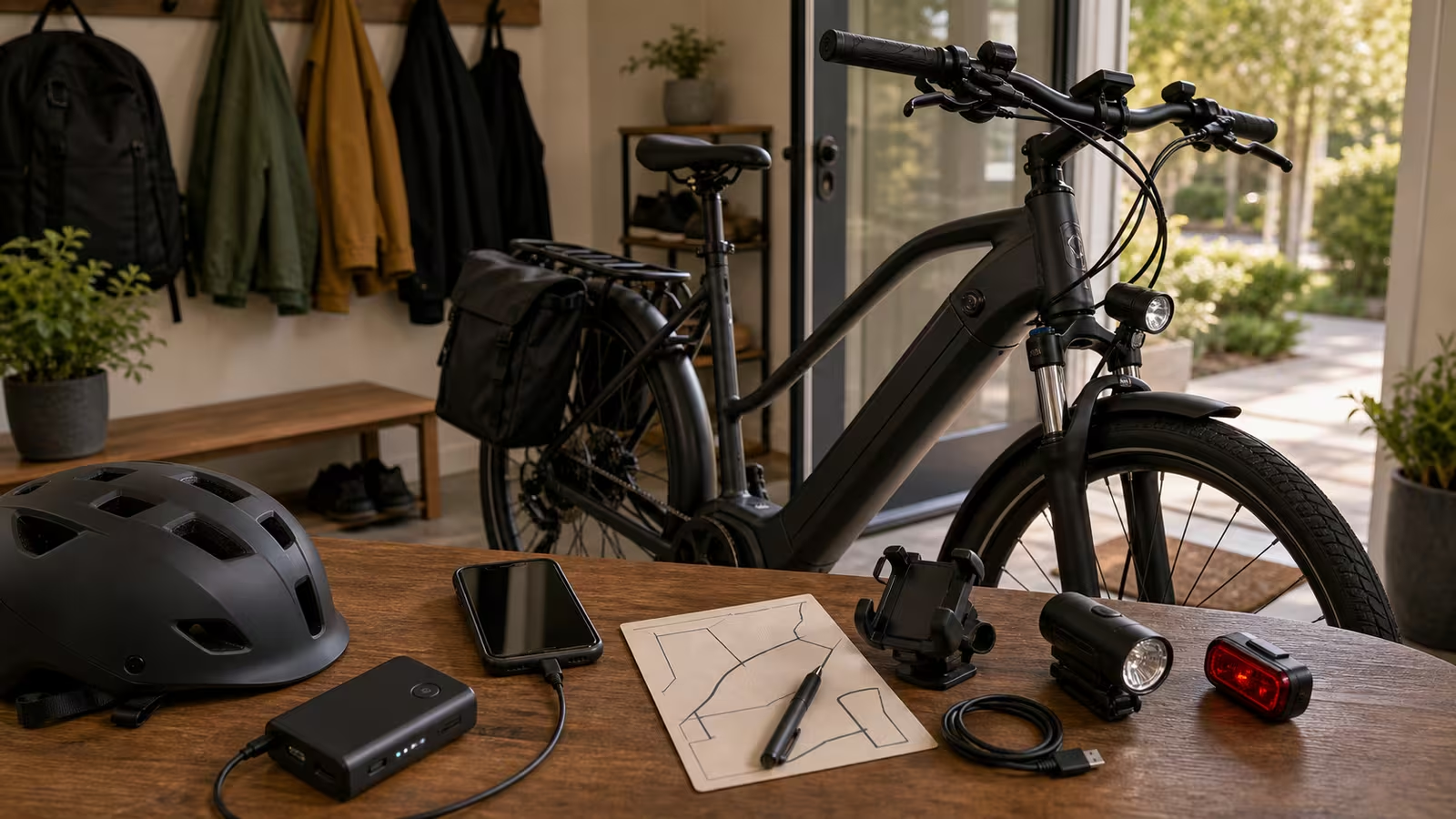
A phone is part of the safety and logistics system: navigation, calls, weather, transit backup, lock photos, and emergency contact. Start with enough charge. For longer rides, cold weather, or transit connections, carry a small power bank or cable if appropriate. Keep it in a dry place. Do not run a cable where it interferes with steering.
Phone battery planning is separate from e-bike battery planning, but both matter. A full e-bike battery does not help if the rider is lost with a dead phone at night.
Use mounts with boundaries
A secure mount can reduce pocket checks, but it also invites screen use. Mount the phone where it does not block lights, display, cables, braking, or steering. Check vibration and rain. Use a tether or case if the mount maker recommends it. Test in a quiet area before the commute.
Set a rule: glance only, no editing while moving. If the phone needs attention, pull over. This boundary is simple and effective.
Keep an offline fallback
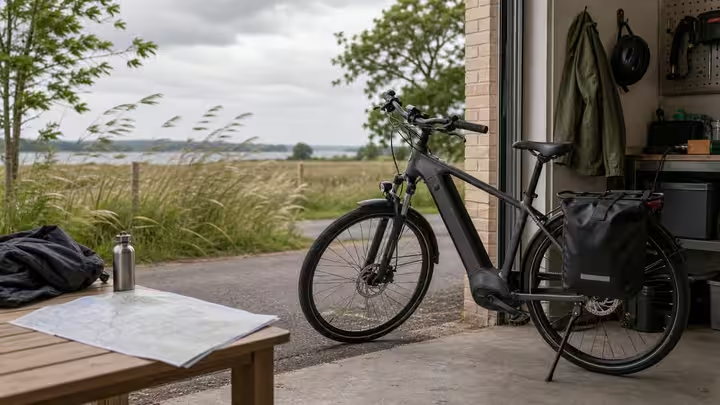
Cell service, app servers, battery, and GPS can fail. For important routes, know the rough direction, major streets, transit stops, and a safe place to stop. A paper route card with a few turns can be enough. Offline maps can help if legal and safe to use. A written address may help if asking for directions.
The fallback does not need to be elaborate. It needs to keep a small tech failure from becoming a stressful ride.
Question route recommendations
Many apps optimize for speed, bike infrastructure, popularity, or data they have available. They may not know e-bike class rules, cargo width, school policies, seasonal closures, construction, or your comfort level. A route through a park may be illegal for your bike. A steep hill may be fine on paper and poor with cargo. A shortcut may be dark at night.
Use the app as an input, then apply the Route Scouting method. You are still the route designer.
Protect privacy
Ride logs, home locations, school routes, and work routines can reveal more than intended. Check app privacy settings. Avoid public sharing of exact home-to-school or home-to-work routes unless you understand the risks. Be careful with screenshots that show addresses, serials, or personal data.
Privacy is not paranoia. It is normal record care, like keeping ownership documents out of public posts.
Reset after the ride
After the ride, charge the phone or power bank, save useful route notes, delete bad route assumptions, and update the paper cue if needed. If a turn was confusing, fix the route before the next ride. If the phone nearly died, change the charging habit. If the mount annoyed you, adjust it before the commute.
Navigation should fade into the background. Preview first, simplify cues, keep power, respect local rules, and stop before interacting. The bike ride should be guided by the route, not dominated by the screen.
Add a lost-route script
Decide what to do when the route goes wrong. Do not keep rolling while staring at the phone. Find a safe legal place to stop, move out of the flow, check the map, compare it with signs, and choose either a simple correction or a known backup. If the correction is complicated, walk the bike or use transit until the route is clear.
This script matters for children, cargo, night rides, and bad weather because stress narrows attention. A rider who already knows the stop-and-check routine is less likely to make a rushed turn.
Keep route history honest
After a bad route, delete or rename it so you do not repeat the same mistake. Mark construction, hostile crossings, path restrictions, dark segments, and good lock points. Navigation becomes better when the rider edits the system after the ride, not during it.
If a route worked especially well, save that too. Label the calm version for rain, night, school pickup, or cargo so the next ride starts from a proven path instead of a fresh search.
Related guidebooks
- Route Scouting for Low-Stress Streets: Build the Calm Map First
- Mirrors, Bells, and Phone Mount Boundaries: Add Tools Without Adding Distraction
- Range Reality Planning: Stop Trusting the Perfect Number
- Reality Check Desk for checking route claims and app suggestions against current sources.