E-bike electronics should make the ride clearer, not more fragile. A display can show assist, speed, battery level, range estimates, lights, and warnings. A phone app can hold settings, records, updates, security features, or ride data. Firmware can fix issues or change behavior. All of that can be useful. It can also turn a simple transportation tool into a small tech project that steals attention from the route, battery, lock, and rider.
The best electronics routine is boring. The rider knows the few settings that matter, keeps records where they can be found, updates only with enough time and battery to handle problems, and treats error messages as information rather than decoration. The bike remains the main object. The screen does not become the ride.
Learn the everyday screen first
A new rider does not need to master every menu before the first month. Start with the everyday screen. Know how to read assist mode, battery level, lights, trip distance, speed, and any warning symbol the manual says matters. Know how to turn the system on and off without accidentally changing settings. Know how to lower assist quickly when entering a crowded path, bike room, or tight turn.
Do this while parked. Screens invite fiddling, and fiddling while moving is a distraction. If a setting needs attention, stop in a safe place first. The Navigation and Phone Battery Routine guide says the same thing about maps because the principle is shared: screens are helpers, not the rider’s main job.
Treat range estimates as guesses with context
Many displays estimate remaining range. The number can be useful, but it is not a promise. It may be based on recent assist level, terrain, battery state, or a simple formula. It may change quickly when the route turns uphill or the rider adds cargo. A display that says the bike can go many more miles may not know about headwind, cold, low tire pressure, a child seat, or the steep climb at the end.
Use the estimate as one clue among many. Battery bars, voltage displays, percentage numbers, and range estimates all require context. The Range Reality Planning guide gives the practical frame: plan a reserve before the ride, then let the display update your judgment rather than replace it.
Record settings before changing them
Settings are easier to change than to remember. Assist profiles, units, wheel size, lights, display brightness, security features, automatic shifting, walk assist, and app permissions can all affect daily use. Before changing a setting, write down or photograph the original state when allowed. If the change makes the bike worse, you should be able to return to the known setup.
Be especially cautious with anything that affects speed, braking behavior, motor response, wheel size, diagnostics, or battery management. Some settings are meant for dealers or qualified service. Some are tied to local e-bike class rules. Some may affect warranty or legality. If a menu looks like a place for technicians, treat it that way.
Firmware updates need time and margin
Firmware updates can be important, but they should not be started five minutes before work, on a low phone battery, with the bike half charged, or in a hallway with poor signal. Read the instructions. Use the correct app or service process. Keep the phone, bike battery, and display powered as required. Do not interrupt an update because you are impatient.
A good update moment has room for delay. The bike is not needed immediately, the charger is correct and available, the phone is charged, and you know what support channel to use if something fails. If the bike is under warranty or has a service relationship with a shop, ask how updates should be handled. Some riders are comfortable updating at home; others are better served by letting the shop handle it during service.
Error messages are not decorations
An error message, warning light, repeated cutout, strange battery behavior, or sudden change in assist should be treated as information. It does not always mean danger, but it does mean the bike is asking for diagnosis. Look up the exact message in the manual or manufacturer’s support information. Record when it happened, the weather, battery state, assist level, terrain, and what the bike did.
Do not keep riding normally through a warning you do not understand, especially if it involves battery heat, charging, braking, motor cutout, throttle behavior, lights, or wiring. The Bike Shop Service Conversation guide can help turn a vague complaint into useful notes for a mechanic. “It showed an error after a wet hill climb with a half battery and then assist cut out twice” is far more useful than “the electronics are weird.”
Keep phone apps in their lane
Phone apps can support security, settings, ride records, firmware, navigation, and diagnostics. They can also distract, drain the phone, demand permissions, or make the bike feel unusable when the phone is dead. Decide what the app is actually needed for. If the bike can be ridden safely without opening the app every time, avoid making the app part of every departure.
Privacy and account access deserve attention too. Know which email account controls the bike app, where recovery information lives, and what happens if the bike is sold or shared. If the app controls locks, tracking, or ownership transfer, keep that information with the ownership records. The Warranty, Manual, and Recall Records guide is the right companion because electronics support often depends on proof, serial numbers, and service history.
Chargers and cables are part of electronics hygiene
Use the charger specified by the manufacturer. A plug that fits is not enough. Keep cables out of walkways, away from crush points, and off wet floors. Inspect connectors for damage, grit, bent pins, unusual heat, or looseness. Do not tape over a damaged charging habit and call it solved. Do not coil cords where heat or strain becomes a problem unless the manual allows that setup.
Charging electronics should be calm and visible. The Battery Care Planner and Battery Care Planner guidebook both emphasize the same conservative pattern: correct charger, clear surface, no suspicious battery behavior, and no improvisation with damaged packs or connectors.
Protect attention on the ride
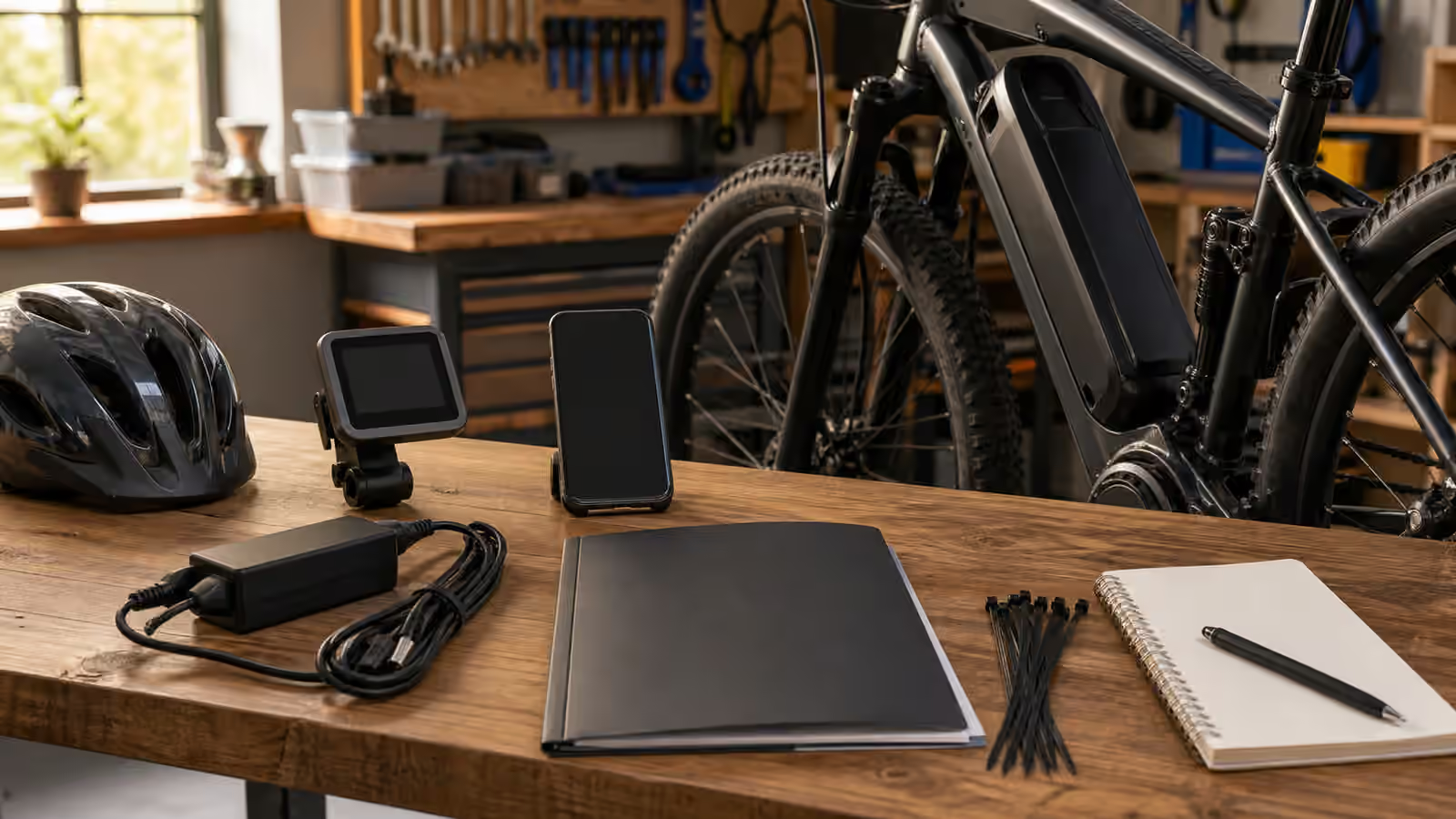
The display should answer quick questions. It should not become a dashboard that pulls the rider’s eyes down every block. Set brightness before riding. Arrange the cockpit so the screen does not block brakes, bell, lights, or hand position. Turn off nonessential alerts if the system allows and the manual supports it. If the phone is used for navigation, make cues simple enough that the rider is not reading at speed.
Attention is a safety margin. A perfect setting is not useful if changing it requires looking down through a busy intersection. A detailed app is not useful if it makes the rider miss a pedestrian, dog, car door, pothole, or child at a crossing. Electronics should reduce uncertainty before the ride and give limited information during the ride.
Make records findable
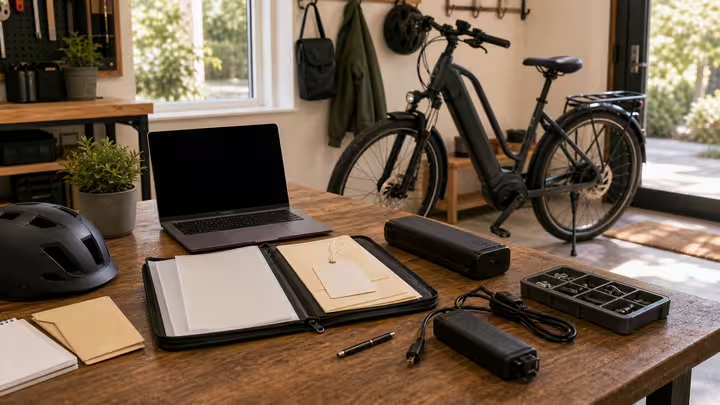
Keep the manual, charger model, serial number, app account, firmware notes, service receipts, warranty information, and error history somewhere accessible. This can be a folder, note app, printed packet, or shared household document. The format matters less than the fact that a tired rider can find it when the bike refuses to behave.
Good records keep electronics from becoming mysterious. They help the shop understand the problem, help the owner handle a recall, help a household share the bike, and help a future buyer understand what was maintained. Screens change, apps change, and firmware changes, but the habit is stable: record enough to support decisions, then go ride the bike.
For household sharing, connect this with Family Rules and Household Handoff . Electronics settings are part of the handoff because the next rider should not discover a changed assist profile, missing charger, or unresolved warning after leaving the door.