
Fondsites Diagnostics
Gear & Authenticity
Keyboard Sound Diagnostic
Identify likely keyboard sound sources and test reversible changes before permanent modifications.
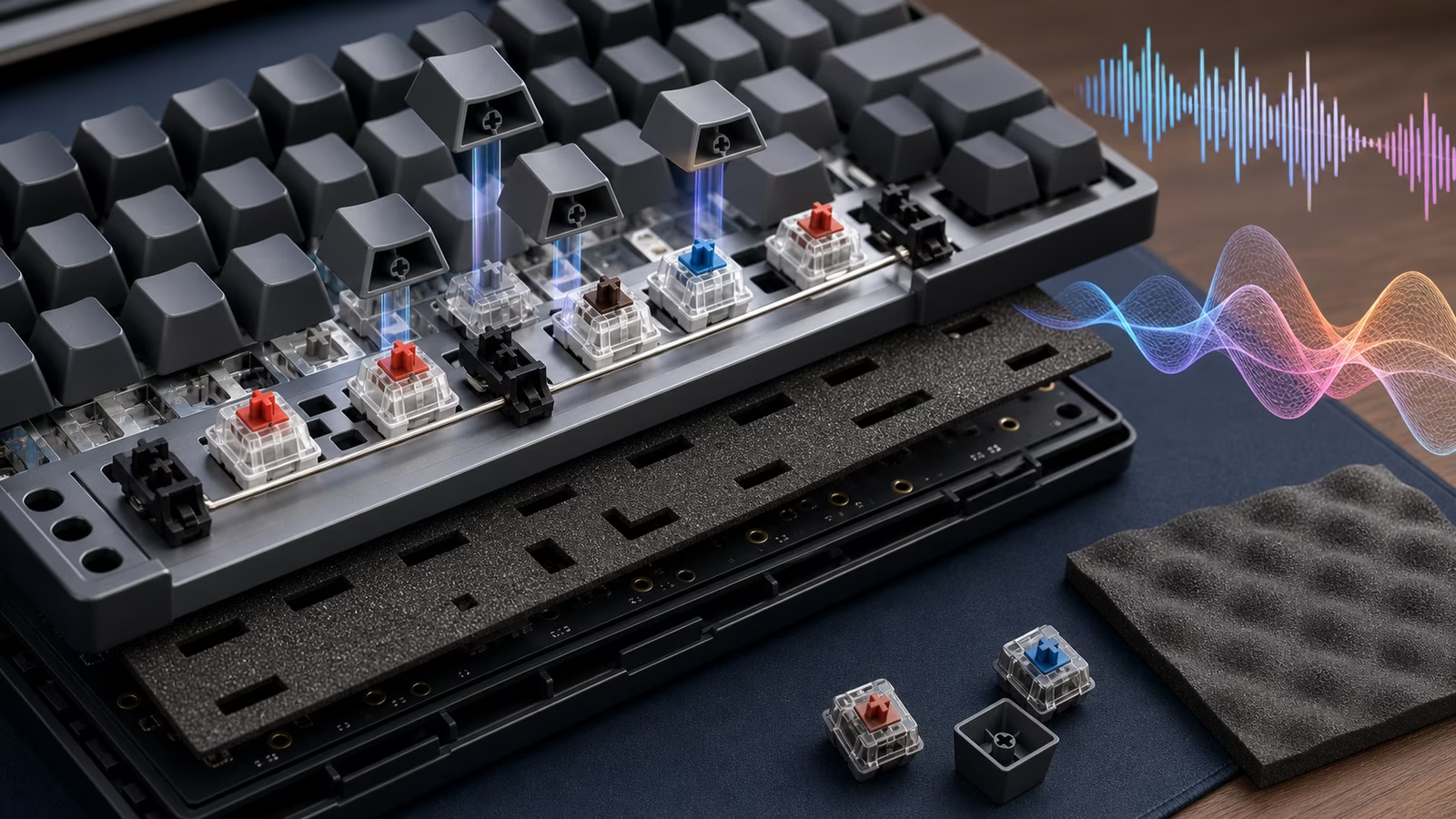
Keyboard sound comes from the whole system: switches, stabilizers, case, plate, keycaps, desk, typing force, and room. The diagnostic points to the most reversible first check.
Avoid irreversible case, plate, or switch modifications until you know which part of the sound you are hearing.
Sound complaints are usually about one specific artifact — a stabilizer rattle on the spacebar, a ping on the left half, a hollow echo under heavy typing — and each has a different cheapest fix. The diagnostic exists to name the artifact before money moves: a desk mat and a stabilizer tune solve more sound complaints than new switches do, and both are reversible in an afternoon.
Interactive Diagnostic
Keyboard Sound Diagnostic
Select the closest symptom and context. The output is a cautious first test, not a certain diagnosis.
Diagnostic output
Choose the closest symptom to see likely causes and a first reversible test.
Symptom, Cause, Action Table
| Symptom | Possible cause | First action |
|---|---|---|
| Ping | Spring, plate, case, or desk resonance. | Compare on a soft desk mat. |
| Rattle | Stabilizer wire, housing, keycap, or lube. | Isolate stabilized keys. |
| Hollow | Case volume, plate, keycaps, or desk. | Try desk mat before foam. |
| Scratchy | Switch friction, dust, or batch variation. | Sample switches before full replacement. |
Fast checks
- Move the board to a desk mat before opening it.
- Separate switch sound from stabilizer sound.
- Record a short baseline clip at the same distance before each change.
- Test one reversible change at a time.
What not to change yet
- Do not desolder, clip, band-aid, pour foam, or lube every switch before isolating the source.
- Do not assume the switch alone controls sound.
- Do not use irreversible modifications on a board you may return or sell.
Assumptions and limitations
Sound perception depends on room, desk, microphone, typing force, and personal preference.
This diagnostic suggests test order, not a guaranteed sound result.