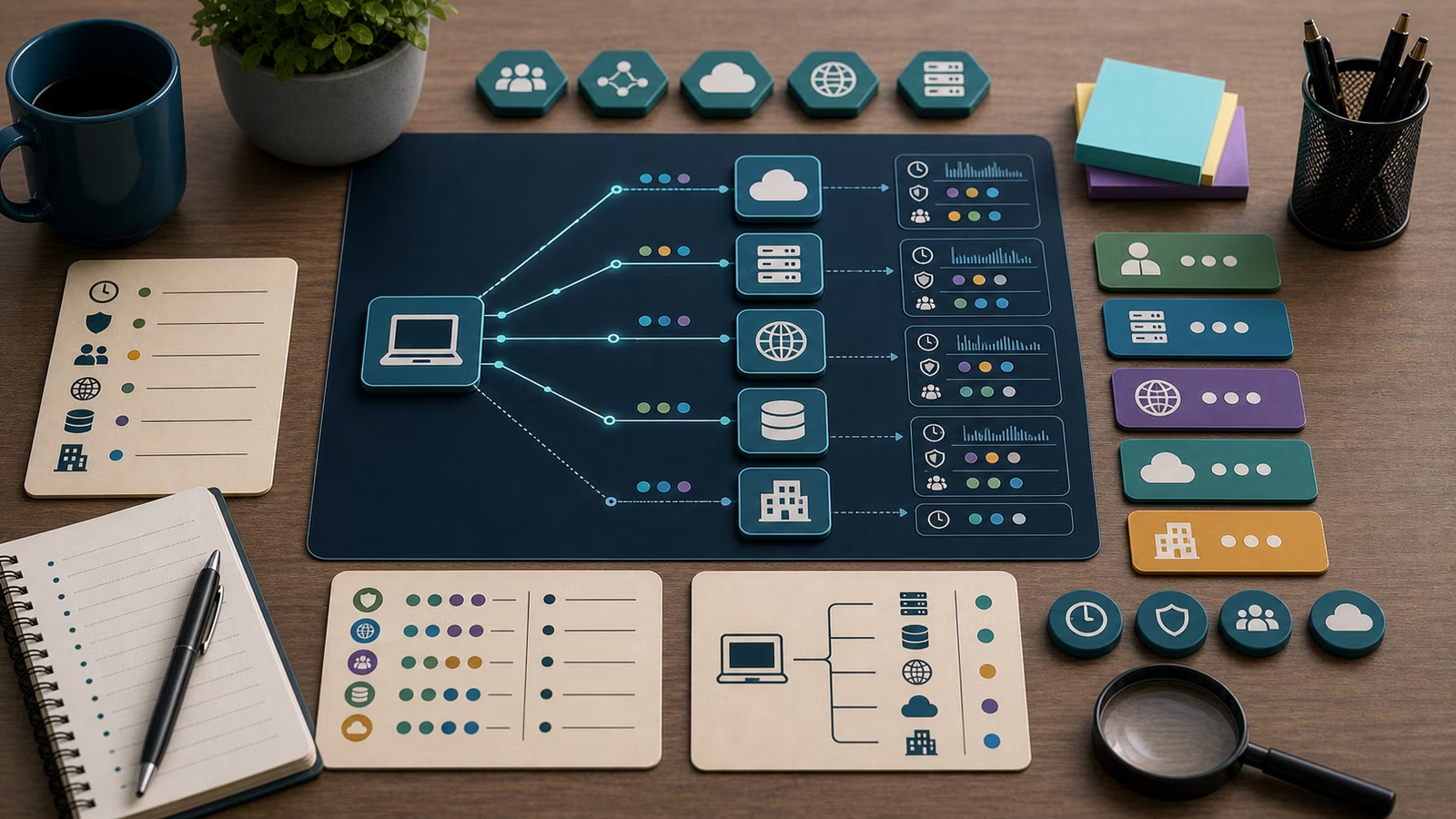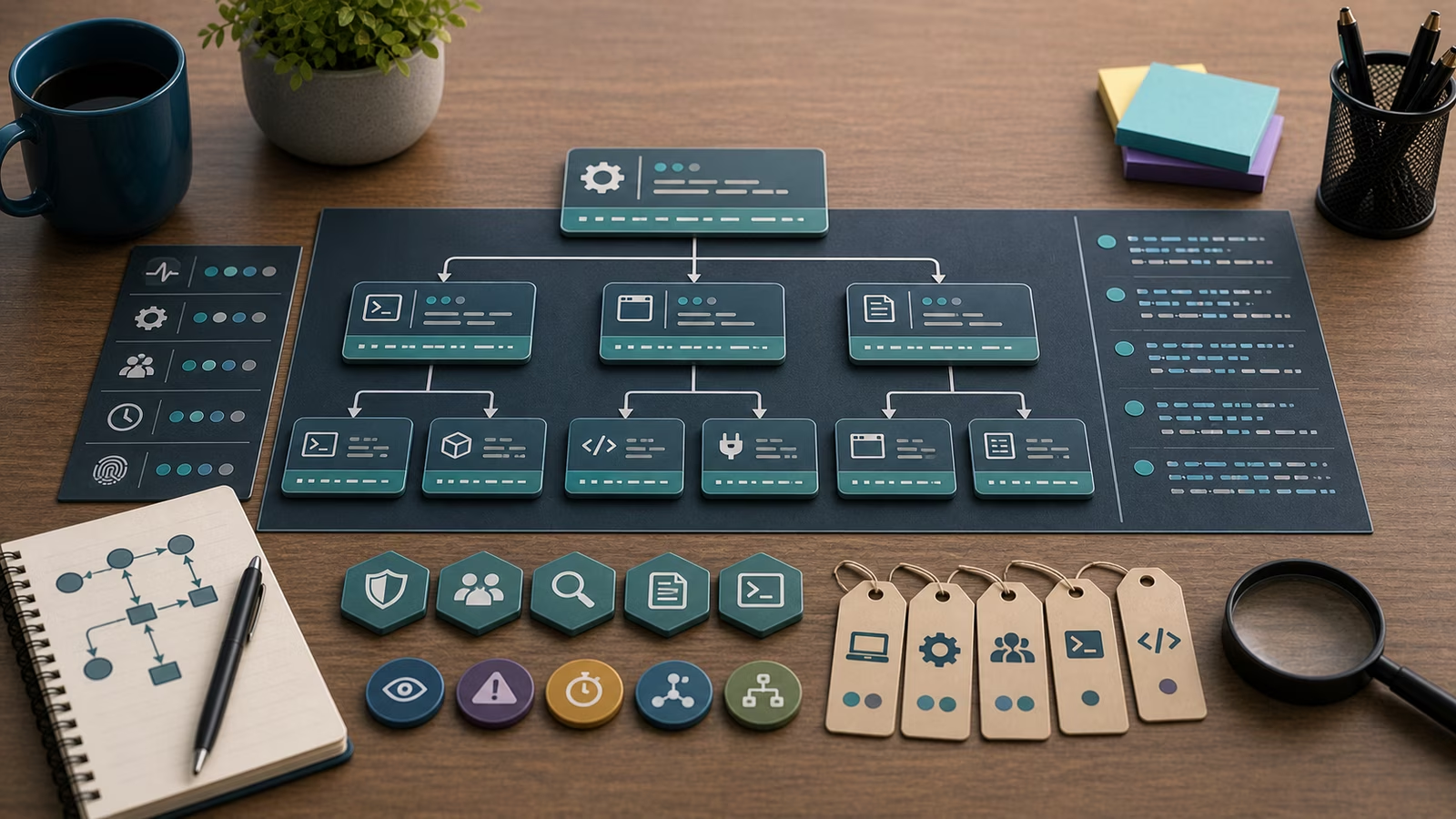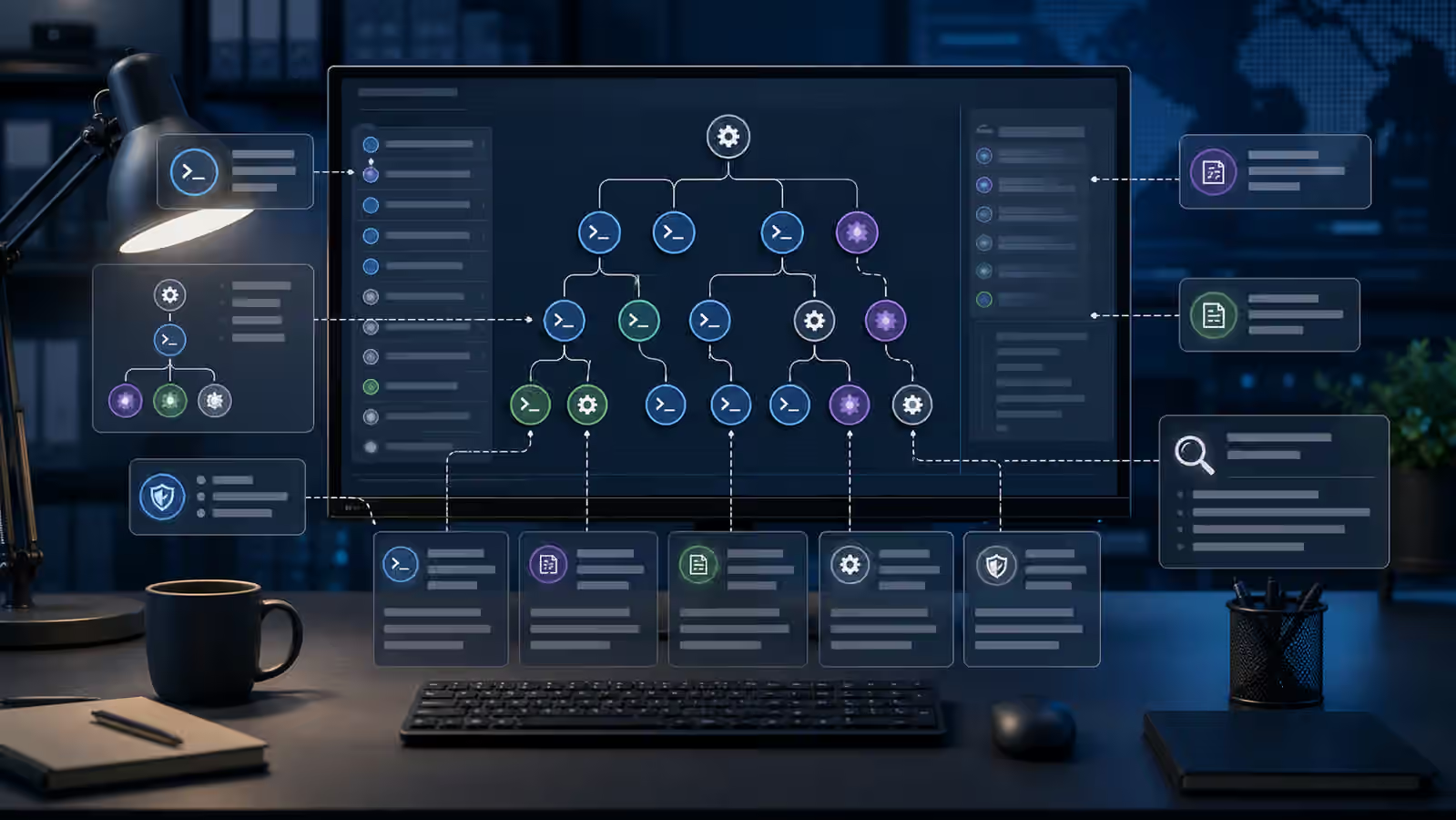
Script interpreters are everywhere on modern endpoints. Administrators use them for maintenance, developers use them for builds, security teams use them for response, and ordinary applications sometimes launch them indirectly. That makes interpreter telemetry useful and noisy at the same time. A shell, PowerShell, Python, JavaScript runtime, or automation host is a clue, not a conclusion.
This guide extends Processes, Parents, and Command Lines with a more focused look at interpreters. The defensive goal is to understand why a process exists, who started it, what it was allowed to touch, and whether the surrounding pattern fits a known job or a suspicious chain.
This guide is defensive education. It uses toy examples, observable evidence, and safe reasoning. It does not provide exploit instructions, malware code, credential theft steps, evasion playbooks, target scanning procedures, or operational offensive workflows. If you are handling an active incident, preserve evidence, follow your organization's incident-response plan, and involve qualified responders and legal counsel where appropriate.
Why interpreter telemetry is noisy
Interpreters are designed to run flexible instructions. That flexibility is why they are useful for legitimate work and why defenders pay attention to them. The same interpreter may run a backup script, a developer test, a login helper, a software installer, a monitoring agent, or an unwanted action. The process name alone does not tell the story.
The surrounding process tree often matters more than the interpreter itself. An interpreter launched by an approved management tool during a maintenance window has a different meaning from an interpreter launched by a document reader, browser helper, unexpected service, or newly created scheduled task. Even then, a defender should avoid instant certainty. Business tools, installers, and support utilities can create surprising chains.
Command-line evidence can help, but it can also mislead. Some tools truncate command lines, redact sensitive values, or store arguments in separate event fields. Other logs may show a wrapper command rather than the real work. Good notes state which source captured the command line and what the source cannot prove.
Defensive mental model
Read interpreter telemetry as a chain of intent, execution, and effect. Intent is suggested by the parent process, user context, scheduled job, management tool, or interactive session. Execution is represented by the interpreter, arguments, script path, working directory, and child processes. Effect appears in file changes, network connections, registry or configuration changes, service changes, authentication events, or alerts from other controls.
The strongest review connects the chain to ownership. If a known endpoint management system launches an interpreter as a service account, the owner can explain the job and provide a change record. If a developer workstation launches an interpreter from a project directory during working hours, repository and build context may explain it. If a sensitive server launches an interpreter from a temporary location under an unusual user, the evidence deserves closer review.
This model complements Suspicious Process Indicators and Detection Tuning and Signal Noise . A detection rule that fires on every interpreter is usually too loud. A rule that includes parent context, user role, host role, path, frequency, and downstream behavior is easier to defend.
What evidence matters?
Parent-child context is the first anchor. Which process launched the interpreter, and is that relationship normal for the host? A software updater, endpoint management agent, terminal, build tool, or scheduled task may be normal. An office document process, web browser, archive utility, or unexpected service may need more context. The point is not to label a parent as always good or always bad. The point is to ask whether the relationship fits the asset and user.
User and privilege context comes next. An interpreter running as a local administrator, domain administrator, cloud sync identity, or service account can change the risk. A normal script under a powerful identity may still deserve review because a mistake has more blast radius. An odd script under a low-privilege test account may be less urgent but still useful for tuning.
Path, frequency, and effect make the note practical. Where did the script live? Was it signed or from a trusted package? Did it run once after an approved update, or repeatedly without an owner? Did it create child processes, change startup locations, contact unusual destinations, or touch sensitive files? The answer should come from observed records, not from fear of the interpreter name.
Toy example
Imagine a fictional finance laptop that launches a script interpreter shortly after a spreadsheet opens. The process tree is unusual for that user. The defender writes a narrow note: a spreadsheet process launched an interpreter, which ran from a temporary directory, under the user’s session, during a short time window. The note does not claim compromise yet.
The defender then checks whether the spreadsheet came from an approved workflow, whether endpoint controls blocked or allowed the action, whether any child processes or network connections followed, and whether the user expected automation. If the evidence stays narrow and no effect appears, it may become a suspicious but contained event. If the chain connects to credential prompts, file changes, or unusual network activity, the response escalates.
Common mistakes and false positives
One mistake is treating all interpreter use as bad. That creates fatigue and teaches teams to ignore alerts. Another mistake is trusting interpreter use because the filename is familiar. Familiar tools can run unfamiliar instructions. The useful middle ground is context.
False positives often come from software deployment, printer utilities, developer tooling, accessibility tools, endpoint management, and security response scripts. These are not annoyances to delete from the record. They are baseline material. A team that documents normal interpreter chains can spot abnormal ones faster later.
What to do next
For low-risk interpreter events, record the parent process, user, host role, script path, and owner explanation. For repeated or privileged events, compare against change history and baseline frequency. For interpreter chains connected to sensitive data, privileged accounts, persistence changes, or owner denial, preserve evidence and follow the incident-response path.
Detection tuning should improve after each review. If a pattern is approved, document why and which fields prove it. If a pattern is risky, add context that makes future alerts more precise. The best outcome is not a rule that says interpreters are suspicious. It is a rule and note set that tells defenders when interpreter activity is unusual for a specific asset.
How this guide was made
This page was written as defensive education for endpoint telemetry review. It avoids command examples and operational misuse details, and it focuses on process relationships, ownership, observed effects, and careful escalation.
Official references
For orientation, compare this topic with the MITRE ATT&CK Enterprise Matrix , CIS Critical Security Controls v8 , and the NIST Cybersecurity Framework 2.0 . These references frame interpreter evidence as part of broader monitoring, control validation, and response practice.
Related guidebooks
Interpreter telemetry belongs near Processes, Parents, and Command Lines , Suspicious Process Indicators , Detection Tuning and Signal Noise , and Lateral Movement Signals .