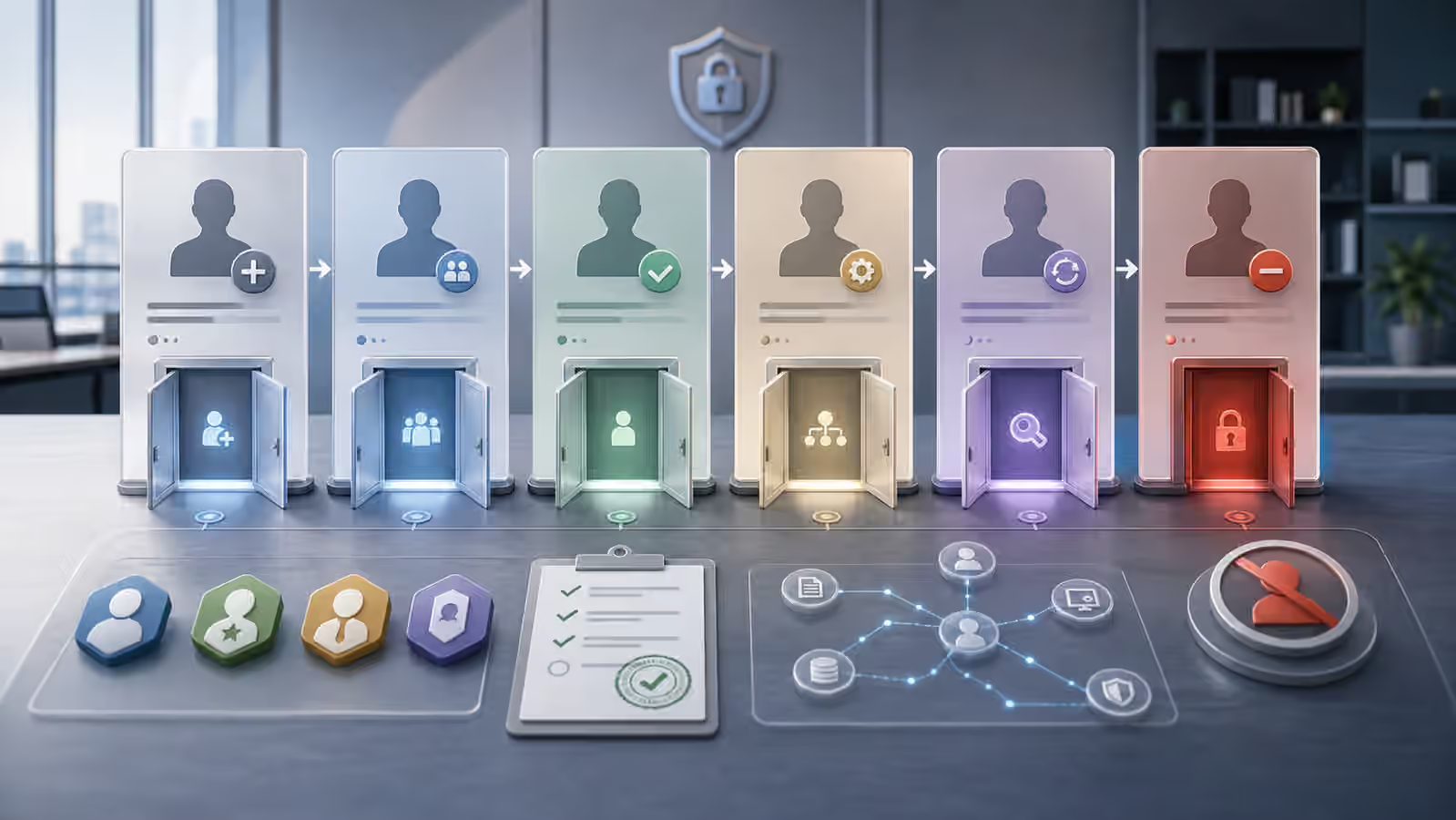
SaaS administration often happens far away from the old network perimeter. A role edit in a document platform, a new integration in a customer system, a public sharing change, or an identity-policy adjustment can change risk as much as a server configuration change. SaaS admin change logging gives defenders the evidence to see those shifts, explain them, and respond before a small mistake becomes a broad exposure. For background, see NIST — Guide to Computer Security Log Management, SP 800-92 .
This guide is defensive education. It uses toy examples, observable evidence, and safe reasoning. It does not provide exploit instructions, malware code, credential theft steps, evasion playbooks, target scanning procedures, or operational offensive workflows. If you are handling an active incident, preserve evidence, follow your organization's incident-response plan, and involve qualified responders and legal counsel where appropriate.
Quick facts
This guide sits in the cloud, identity, and exposure path because SaaS tools combine application data, identity permissions, sharing settings, and external integrations. The level is intermediate because each platform names events differently. The defensive habit is stable anyway: know which changes matter, keep the logs long enough, and connect each event to a person, system, approval, and business reason.
Defensive mental model
A SaaS admin change is a control-plane event. It can decide who can read data, who can export data, who can invite users, which apps can connect, which domains can share externally, which retention settings apply, and which alerts will fire later. Some changes are routine maintenance. Some are risky exceptions. Some are signs of an account under misuse. Logging is what lets defenders tell those stories apart.
The model starts with ownership. A change made by a known administrator during a planned maintenance window is different from a change made by a newly privileged account at an unusual time. A sharing change on a low-sensitivity workspace is different from the same change on payroll, legal, source code, or customer records. A new app integration is different when it has read-only access to one workspace versus broad access to mail, files, users, and audit data.
This connects closely to OAuth Consent and SaaS App Risk . Consent grants and admin settings can create durable access. The log trail should show who approved the access, what scopes or permissions were granted, when they changed, and whether the integration is still needed.
Changes that deserve attention
Not every admin event deserves an alarm, but some classes deserve regular review. Privilege changes are high value because they alter who can make future changes. Identity-policy edits matter because they can weaken authentication, recovery, session length, or device requirements. External-sharing changes matter because they can expose data beyond the expected audience. Integration and API-token changes matter because non-human access may persist after the human who approved it has moved on.
Data-export settings also deserve attention. A tool that allows bulk export, external forwarding, public link creation, or unrestricted sync can change the impact of one compromised account. Audit settings deserve attention because turning off or shortening logs can make later review impossible. Notification settings deserve attention because they affect who learns about a risky change.
Service Accounts and Secrets gives the non-human identity view. SaaS platforms often hide service-like access behind app integrations, automation accounts, shared mailboxes, bots, or tokens. The log review should include those identities because an incident may not look like a person clicking a console button.
Logs need retention and context
A log that disappears before anyone asks a question is not very useful. SaaS platforms often vary by plan, configuration, and export path. Some keep rich audit history, some keep only short windows, and some require explicit export into a central system. Defenders should know the retention period before an incident. They should also know the time zone, event naming, user identifiers, source-address fields, and gaps in the platform’s audit model.
Retention is only one part of context. A log event saying that a role changed is more useful when linked to a ticket, approval, maintenance note, or owner. A public-sharing event is more useful when the data classification is known. A new integration is more useful when the business purpose and requested permissions are recorded. Without context, every change looks equally mysterious.
Logs: What to Keep and Why explains the broader principle. Logs should support security questions, operational questions, and accountability questions. For SaaS administration, the question is often simple: who changed what, from where, under which identity, with which approval, and what could that change affect.
Alerting without noise
SaaS admin alerting should be selective enough that people read it. An alert for every minor setting edit will fade into background noise. An alert for only confirmed compromise will arrive too late. Useful alert classes often include new super-admin rights, weakened identity policy, unusual external sharing, high-risk integration approval, disabled logging, suspicious session behavior, or admin activity from a surprising location. The exact list depends on the platform and organization.
The alert should tell a reviewer what changed and what evidence is missing. It should not force a verdict. A new admin may be part of onboarding. A public link may be an approved publication workflow. A policy relaxation may be an emergency accommodation that needs an expiration date. A suspicious integration may be a legitimate automation tool approved by the wrong channel. The reviewer needs enough context to ask the next question.
Security Alerts Without Panic applies directly. A SaaS admin alert is a starting point for triage. The safest response is to preserve evidence, check ownership, confirm business context, and choose a proportionate action. Immediate revocation may be right for a clearly unauthorized change. A documented follow-up may be enough for a low-risk exception that has a real owner.
Practice in a safe setting
A safe exercise can use a fictional SaaS platform with users, roles, app integrations, external sharing, and audit events. Give learners several changes: a planned admin addition, an unexplained sharing rule, a new integration with broad data access, a shortened retention setting, and a disabled alert. Ask them to write what the event changed, who would own it, what evidence would confirm legitimacy, and what action would be proportionate.
Small teams can turn the exercise into a real review without exposing sensitive details. Pick one important SaaS platform and find the admin audit page. Identify which events are logged, how far back they go, who can export them, and which changes would be noticed within a day. The first improvement may be as simple as longer retention, a monthly review of admin roles, or a second approval for broad integrations.
What to read next
Read Incident Timeline Building because SaaS events often need to be placed beside mailbox logins, endpoint alerts, support tickets, and user reports. Then read Evidence Notes and Chain of Custody to keep screenshots, exports, decisions, and assumptions separate during a real review.
Official references
CISA’s Secure Cloud Business Applications work is useful because many SaaS risks are configuration and monitoring problems rather than traditional server problems. The NIST Cybersecurity Framework and CIS Critical Security Controls provide broader language for identity, logging, configuration, and incident response. Local platform documentation still matters because every SaaS product exposes different logs and settings.