Password managers matter because credential reuse is stubborn. People reuse passwords when every service asks for a secret, every secret has different rules, and memory becomes the unofficial security control. A password manager changes that arrangement. It gives each account room for a long, unique secret, then asks the person to protect the vault, the recovery path, and the devices that can open it. For background, see NIST — Digital Identity Guidelines, SP 800-63-4 .
This guide sits next to MFA, Passkeys, and Recovery Paths because strong login defense is never only one mechanism. Multi-factor authentication can reduce the damage from a stolen password. Passkeys can remove some password exposure entirely. A password manager helps with the large middle ground where passwords still exist and must not be repeated across personal, work, vendor, and administrative accounts.
This guide is defensive education. It uses toy examples, observable evidence, and safe reasoning. It does not provide exploit instructions, malware code, credential theft steps, evasion playbooks, target scanning procedures, or operational offensive workflows. If you are handling an active incident, preserve evidence, follow your organization's incident-response plan, and involve qualified responders and legal counsel where appropriate.
Why Reuse Is the Real Problem
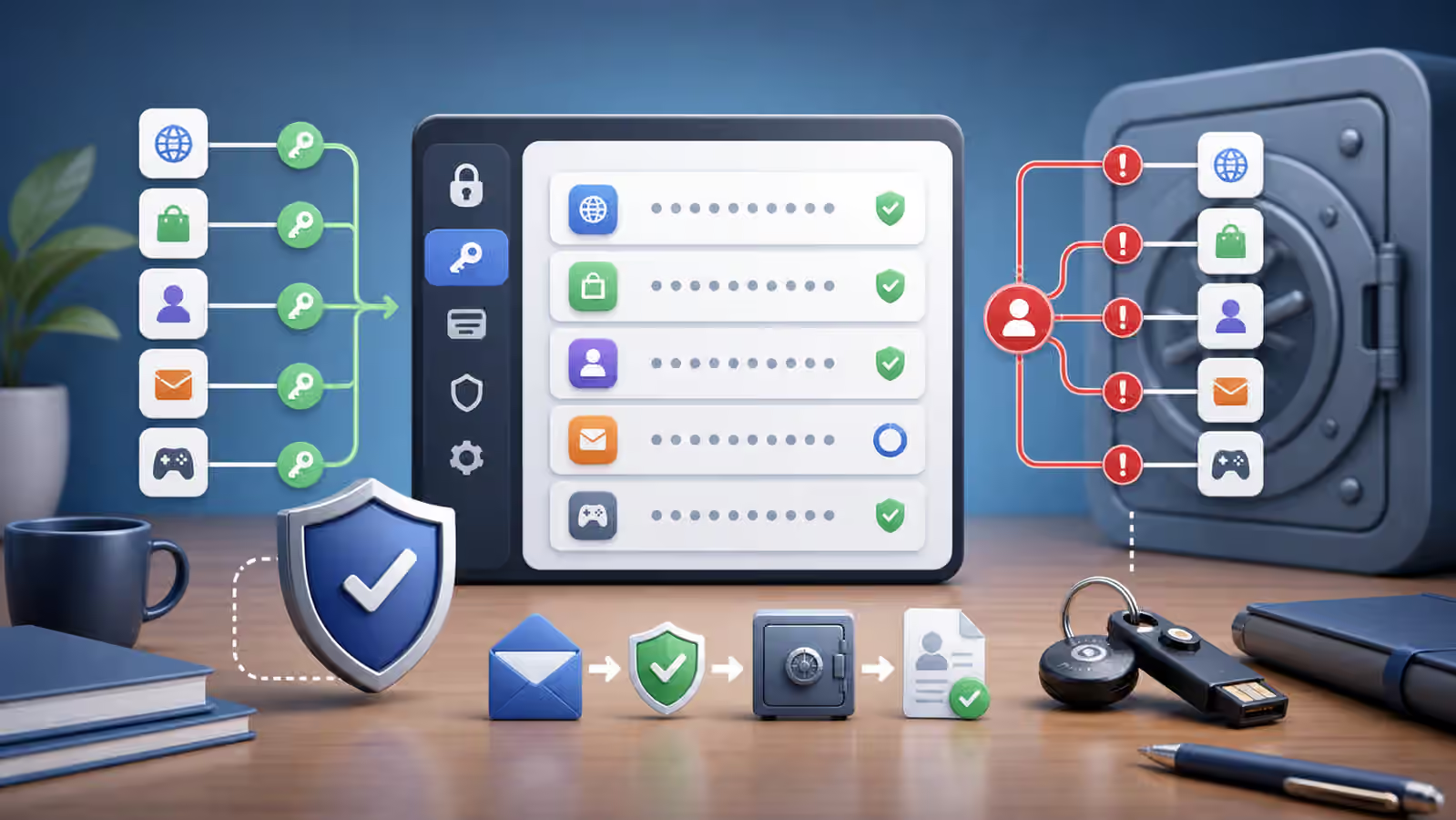
A weak password on one low-value account is not ideal, but reuse is what lets a small failure travel. If the same secret opens a project management tool, a personal email account, a vendor portal, and a forgotten test system, a defender has to think about all of those places when one credential is exposed. The password is no longer a single account problem. It becomes an identity graph problem.
Credential reuse also makes investigations murkier. If a login looks valid, the system may not know whether the person typed the password, a saved browser session filled it, or the same secret was tried after exposure somewhere else. That is why the guide on Valid Accounts emphasizes that legitimate credentials can create suspicious outcomes without leaving obvious break-in signals.
The defender’s goal is not to shame people for ordinary human limits. The goal is to remove the need for memory-based reuse. A good account hygiene program assumes that people are busy, distracted, and sometimes working under pressure. It gives them a practical path that produces better secrets by default and fewer exceptions over time.
What Password Managers Change
A password manager makes uniqueness realistic. It can generate a different secret for every account, store it, and fill it only in the right context. That does not make the vault magical. It simply moves the hard problem from remembering many fragile secrets to protecting a smaller set of high-value controls: the vault account, the devices with access, the recovery method, and the policies for sharing or emergency access.
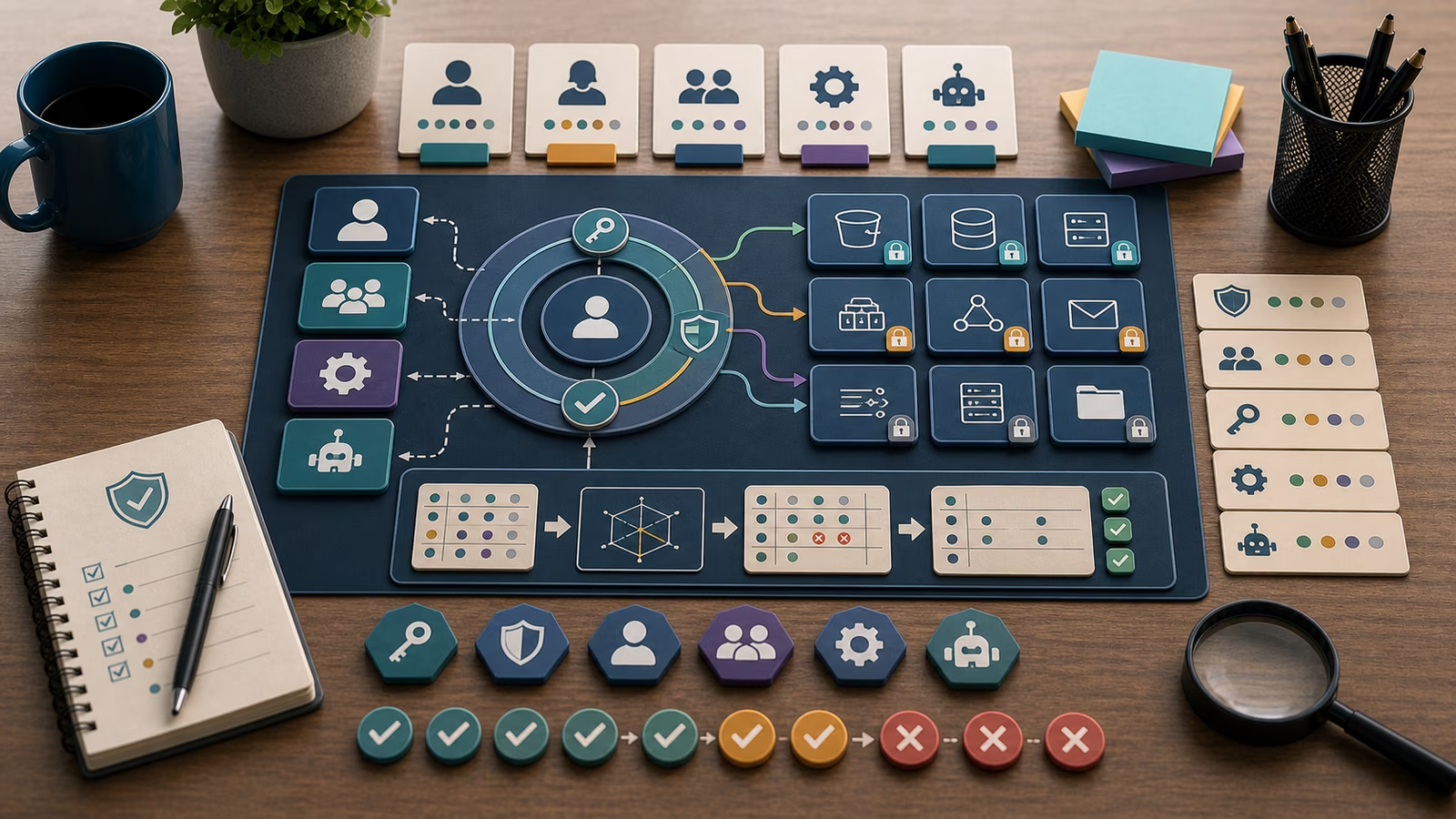
For defenders, the useful evidence is not “we bought a password manager.” The useful evidence is adoption, coverage, and exception handling. Are new staff enrolled during onboarding? Are shared administrative secrets being moved into controlled vault items instead of chat messages and documents? Are departed staff removed from vault access? Are recovery methods documented well enough that a locked-out employee can regain access without creating an insecure shortcut?
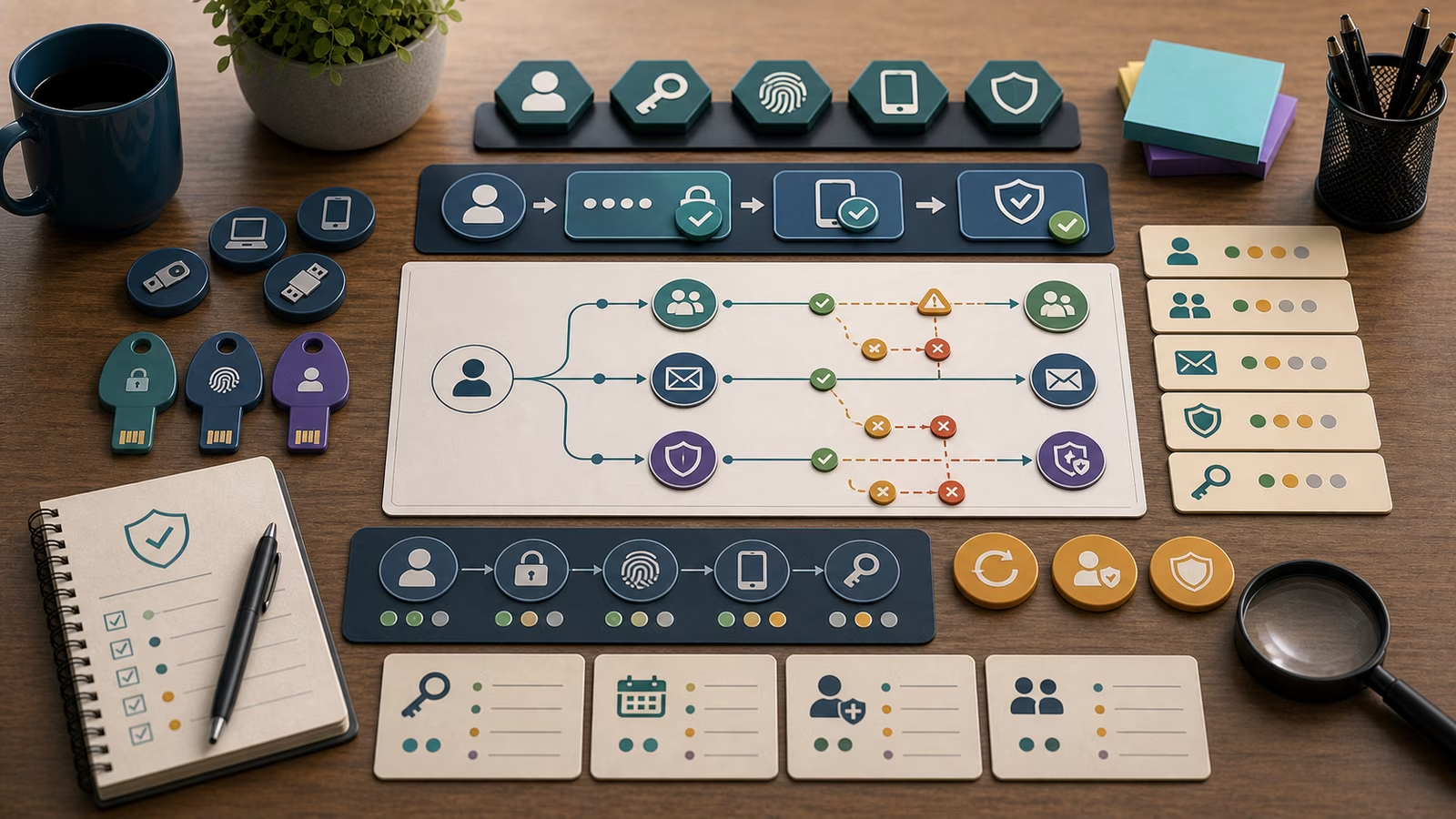
Password managers also help with phishing resistance, but only within limits. Autofill can make lookalike sites more obvious when it refuses to fill on the wrong domain. That is a helpful signal, not a promise. A rushed person may still paste a secret manually, approve a confusing prompt, or enter information into a convincing fake page. The guide on Phishing and BEC Triage remains relevant because message context, sender pressure, and payment or approval requests still need human review.
Where Risk Remains
The vault becomes important infrastructure. If a user’s device is unhealthy, if browser extensions are uncontrolled, or if recovery depends on an email account with weak protection, the password manager is part of a broader identity story. The guide on Browser Extensions and Session Risk is a useful companion because secrets and sessions often live near the browser, even when the main vault is well protected.
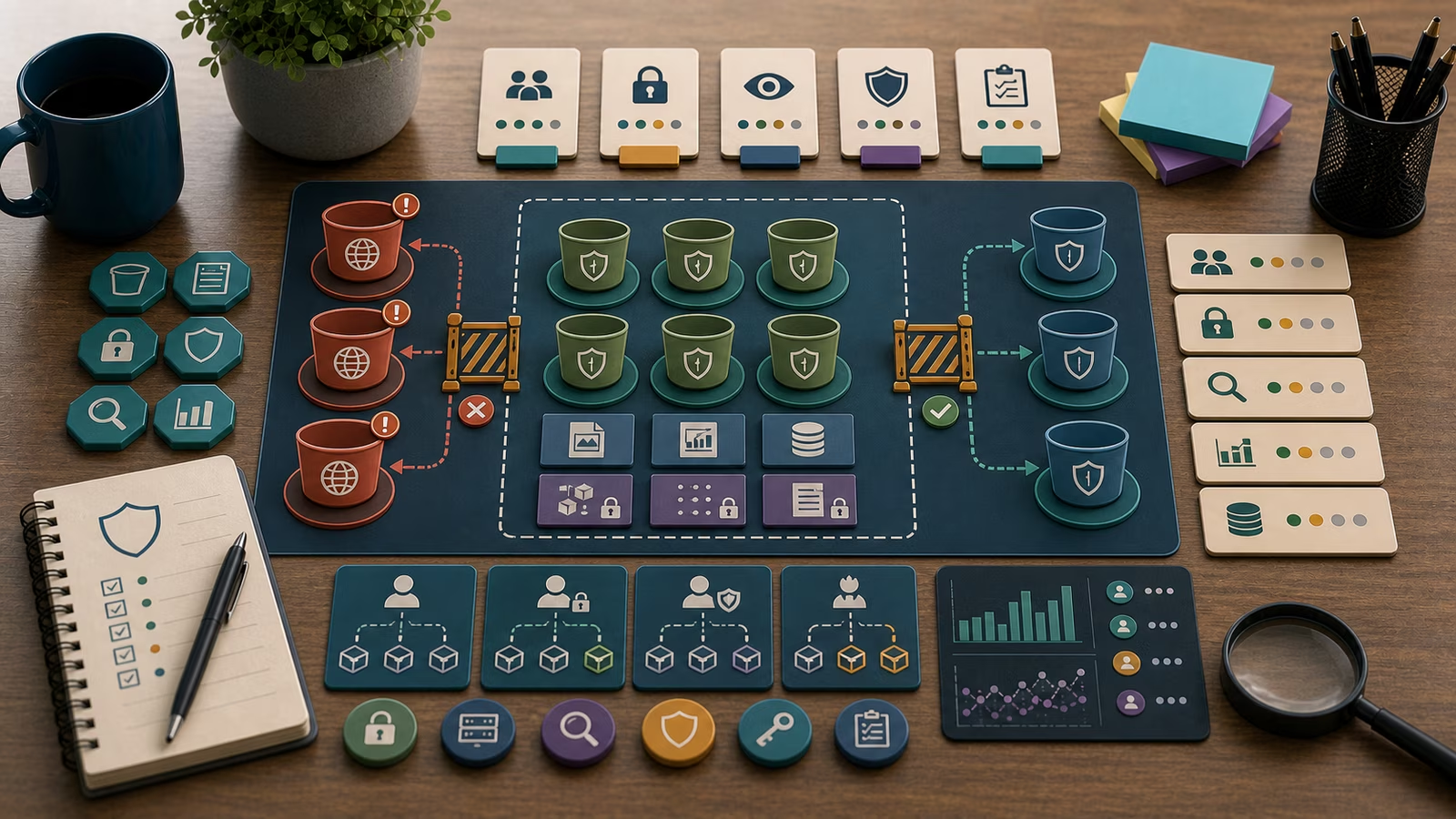
Shared secrets need special care. Some teams use shared vault items for service consoles, emergency accounts, or small vendor portals that do not support individual accounts. That may be better than a copied password in a document, but it still weakens accountability. A defender should record who can access the shared item, why the sharing exists, whether individual accounts are available, and when the exception should be reviewed.
Recovery is another quiet risk. A strong vault can be undermined by a recovery path that is easy to social-engineer, poorly documented, or dependent on one unavailable person. Recovery should be treated as a normal operational process, not an improvised favor. The safest recovery story has approvals, identity proofing appropriate to the environment, device and session review when needed, and a record of what changed.
A Defensive Review Example
Imagine a fictional architecture firm that adopts a password manager after several account reset requests. A defender wants to know whether the change actually reduces reuse. They do not need to inspect private secrets. They can review enrollment status, vault group membership, admin roles, shared item counts, recovery settings, and onboarding records. They can also ask owners which important accounts still sit outside the vault and why.
The review finds that most employees enrolled, but a few vendor portals still use shared passwords because the portals charge extra for individual seats. That is not automatically a crisis. It is a risk decision that should be visible. The defender records the business owner, the reason individual accounts are not yet used, the systems reachable through the portal, the people who can access the shared item, and the date for another review.
The same review finds that the password manager’s emergency recovery path depends on one administrator’s personal phone. That finding deserves attention even if no suspicious login exists. Good identity defense looks for brittle dependencies before an incident forces the issue. The next action may be policy cleanup, administrator redundancy, device review, or clearer offboarding, depending on the facts.
Connections to Other Guides
Password managers reduce one class of identity risk, but they do not replace least privilege, monitoring, or account recovery planning. A reused password on a low-privilege account is less damaging than the same reuse on an administrator account, but both deserve a path toward uniqueness. A vault full of old accounts also becomes an inventory signal. If the vault still contains credentials for tools the organization no longer uses, the asset and identity story may have drifted.
The most useful defensive note connects the password manager to observable outcomes. Write whether the account is unique, whether MFA or a passkey protects the login, whether the recovery route is clear, whether the account owner is current, and whether any shared access is justified. That note is easier to act on than a generic statement that passwords should be strong.
A Mature Account Hygiene Habit
The mature habit is to treat password management as a living control. New accounts should enter the vault story at creation, not after a scare. Shared secrets should have owners and review dates. Recovery paths should be tested calmly enough that a real lockout does not create pressure for shortcuts. Departures should remove vault access along with other identity access, and sensitive accounts should receive extra scrutiny.
This is ordinary defensive maintenance. It will not make every account safe by itself, and it should not be described as a guarantee. It does, however, make one important failure less likely to spread. Unique secrets, protected recovery, and clear ownership give defenders a cleaner identity surface when something strange happens.