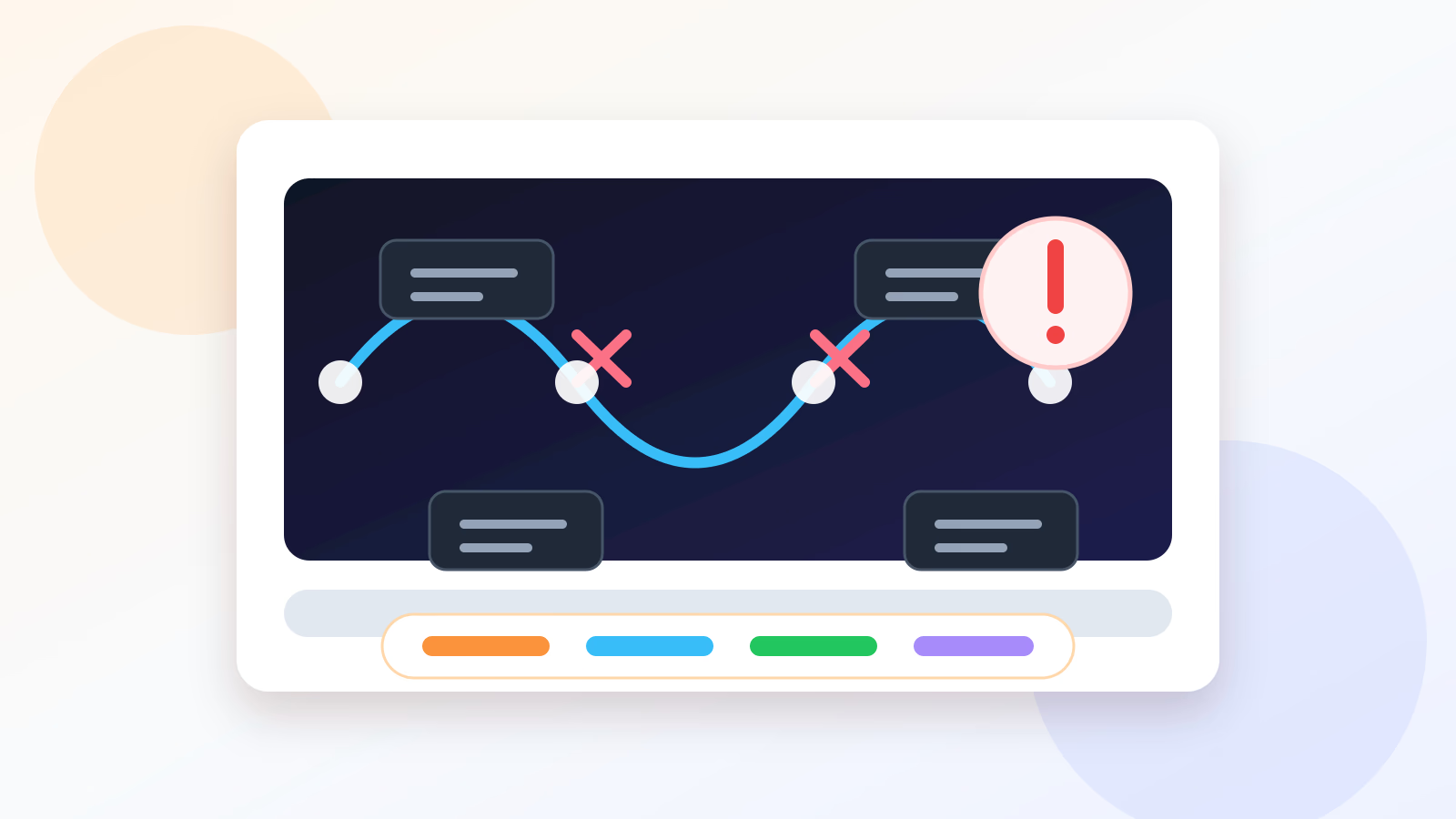
When an AI agent fails, the easiest explanation is “the model was bad.”
Sometimes that is true. More often, it is incomplete.
Agents fail as systems. The model may misunderstand the goal. The tool may return bad data. The memory may be stale. The prompt may be vague. The source may contain hostile instructions. The approval gate may be missing. The success check may be too weak to catch the error.
If you debug only the model, you miss the machine around it.
Start with the trace
Before rewriting the instruction, ask what happened.
A useful trace should show:
- The original goal.
- The plan the agent formed.
- The sources it read.
- The tools it used.
- The outputs it received.
- The decision points.
- The final action or answer.
- Any errors or skipped steps.
Without a trace, you are debugging a rumor.
Even a simple trace can reveal the real failure. Maybe the agent never opened the key file. Maybe the search result was old. Maybe it used a tool correctly, but the tool returned incomplete data. Maybe the final answer was polished, but the proof step was missing.
The six common failure points
Most agent failures land in one of six places.
1. The goal was vague
The agent was told to “clean this up” or “research options” or “fix the issue.” It guessed the real goal.
Fix: define the outcome, the scope, and what done looks like.
2. The context was missing
The agent did not know the business rule, project convention, customer history, or source of truth.
Fix: provide the source, or tell the agent where to retrieve it.
3. The tool was wrong or weak
The agent had a broad tool when it needed a narrow one, or a narrow tool when it needed broader context. Sometimes it had no tool at all and invented a path.
Fix: improve the tool, constrain the tool, or add a verification step after tool use.
4. The memory was stale
The agent reused an old preference, policy, command, contact, price, or account state.
Fix: require fresh retrieval for facts that change.
5. The environment fought back
Web pages changed. Permissions failed. A popup appeared. A hidden instruction inside a page tried to redirect the agent. A file format was not what the agent expected.
Fix: add environmental checks and make prompt injection part of the threat model.
6. The evaluation was too soft
The agent produced something plausible, and nobody checked it against the actual requirement.
Fix: define proof before the run. Tests, citations, diffs, totals, approvals, screenshots, or review checklists all count.
Repair the workflow, not the apology
A bad agent run often ends with a fluent apology.
The apology may be polite. It is not the fix.
The fix is a change to the workflow:
- Add a source requirement.
- Add a confirmation gate.
- Make the tool output structured.
- Reduce the task scope.
- Replace a vague instruction with a checklist.
- Require the agent to cite the exact file, row, or record it used.
- Make the final answer include uncertainty and open questions.
If the same failure can happen again, the system has not been repaired.
The replay method
After a failure, rerun the task as a replay.
Use the same goal, but add one diagnostic instruction:
Do not perform the final action. Walk through the task and stop before acting.
For each step, tell me what you need, what you used, and what could be wrong.
This turns the agent from actor into inspector. It often exposes missing context faster than a long argument about whether the answer was good.
Debugging examples
A research agent gives a confident vendor recommendation, but the price is outdated.
Likely failure: stale source or no date comparison.
Repair: require current source checks, capture publication or access dates, and flag pricing that comes from pages without clear dates.
A coding agent changes the right file but breaks a different feature.
Likely failure: narrow context or weak test selection.
Repair: tell it to inspect neighboring code, add or run related tests, and summarize blast radius before editing.
A support agent drafts a reply that reveals private account details.
Likely failure: missing data handling boundary.
Repair: add a privacy rule, redact sensitive fields by default, and require approval for external messages.
Separate confidence from correctness
Agents can sound certain when they are wrong. They can also sound cautious when they are right.
Do not score the agent by tone.
Score it by evidence:
- Did it use the right sources?
- Did it follow the instruction?
- Did it handle exceptions?
- Did it show what changed?
- Did it ask when the task crossed a boundary?
- Did the result pass an independent check?
Confidence is a feeling. Correctness is a property of the work.
The postmortem questions
For any serious failure, answer these:
- What did the agent think the goal was?
- Which context did it lack?
- Which tool or source misled it?
- Which permission allowed the bad action?
- Which check should have caught it?
- What change prevents a repeat?
That last question matters most.
The point of debugging agents is not to prove that agents are unreliable or reliable. It is to make the next delegation sharper than the last one.
Put the guide into a real workflow
AI agent work becomes useful when the task, evidence, permissions, and review loop are all visible. For When AI Agents Fail: How to Debug the Delegation, the important question is not whether an agent sounds capable. It is whether the surrounding workflow can tell good progress from confident drift.
Start with a concrete job. Name the input, the desired output, the tools allowed, the files or systems in scope, and the point where a human should review. The clearer the boundary, the easier it is to give the agent autonomy without losing control of the result.
Then decide what evidence counts. A passing test, a reproduced bug, a saved artifact, a source citation, a diff, or a deployment log can all be evidence. A fluent status update is not enough by itself. The workflow should make verification natural.
Good agent practice also includes stopping rules. If credentials are missing, instructions conflict, tests cannot run, or the task touches sensitive data, the agent needs a path to pause and ask. Escalation is not failure. It is part of keeping the system trustworthy.
When AI Agents Fail: How to Debug the Delegation should be read as an operating habit, not a slogan. The goal is a workbench where humans stay in charge of intent and standards while agents handle bounded execution with a clear audit trail.